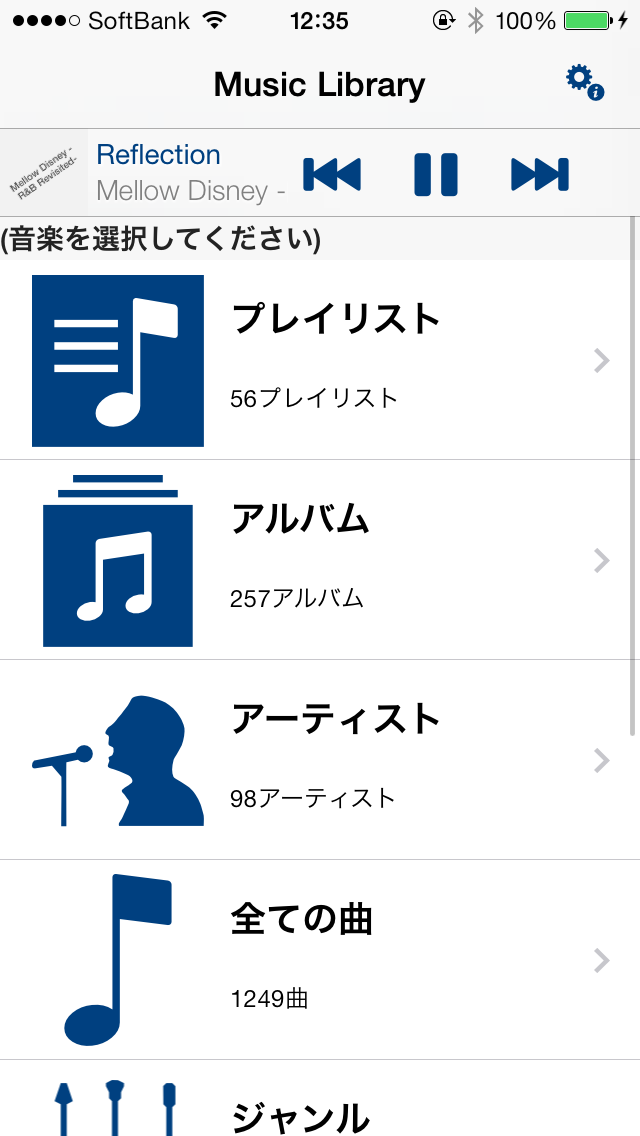
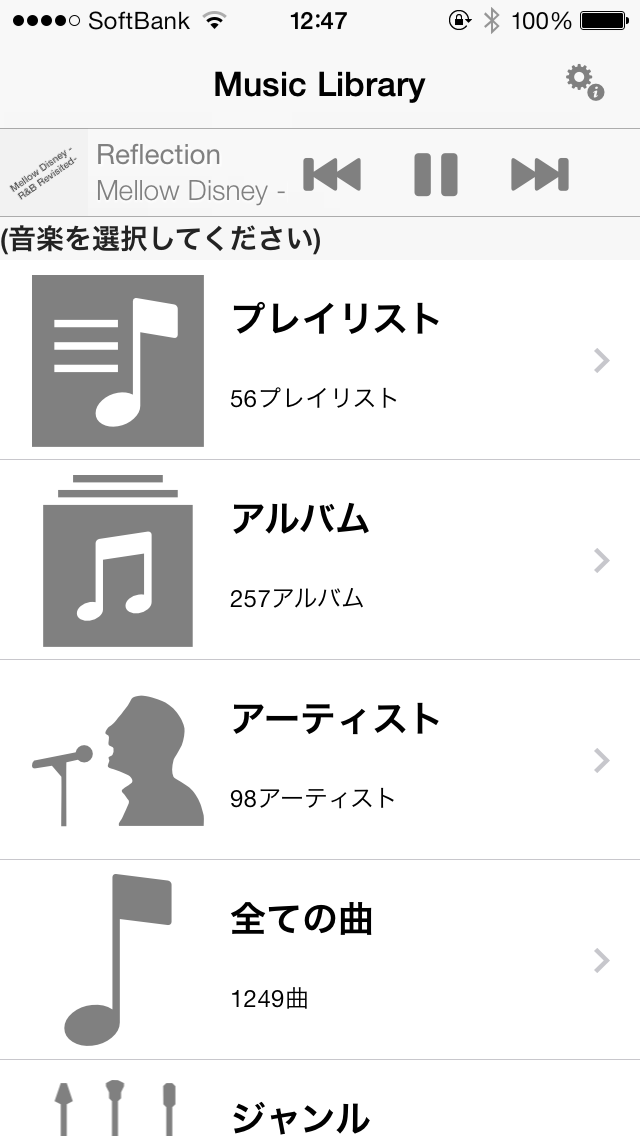
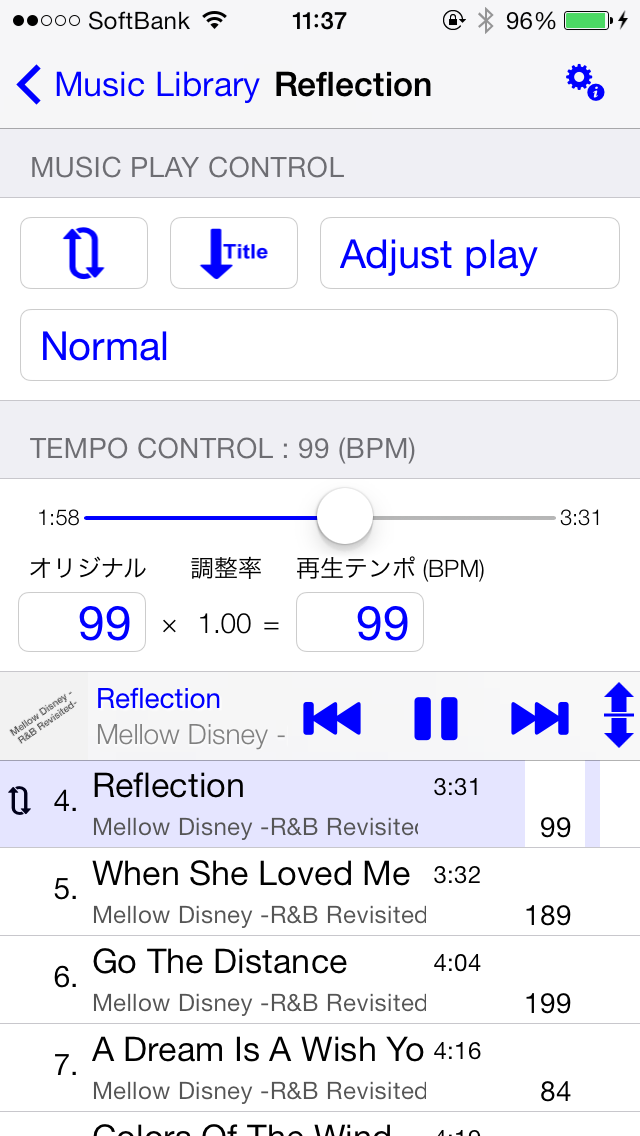
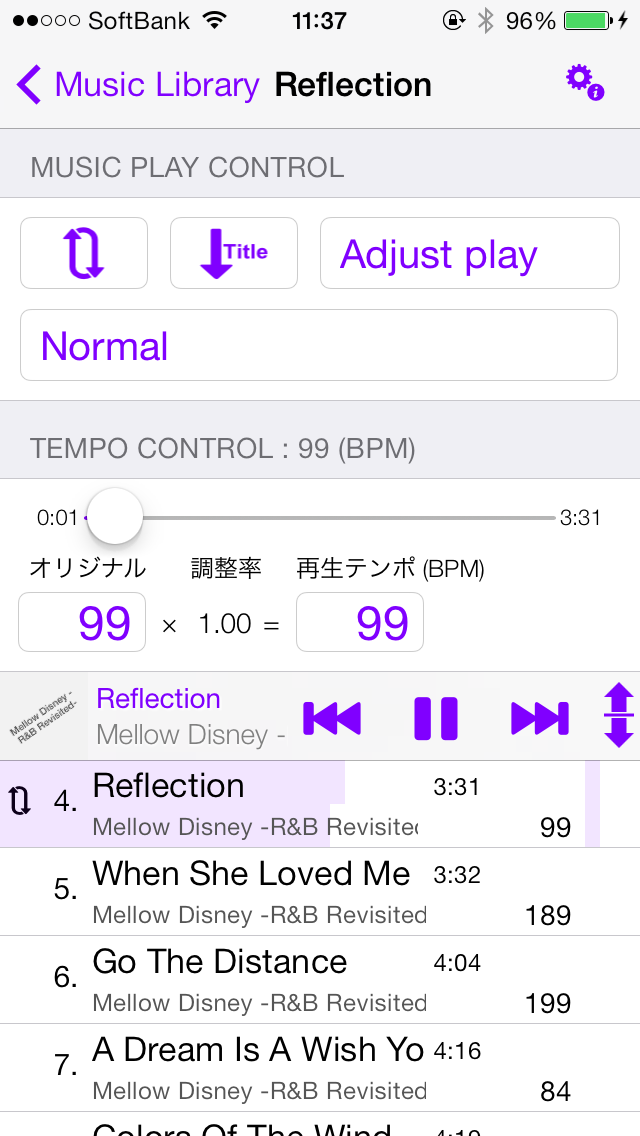
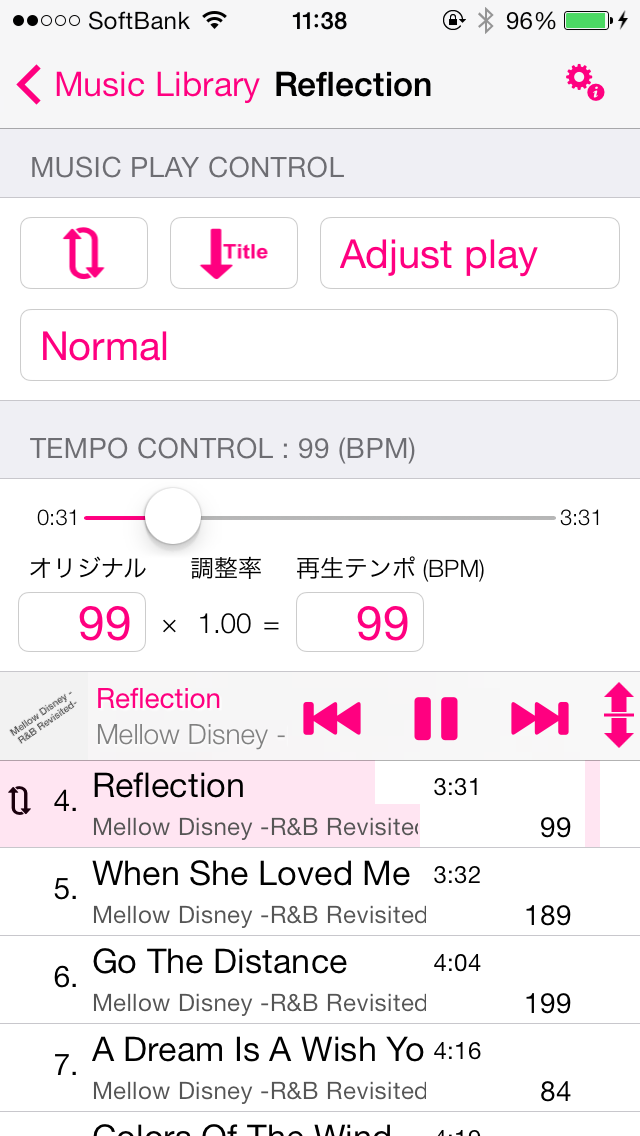
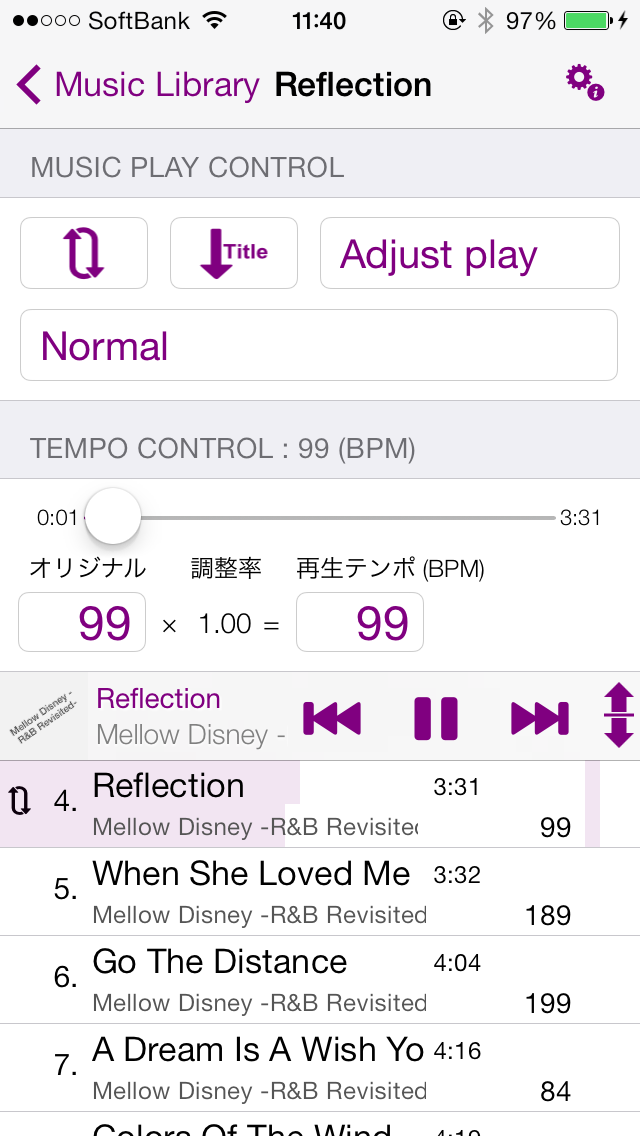
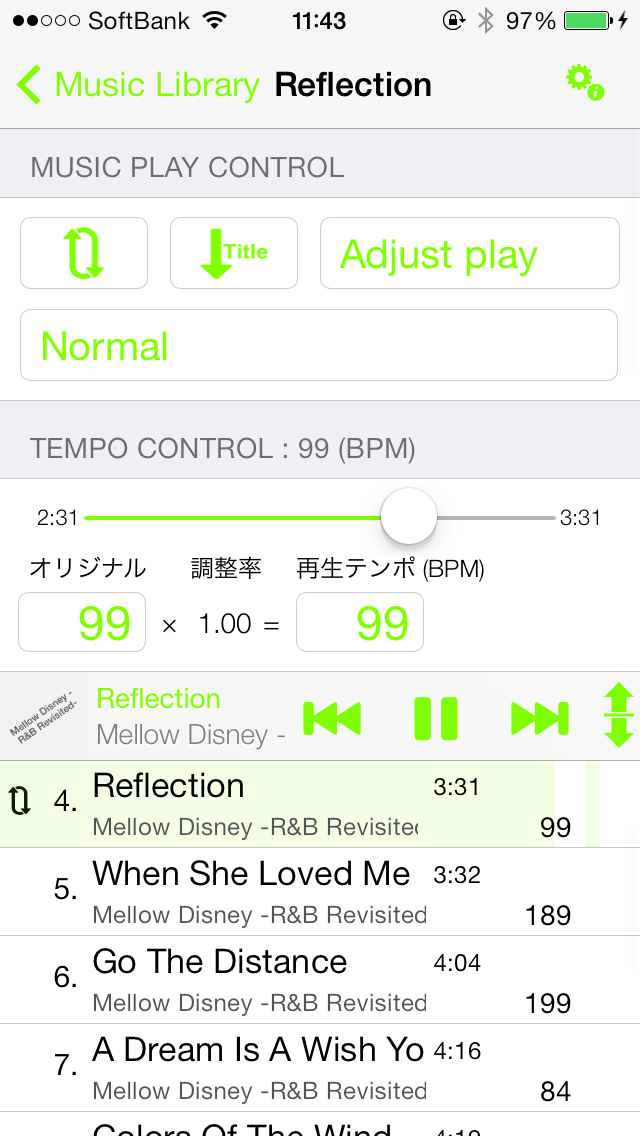
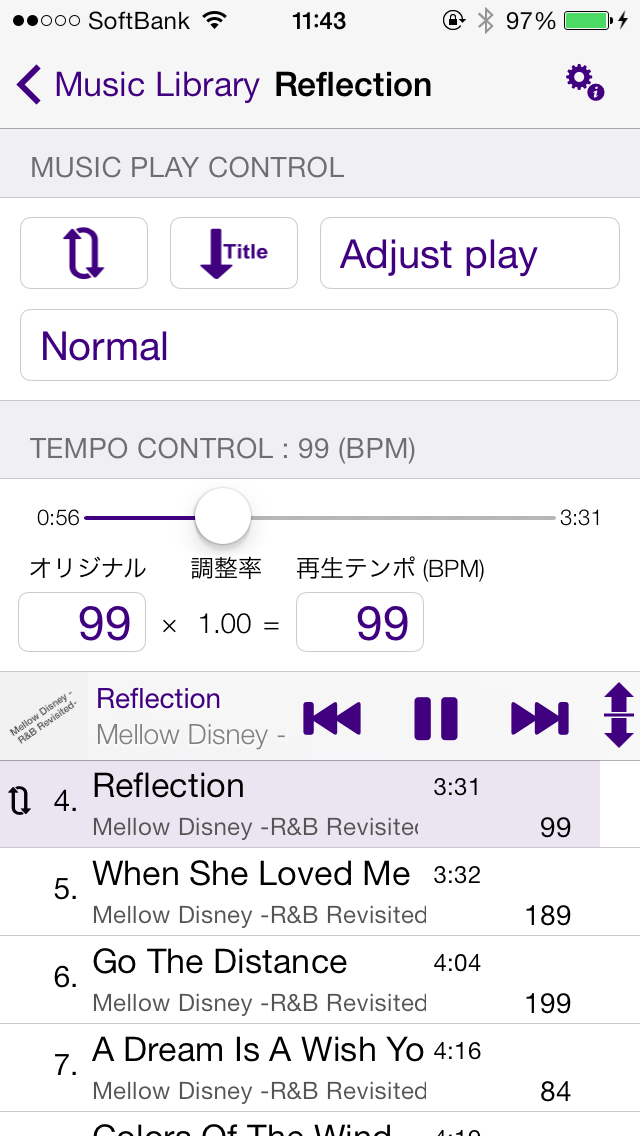
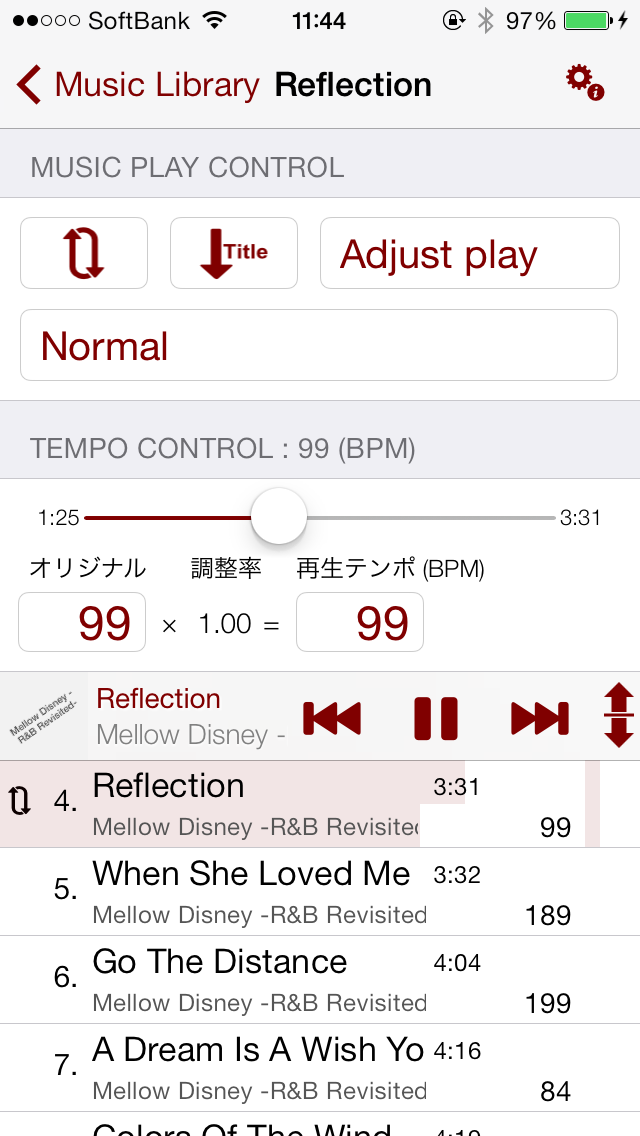
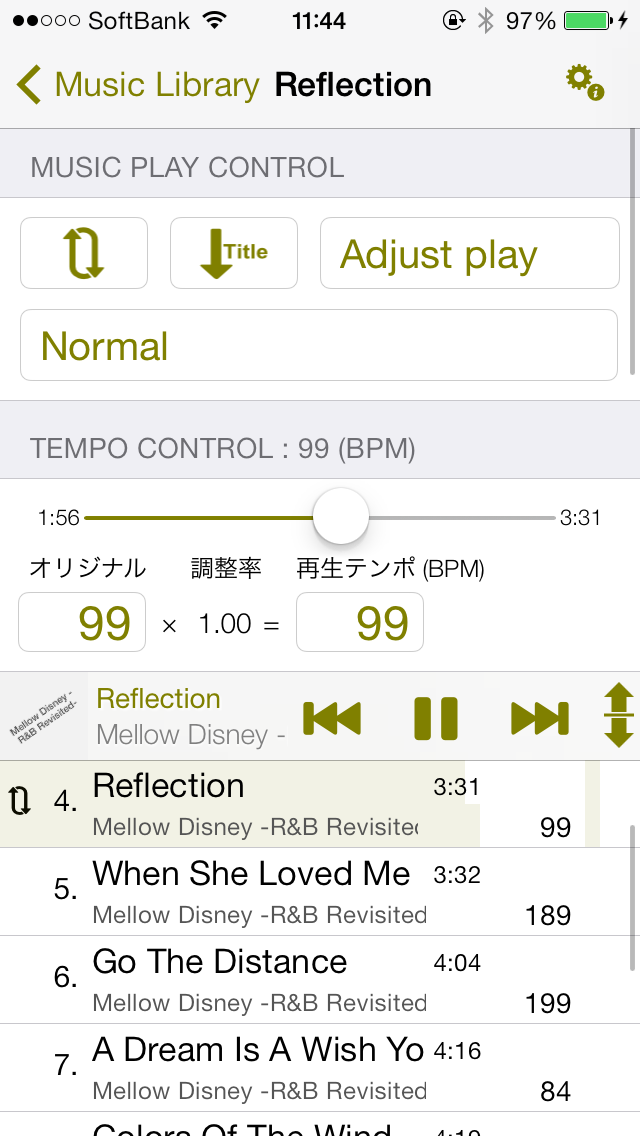
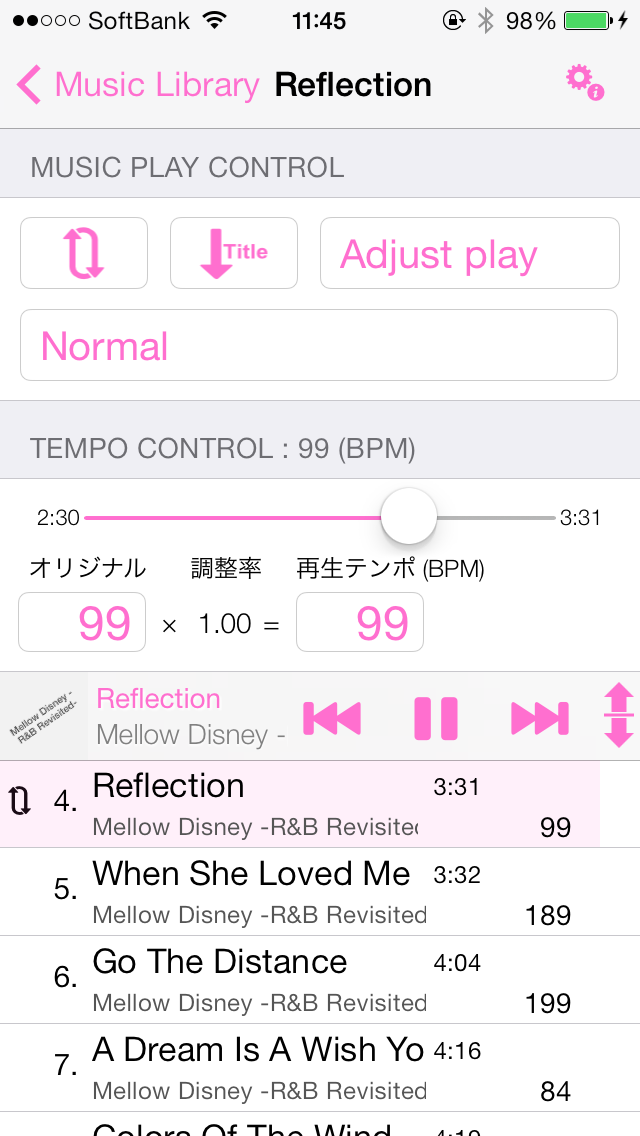
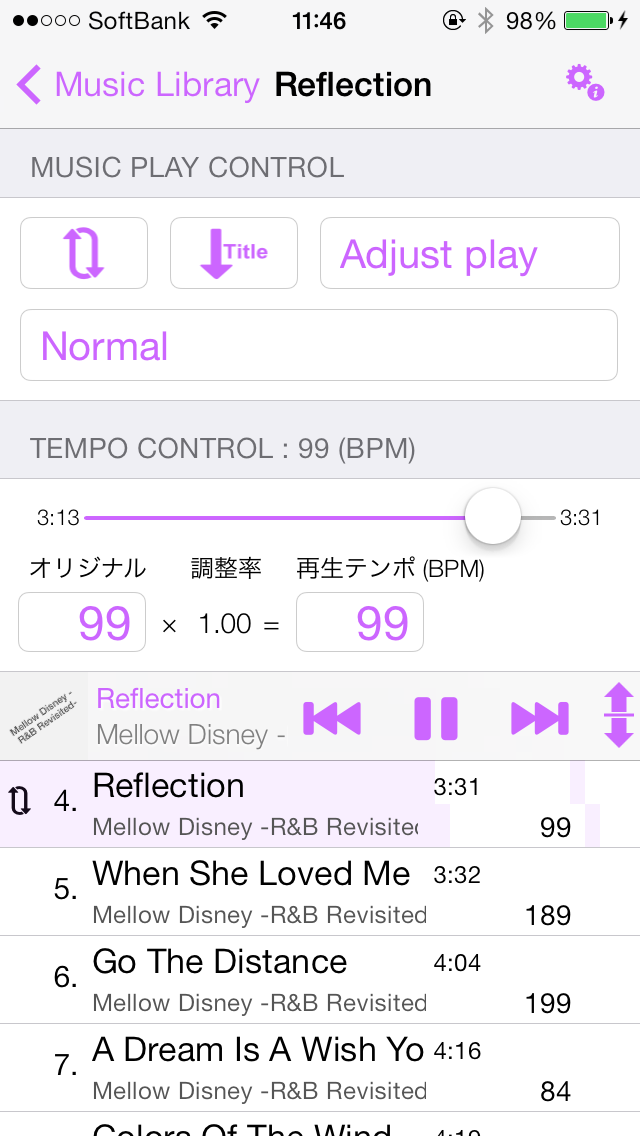
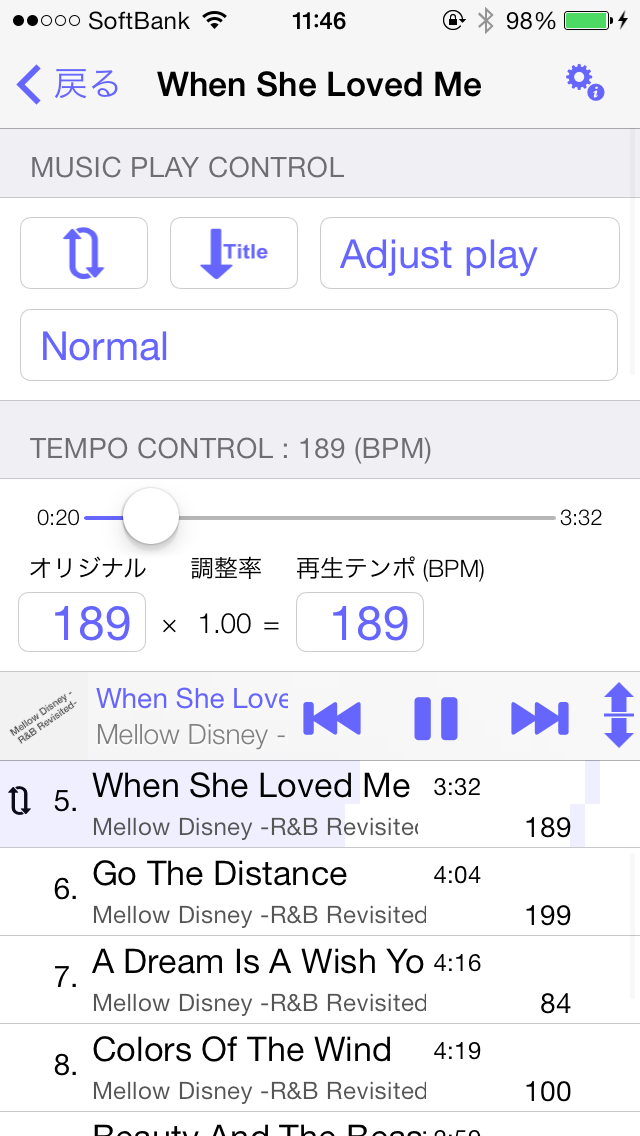
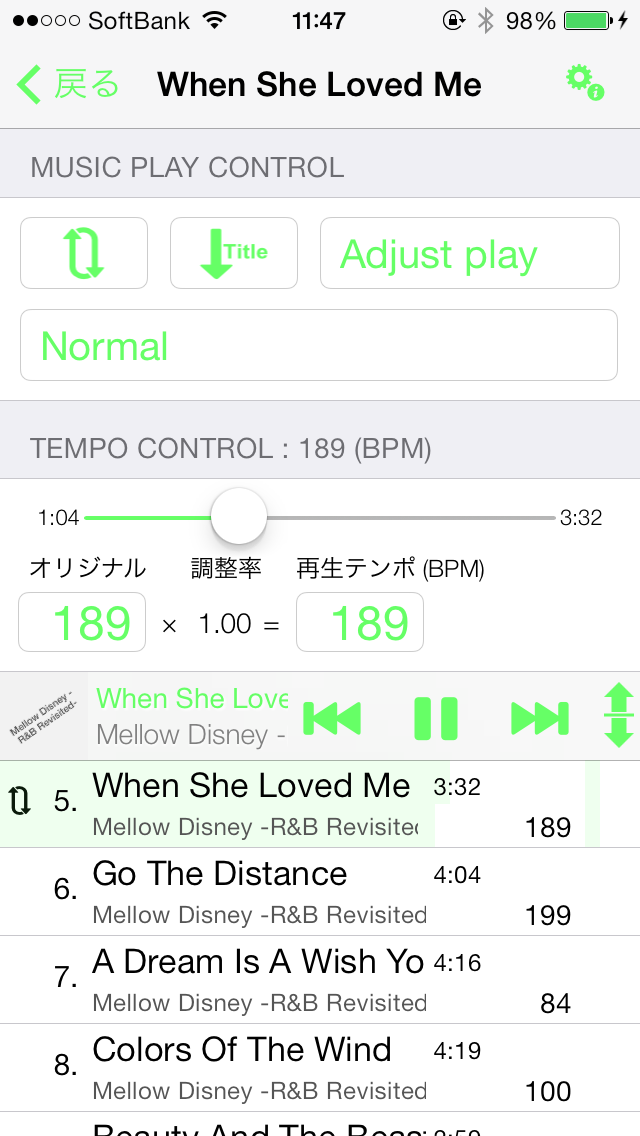
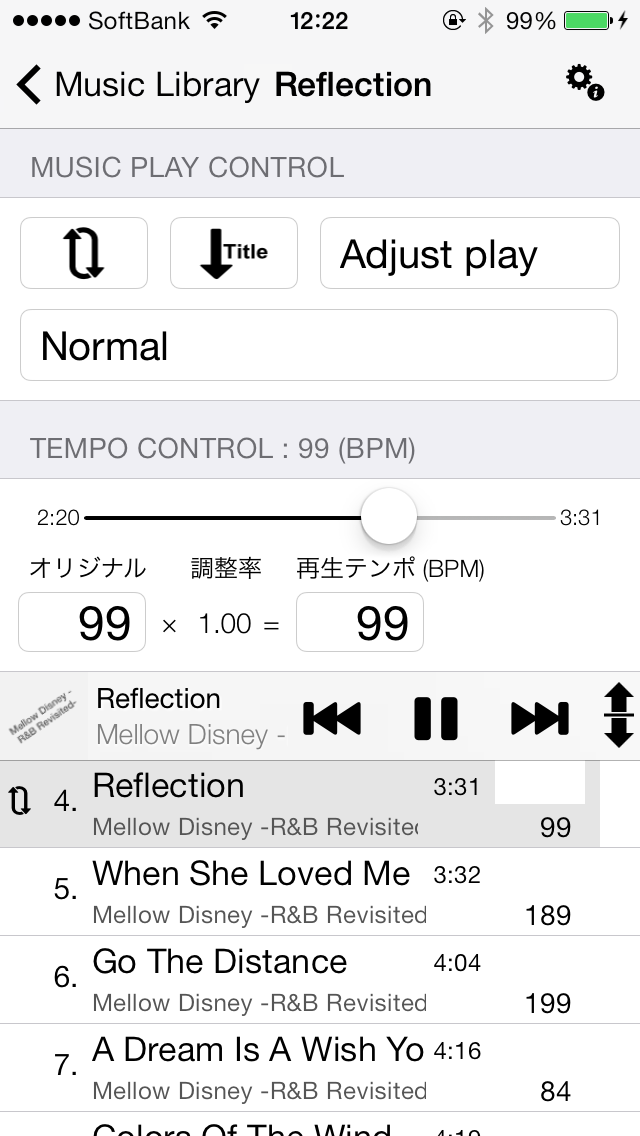
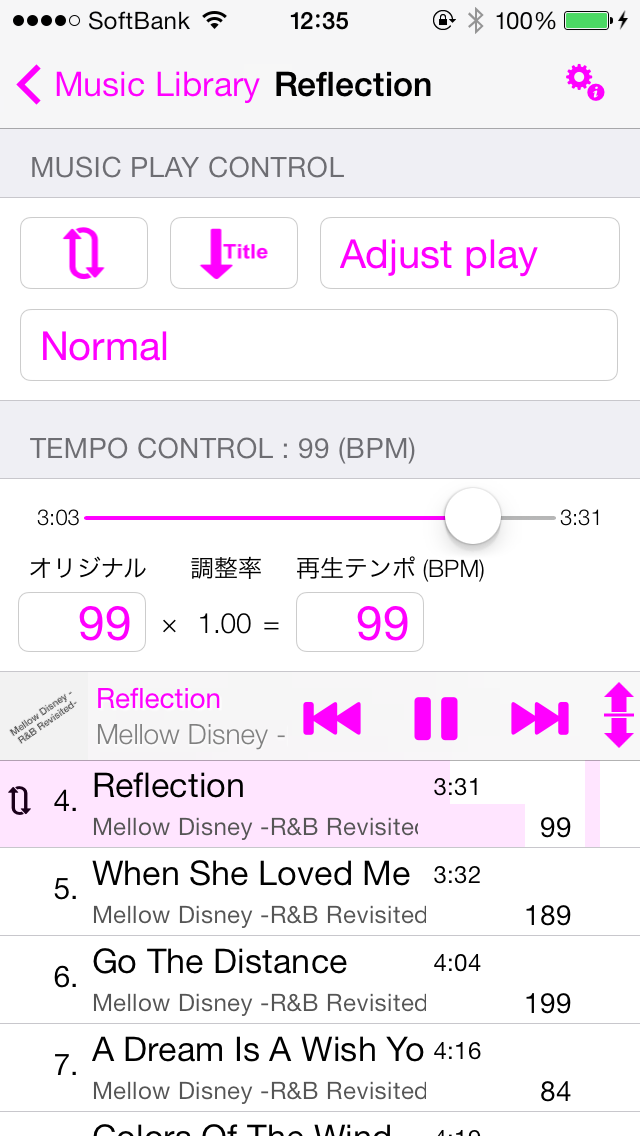
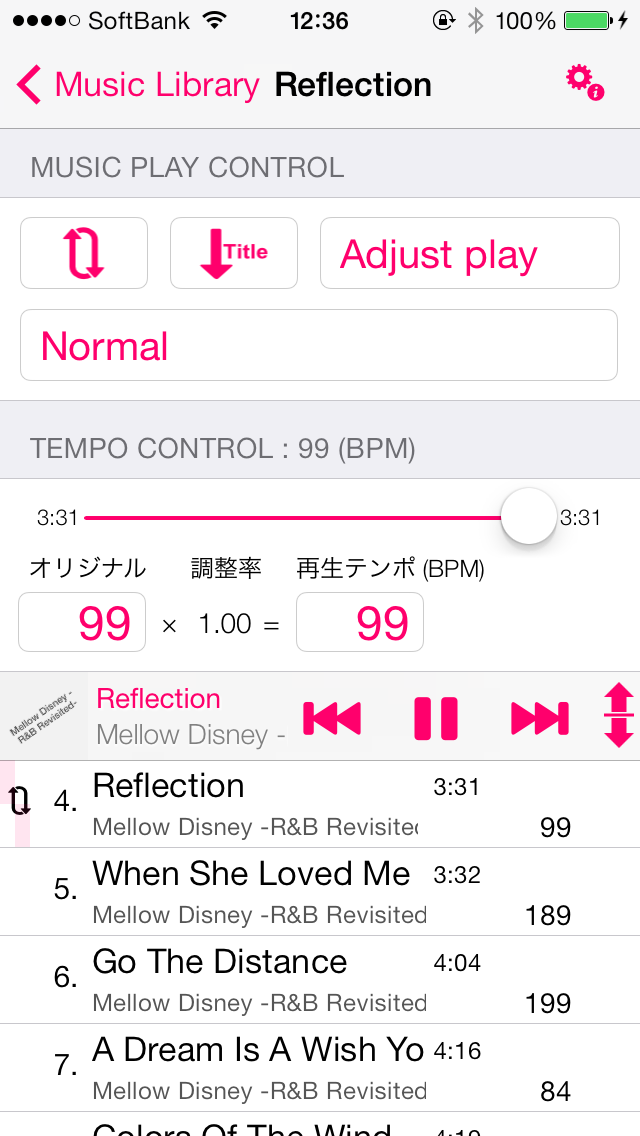
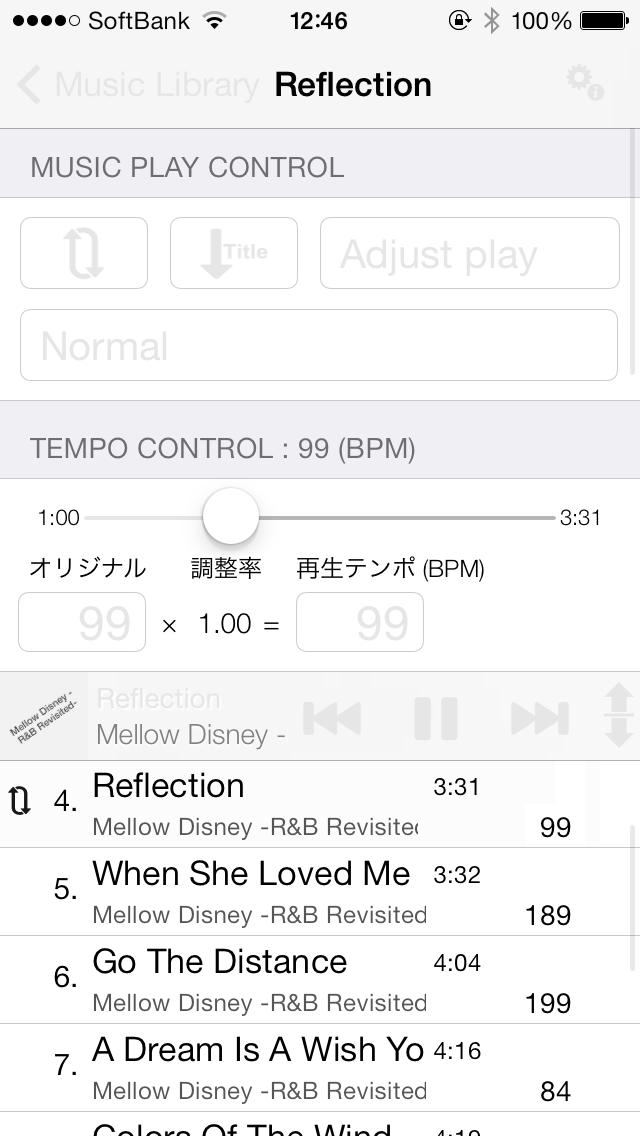
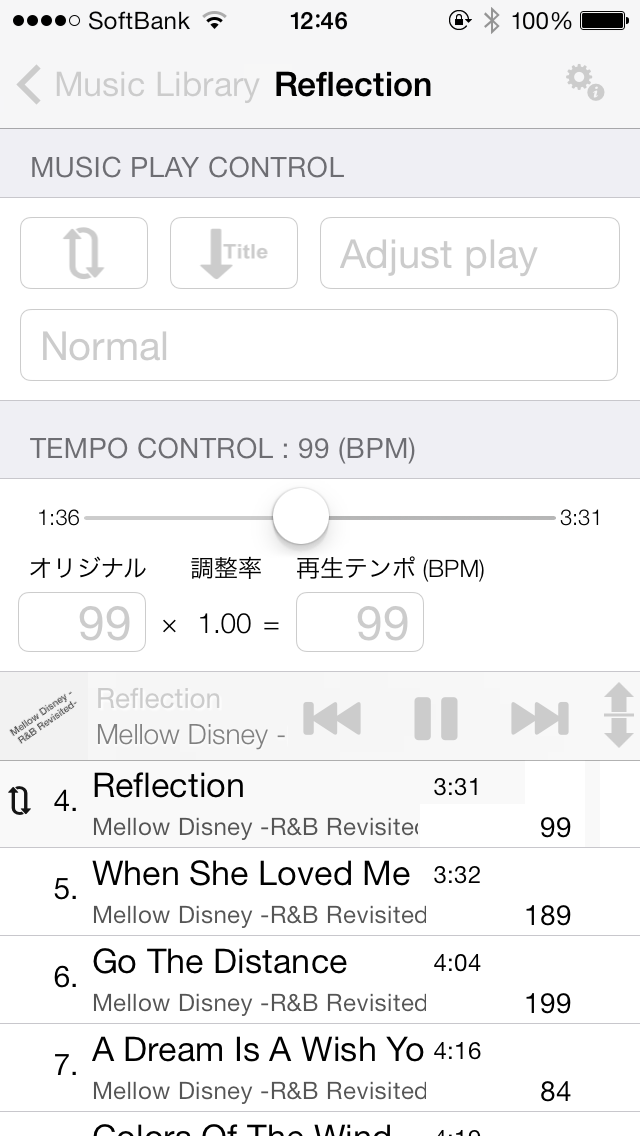
See how to use Nike Running and Player Walking together?I received this question from several people,、I would like to explain how。
no、It's not that difficult。But if you ask me a question,、I think there are many people who want to do that.。I'd like to explain to you now that it's easy.。
[And Nike running apps]
And Nike running apps、A running support app released by Nike.、You can download it for free。Just keep it in your pocket while running、Records and reports your mileage and pace。Or rather、than I can explain、It will be easier to understand if you look at the page below.。
http://nikeplus.nike.com/plus/products/gps_app/
By the way、iPhone comes with an app called ``Nike+iPod'' installed from the beginning.、Although they look similar, they are different from "Nike+Running"。“Nike+iPod” is、You cannot use it unless you purchase a sensor called "Nike + iPod Sensor"。(Description of the Nike iPod click herehttp://www.apple.com/jp/ipod/nike/)
But "Nike + iPod" should also be usable with Walking Player as long as it has a sensor.。
For “Nike+Running”、Just download the app for free and use it。
Well then、Learn how to use Nike+Running and Walking Player together。
1.first、Launch the Nike+Running app。
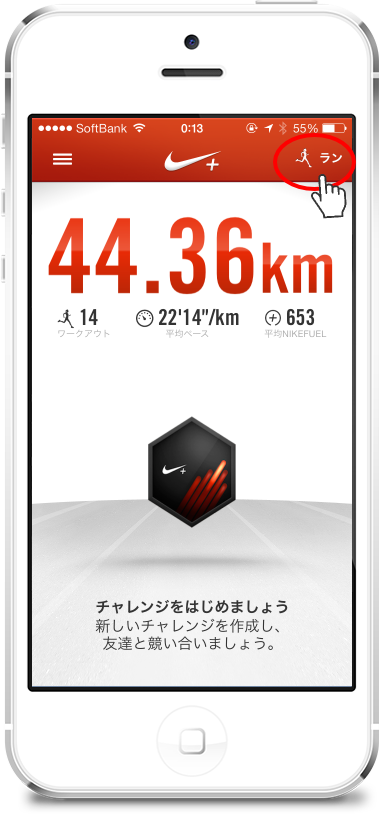
Now, tap the "Run" button at the top right of the screen.、The screen will look like this:。
2.This is important。Or rather、There are no other points to note other than this!
on this screen、Set BGM to "None"。
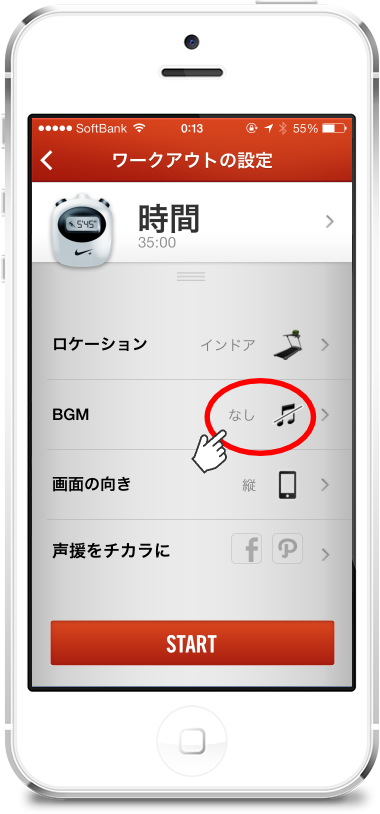
Then tap the "START" button、Workout begins。
3.This is the screen while working out。
here、Tap the home button to return to the home screen。
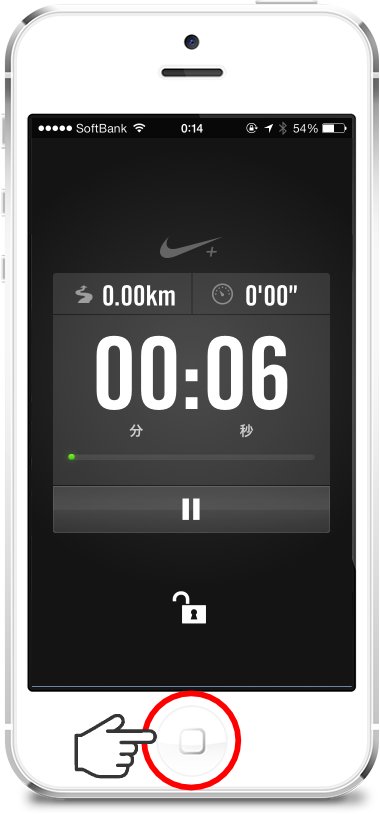
Even if you return to the home screen、The workout continues in the background.、Mileage is counted correctly。
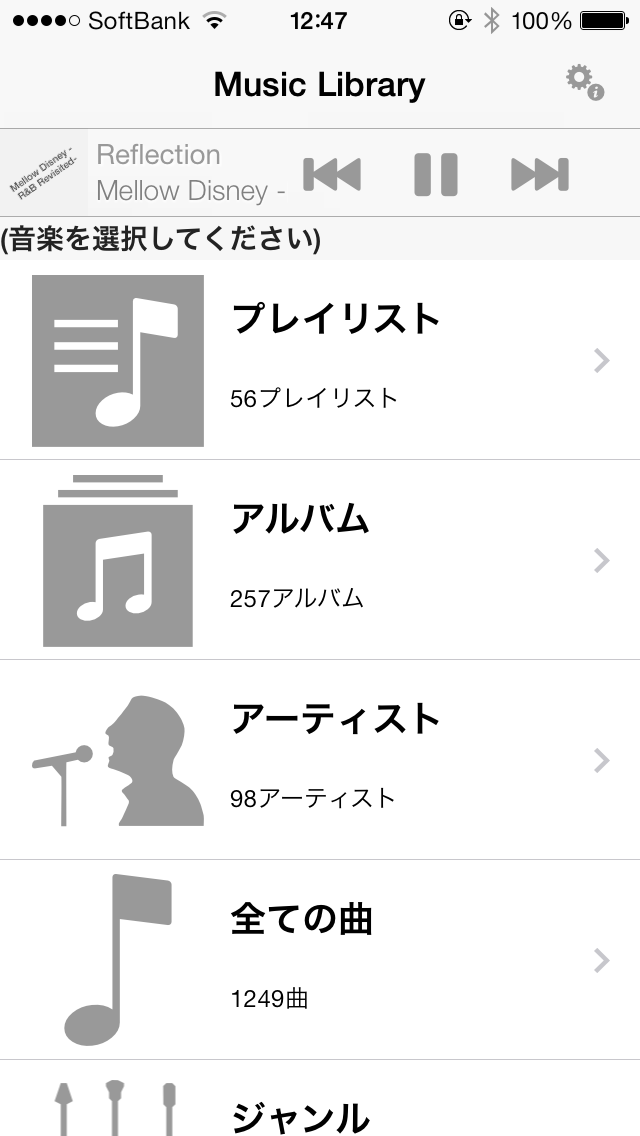
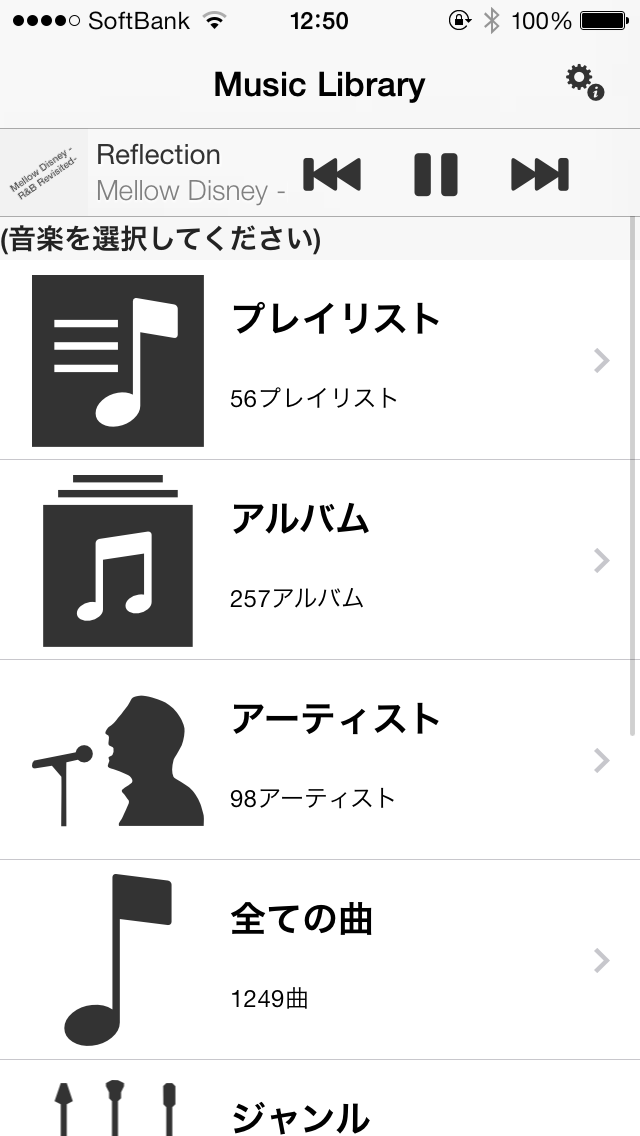
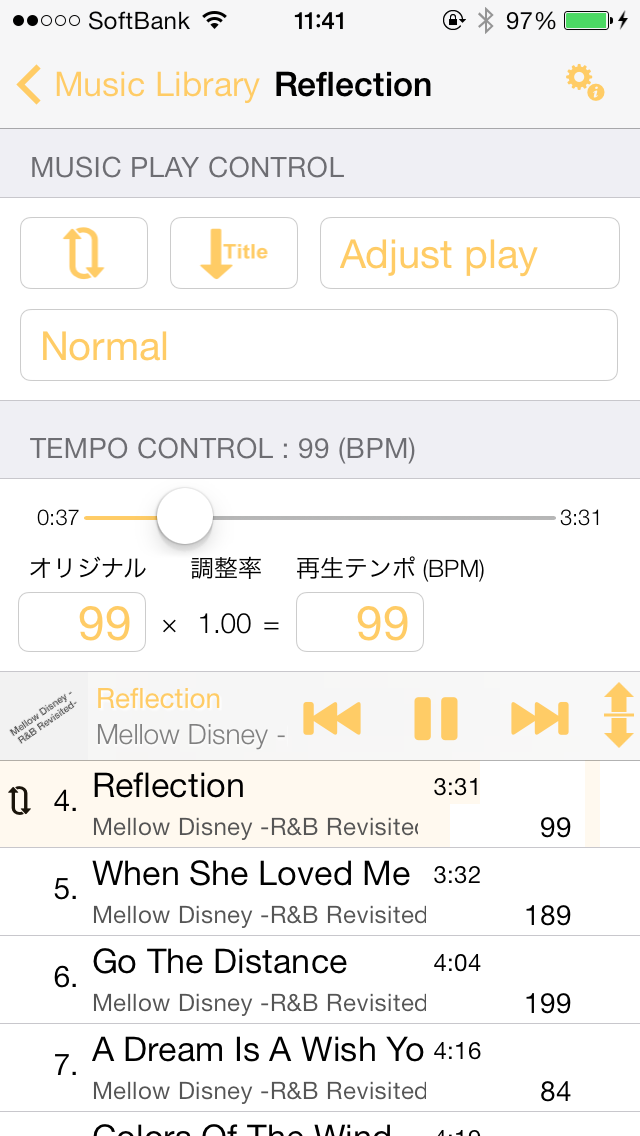
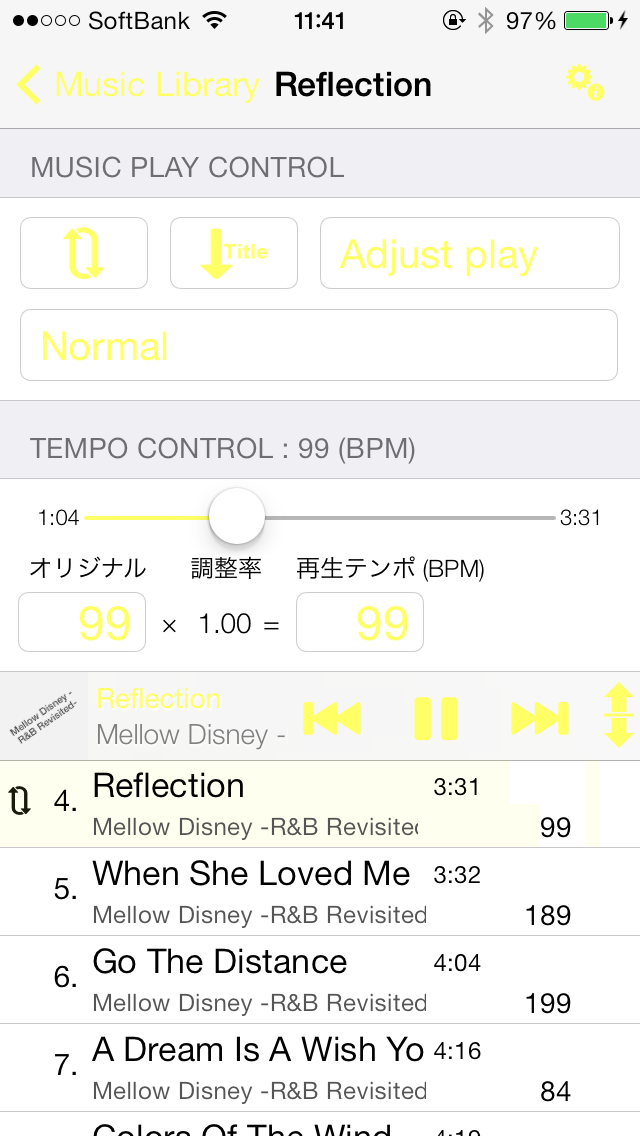
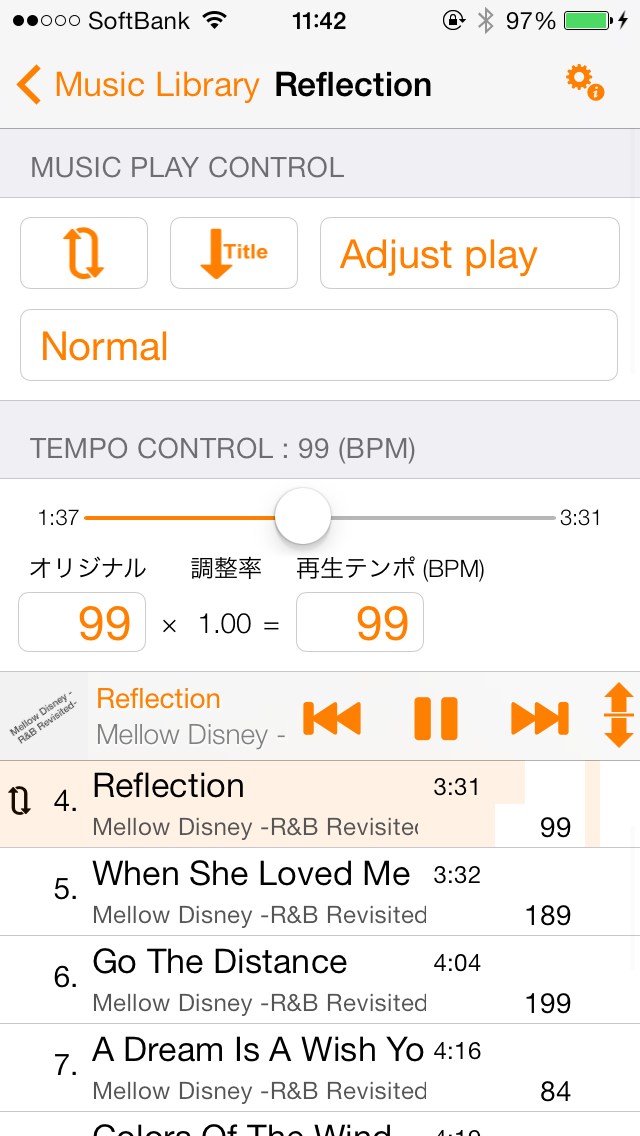
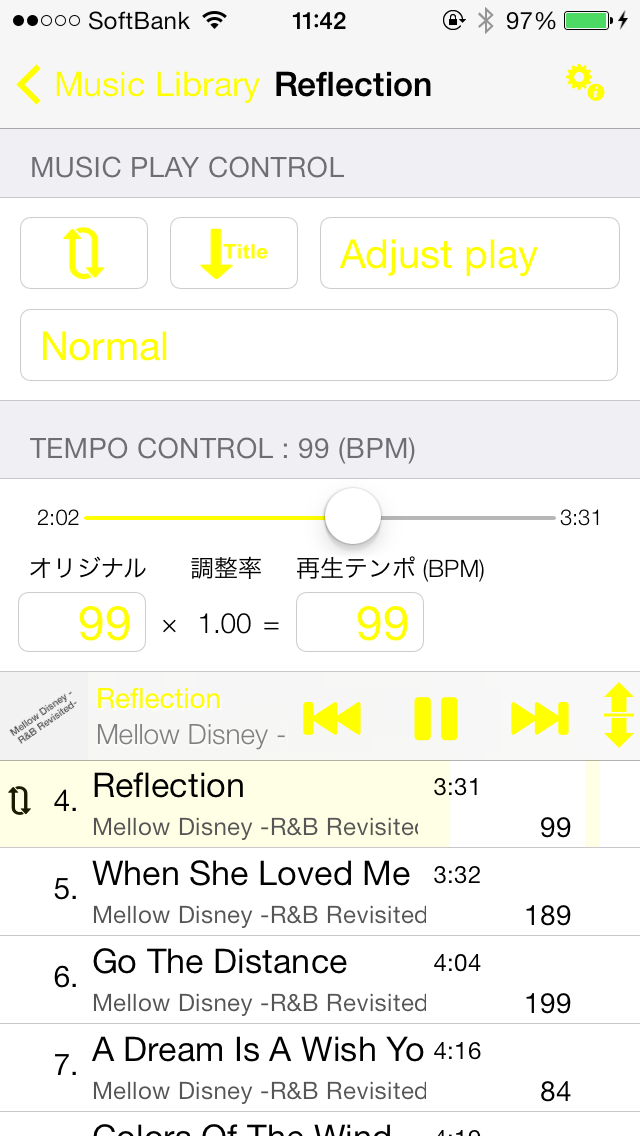
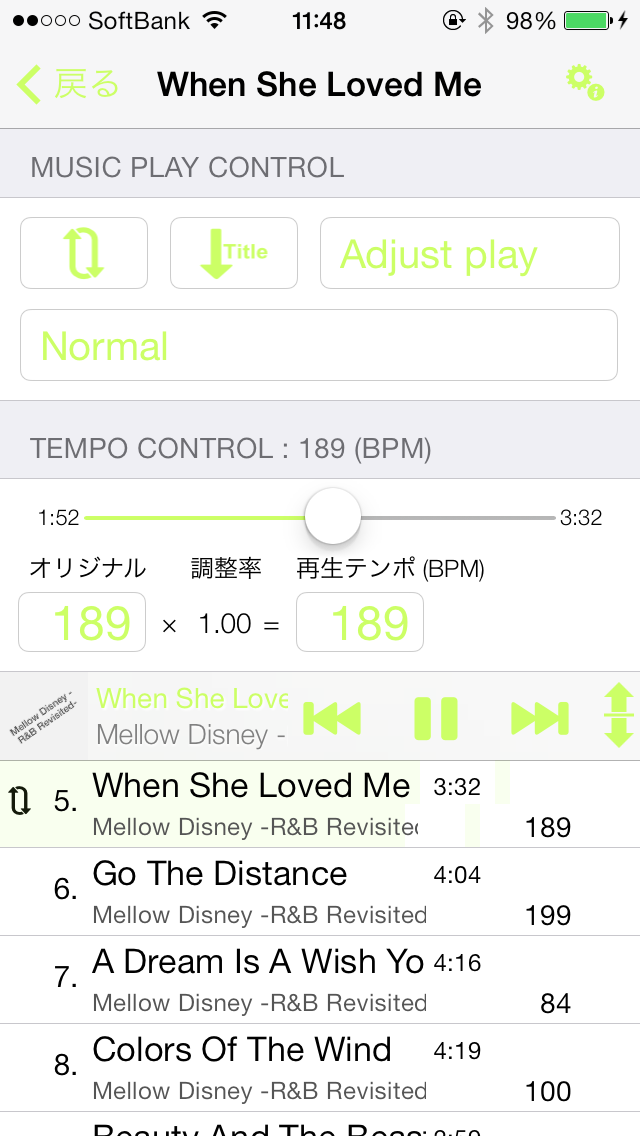
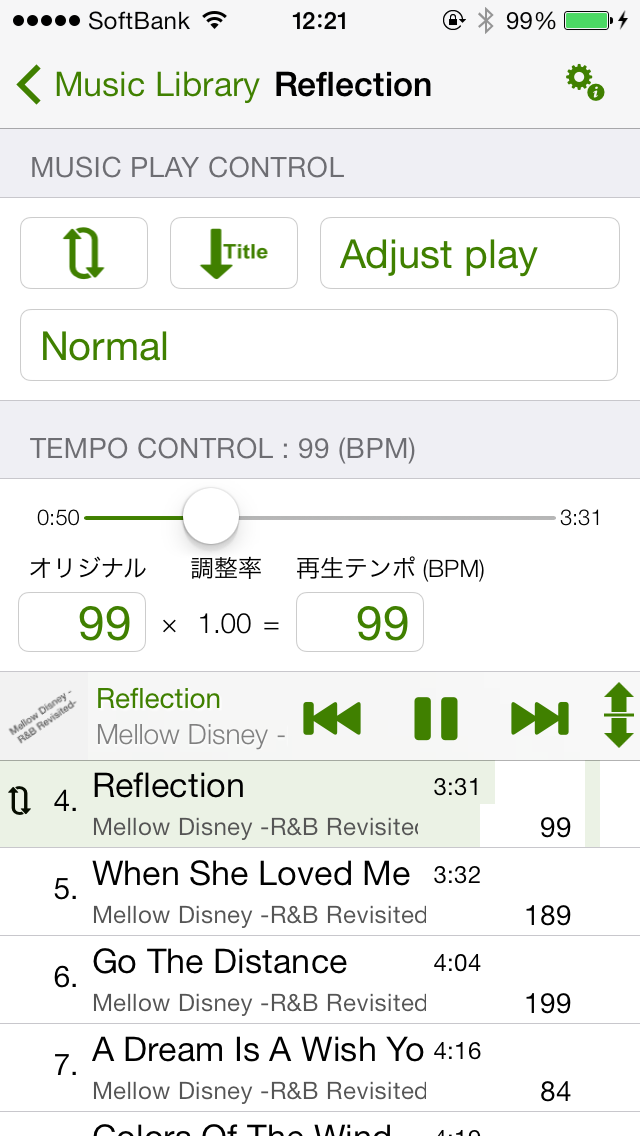
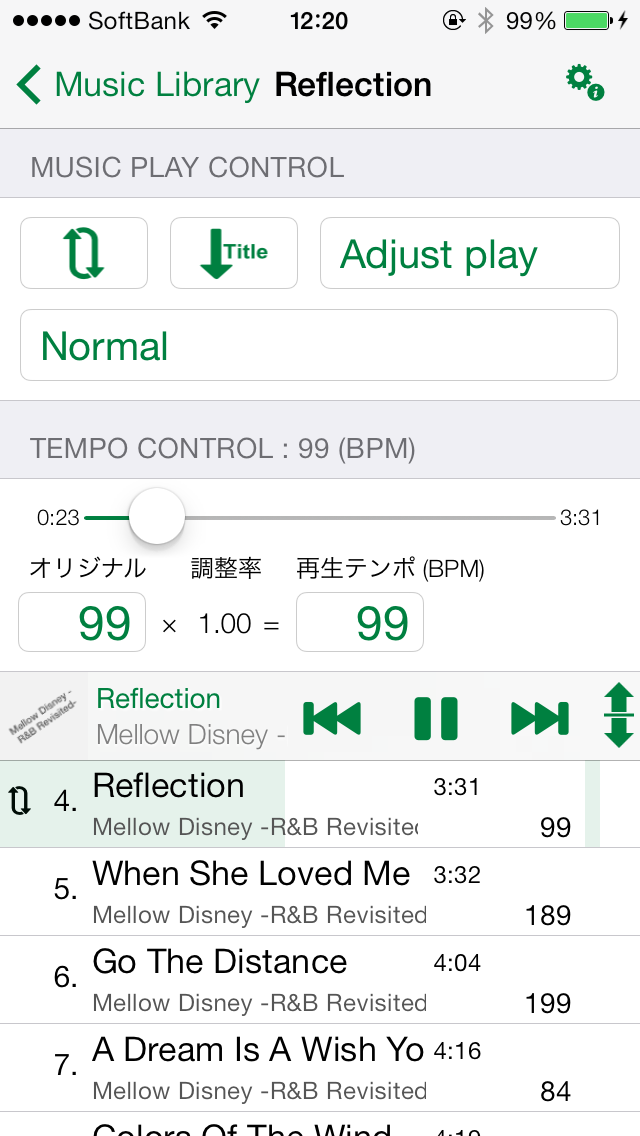
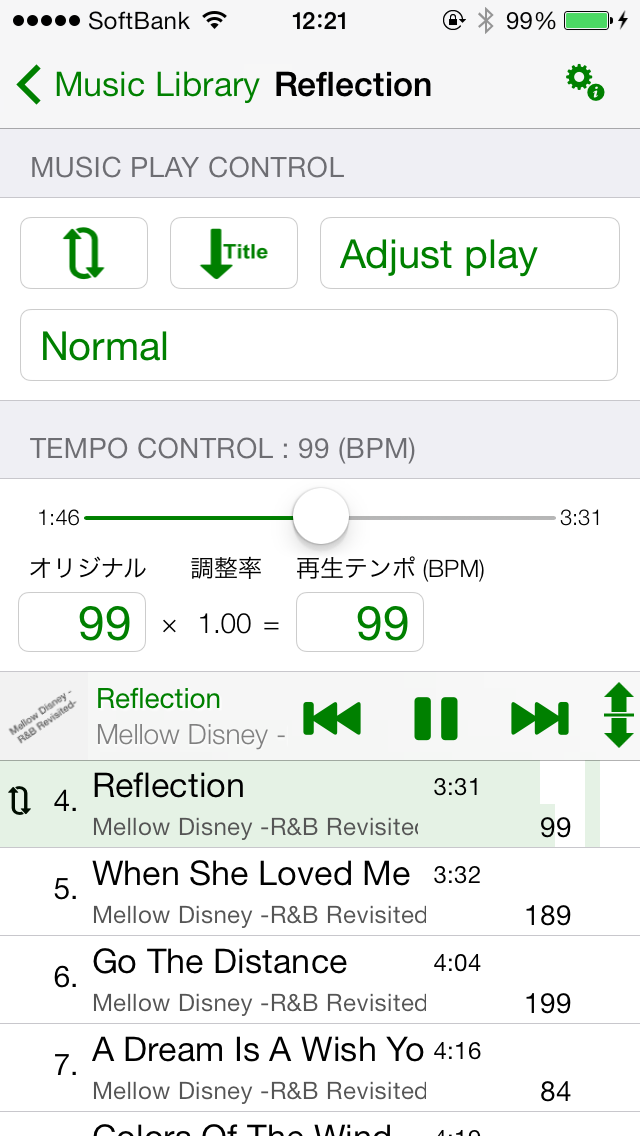
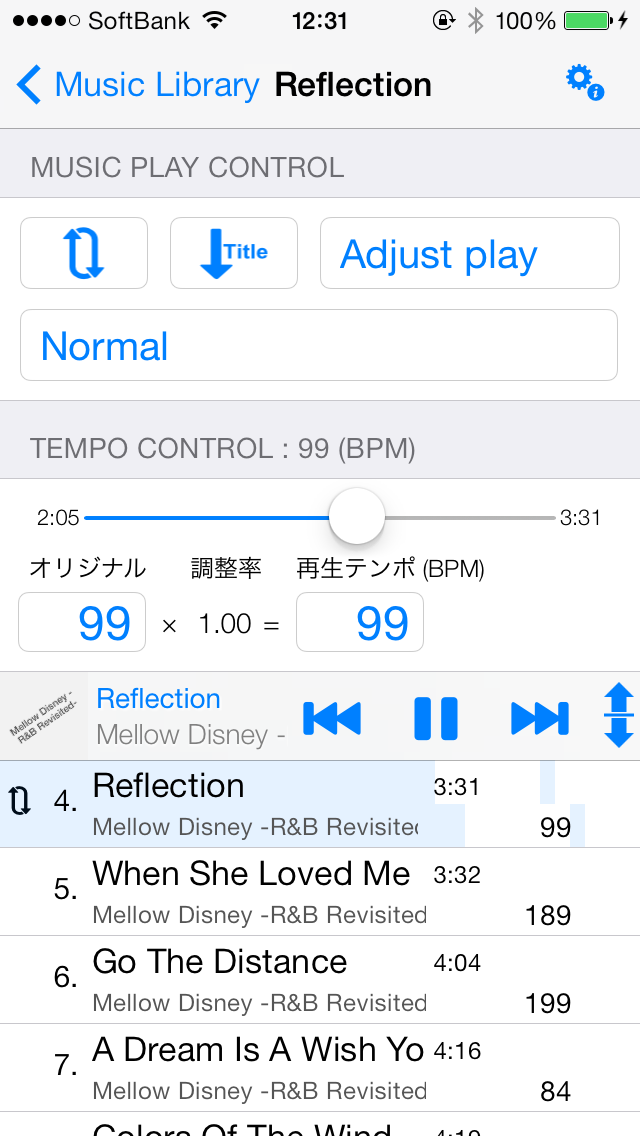
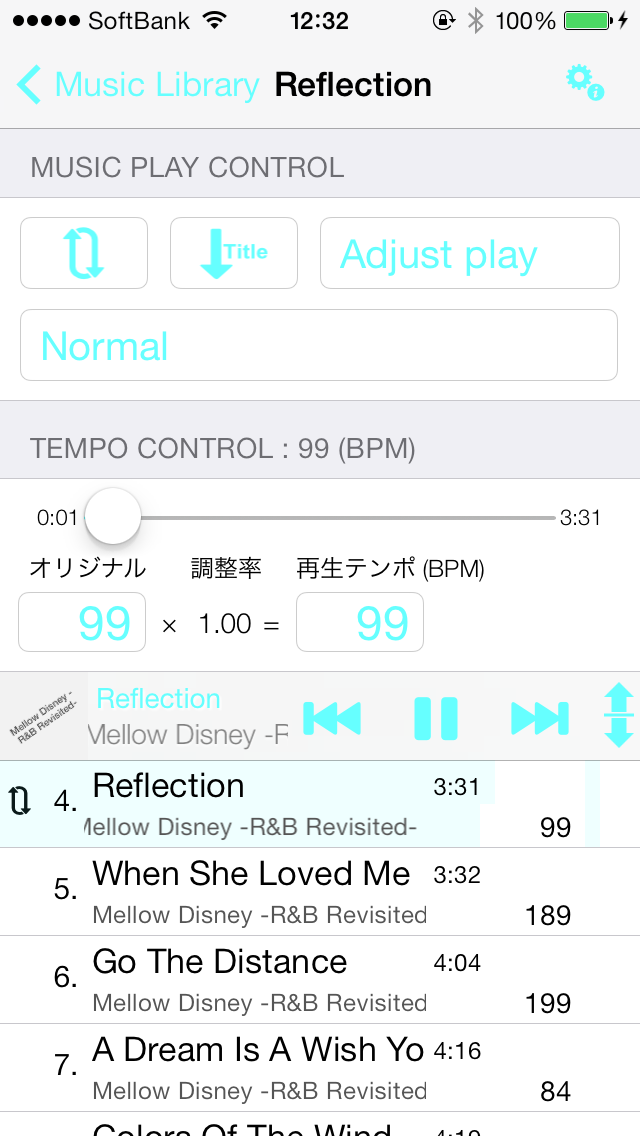
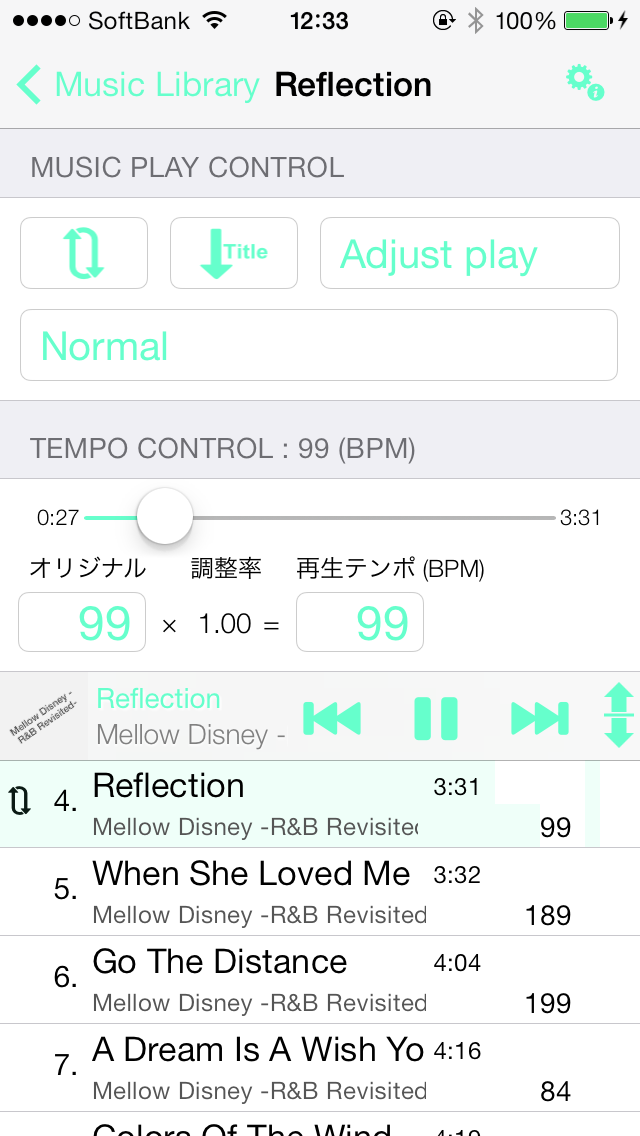
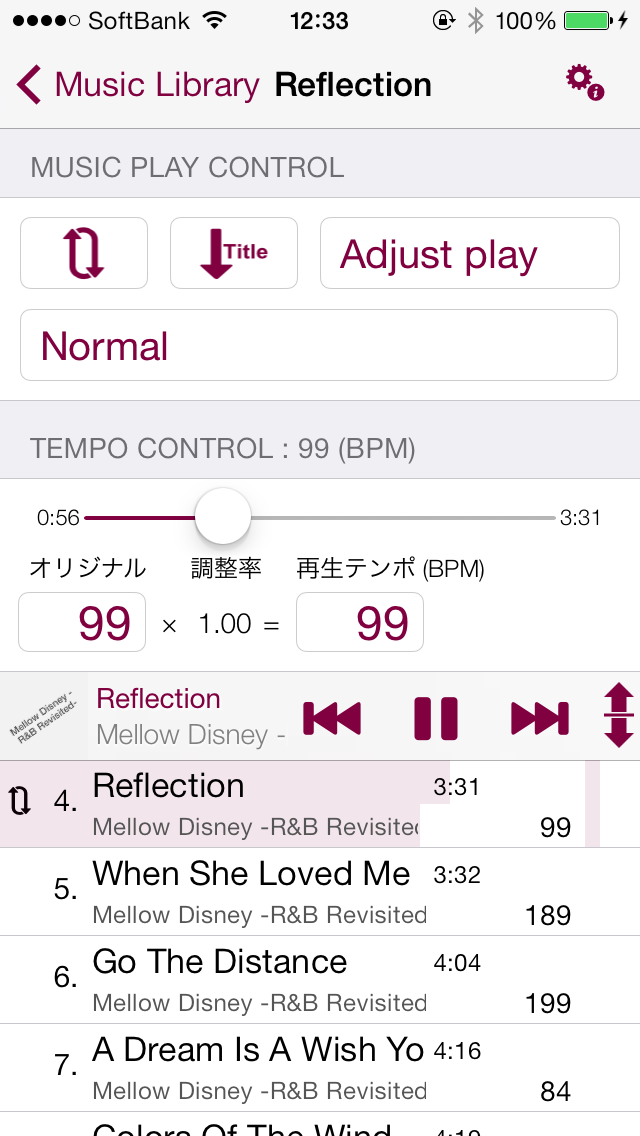
4.Launch Walking Player from the home screen。
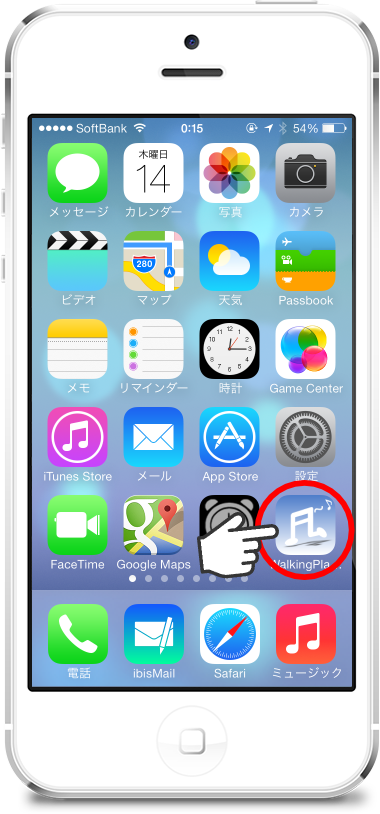
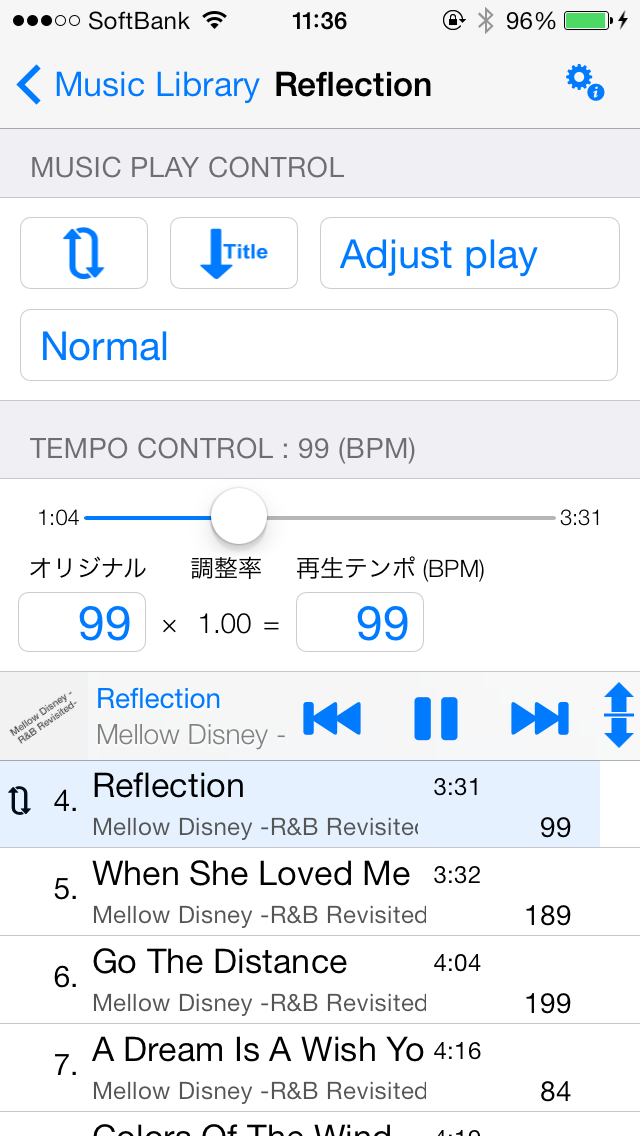
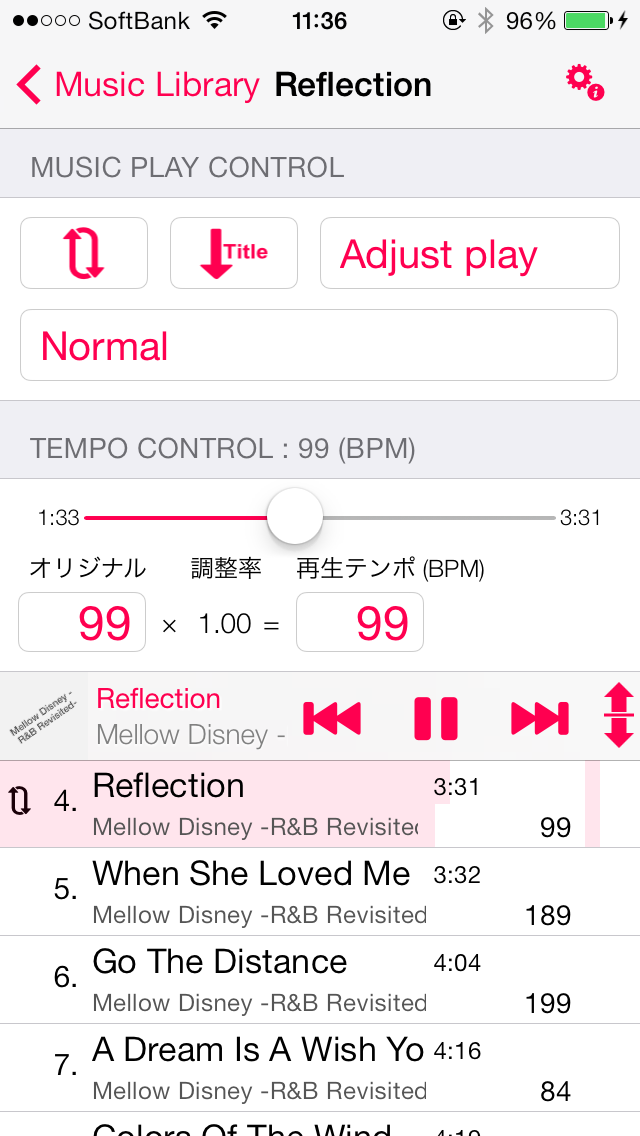
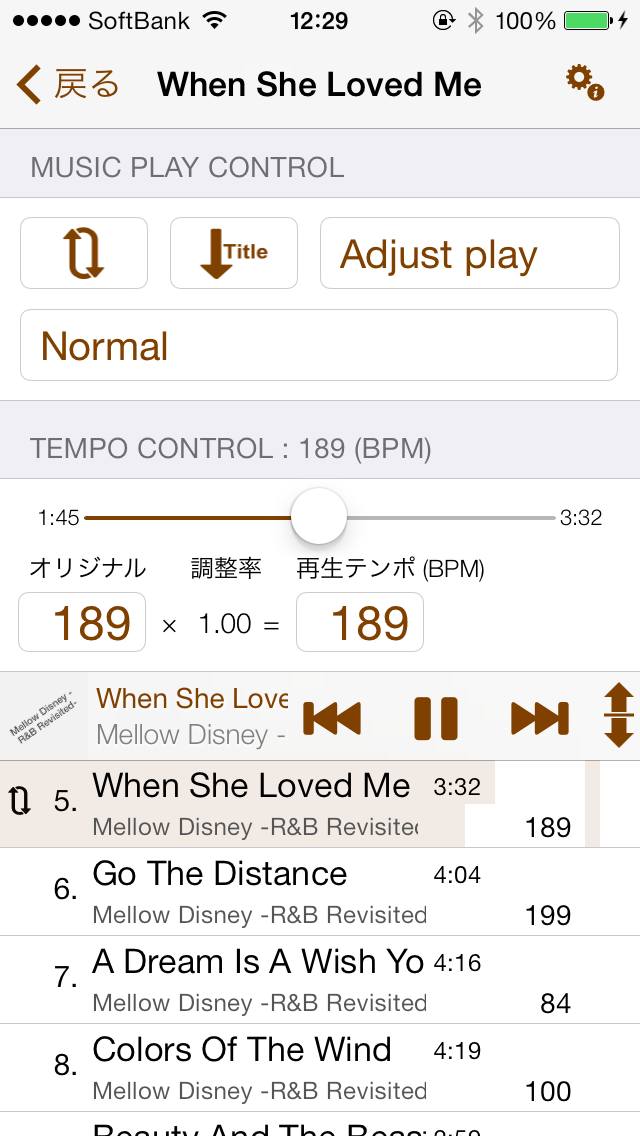
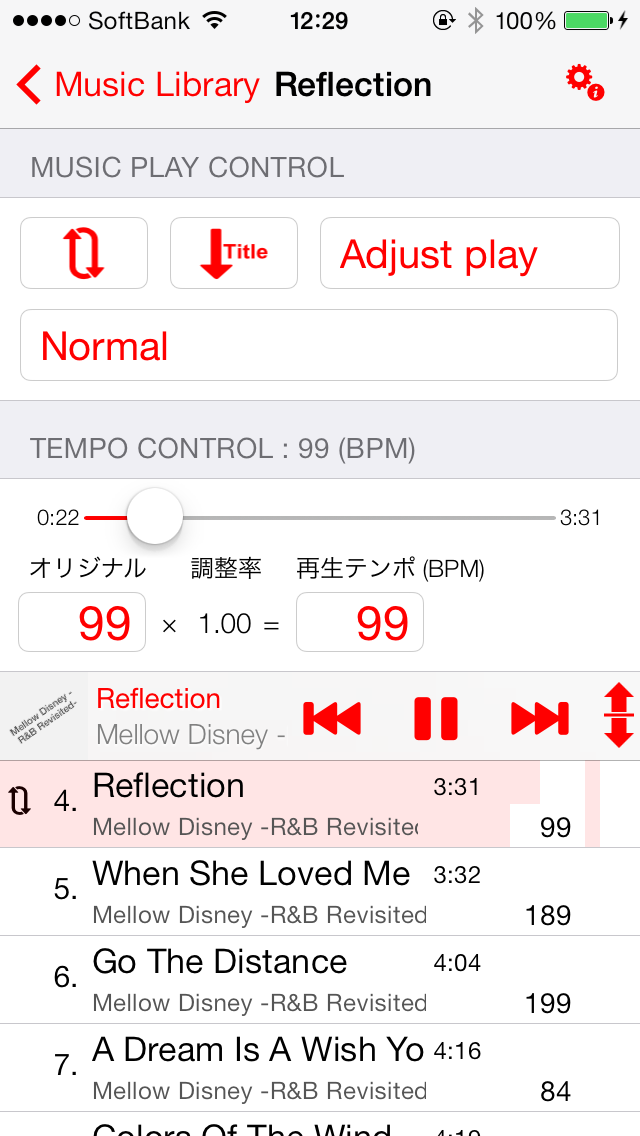
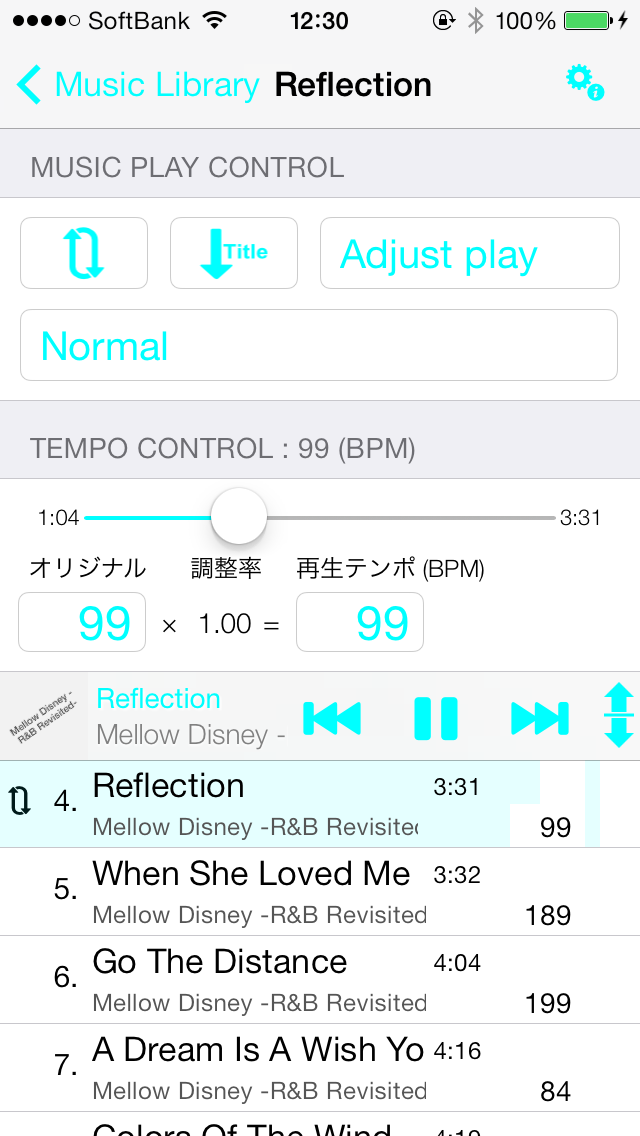
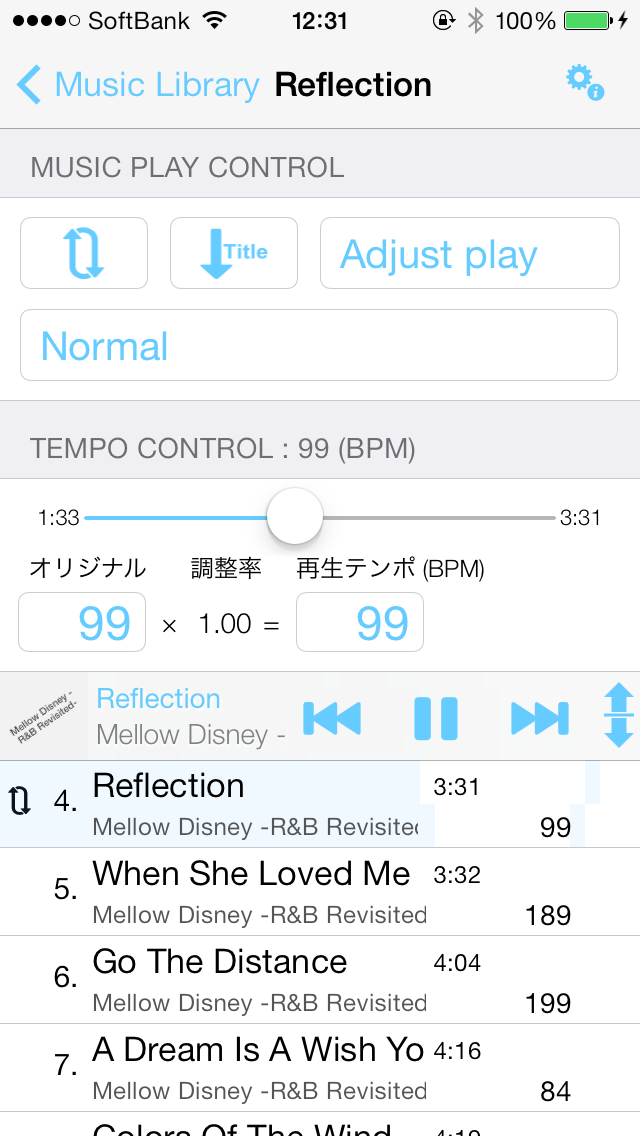
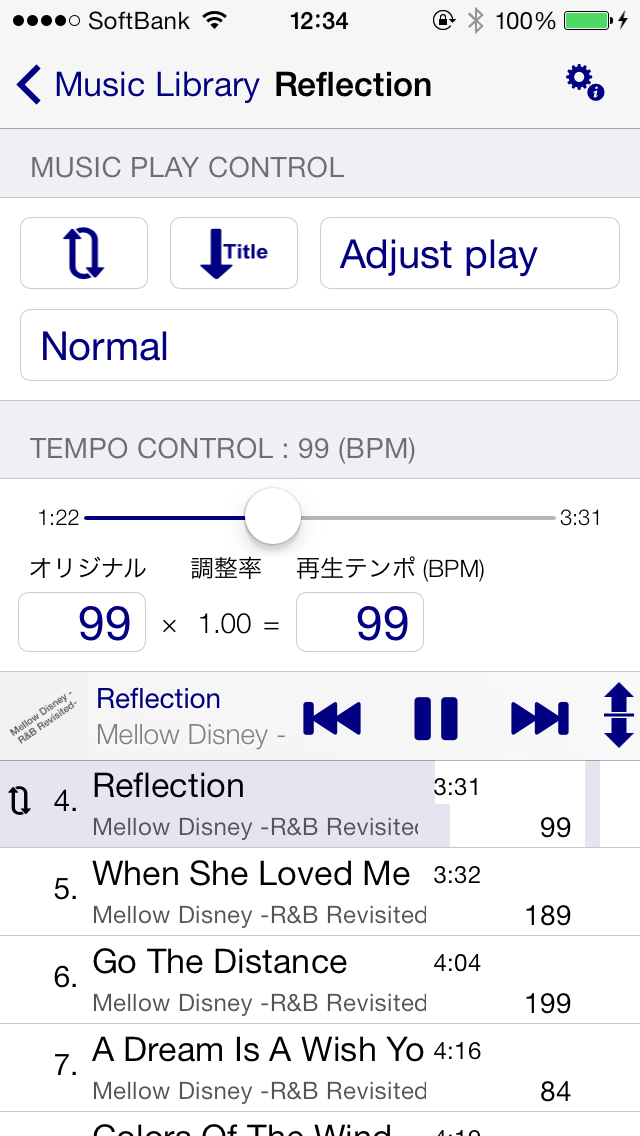
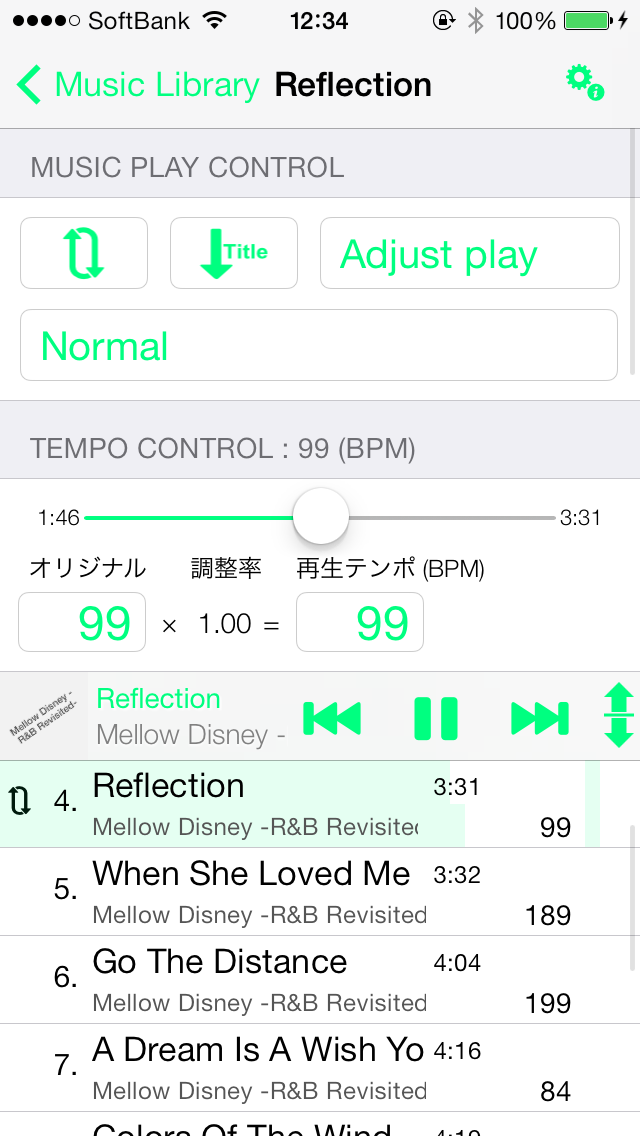
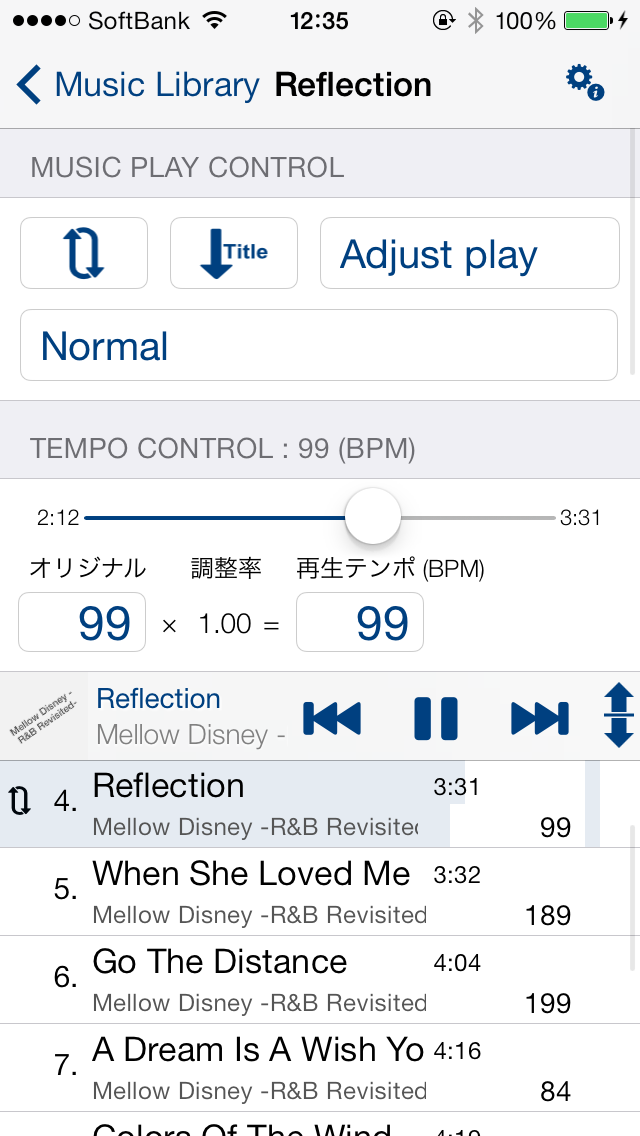
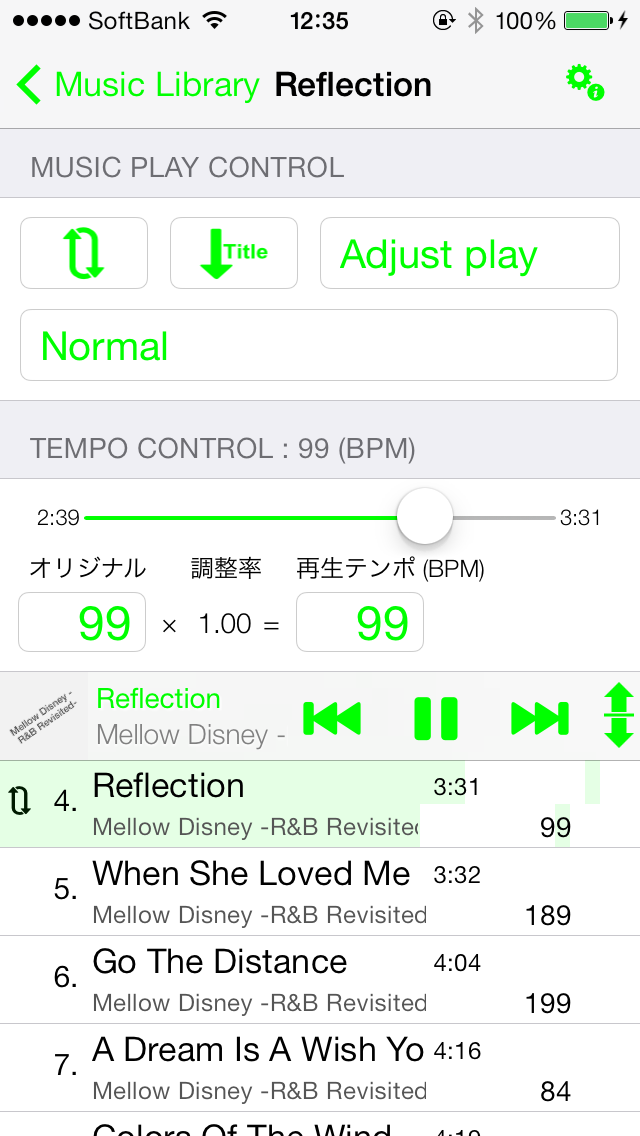
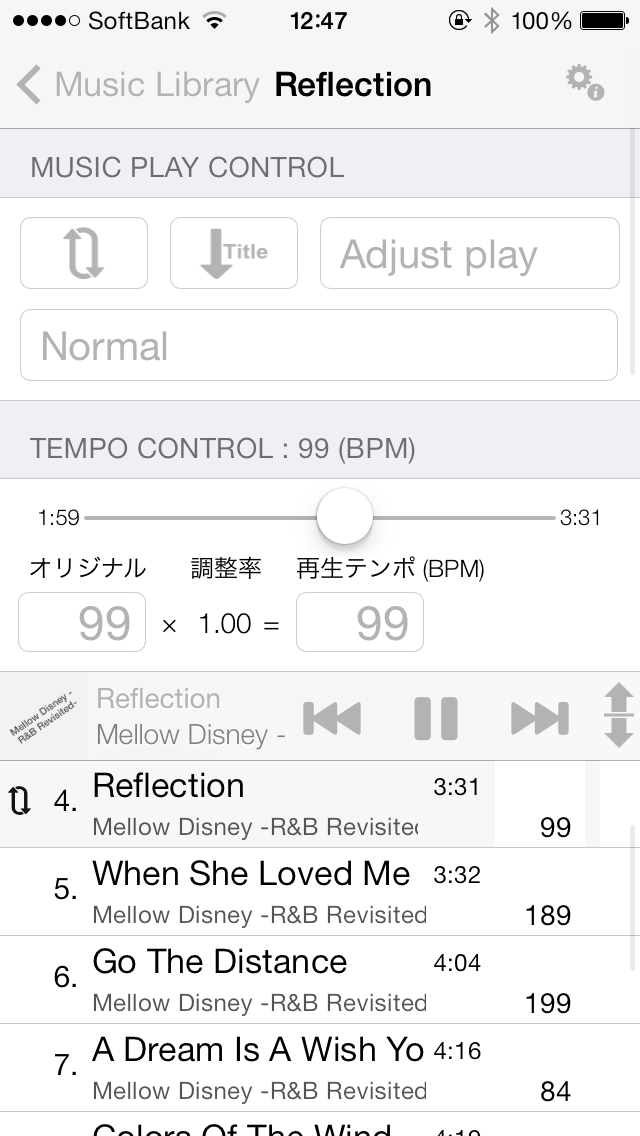
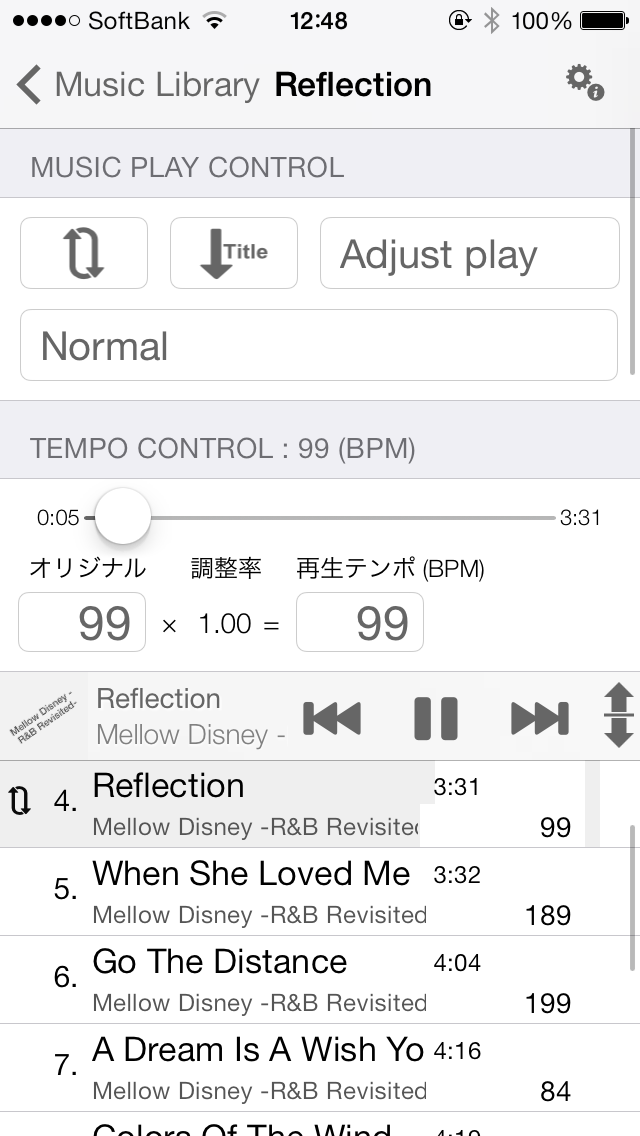
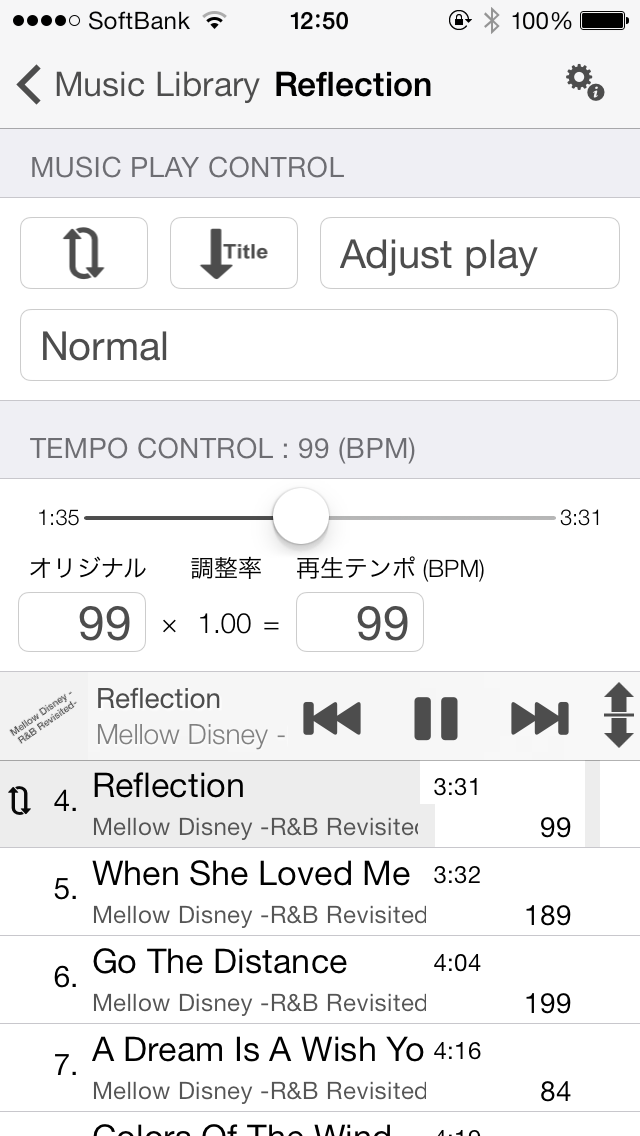
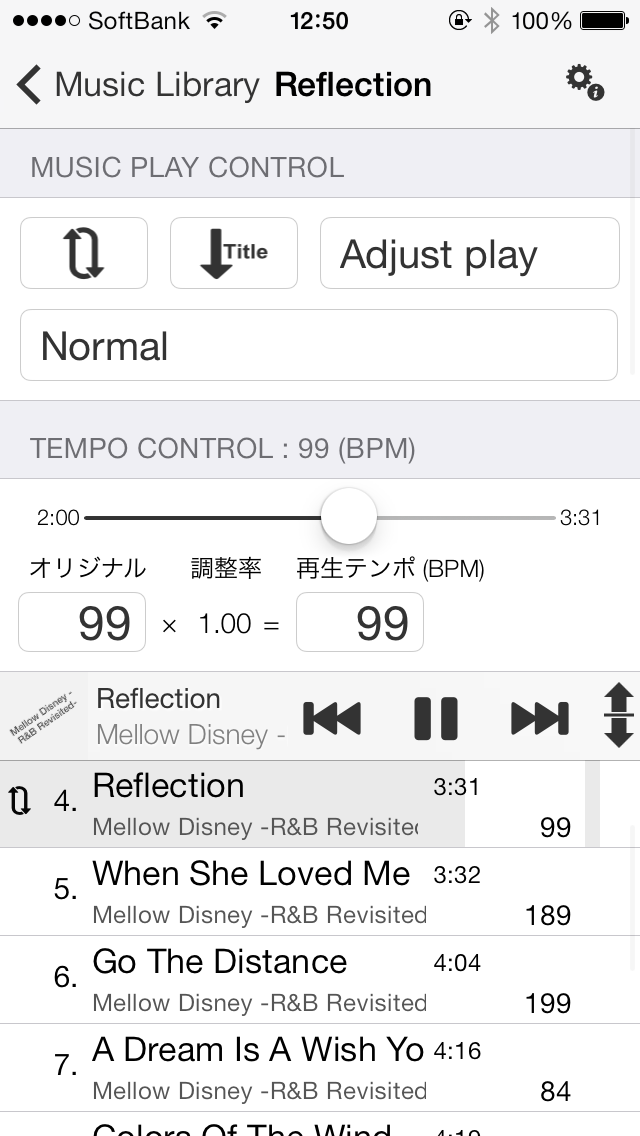
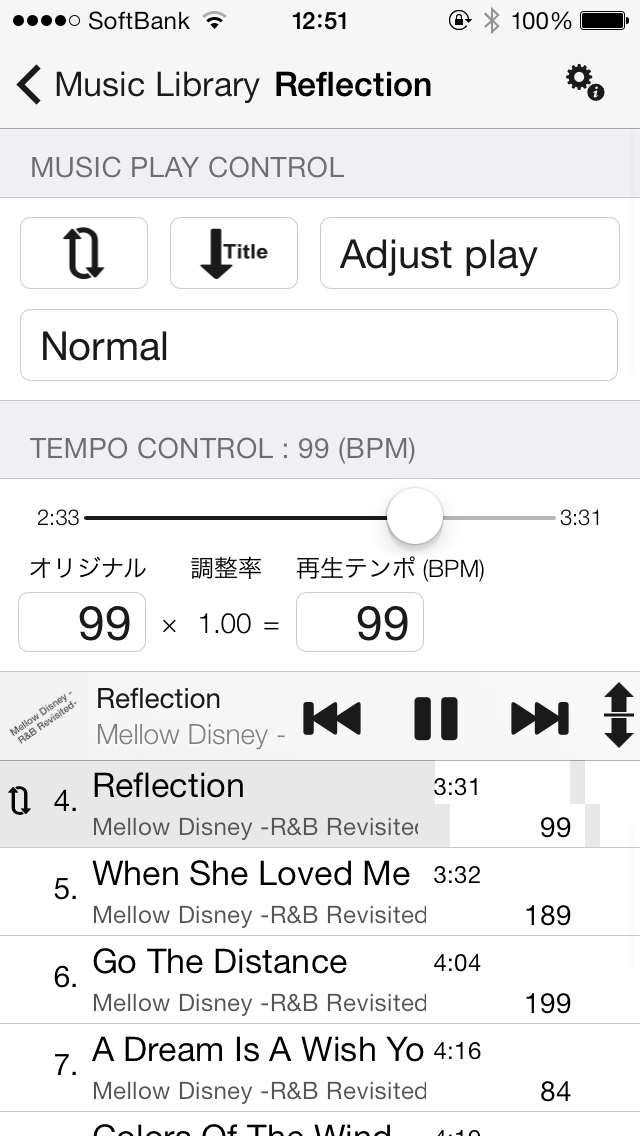
5.Walking Player、Play your favorite songs at your favorite tempo。
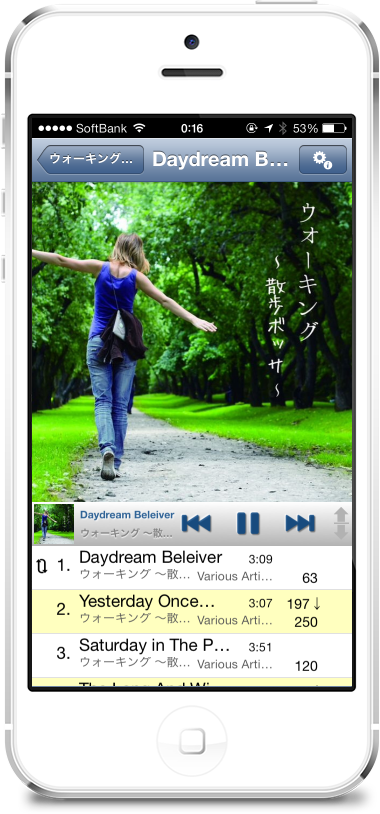
Now、While playing a song with Walking Player、Nike+Running measures your mileage in the background。Also、Nike+Running periodically displays the message “xx minutes have passed.、It will give you a voice report such as "Distance traveled xx km".、At that time, the volume of Walking Player will be reduced a little.、Reports can now be heard properly.。When the report is finished, playback will resume at the original volume.。
Remove the functional restrictions of Walking Player、If background playback is turned on、Both Nike+Running and Walking Player work in the background。Or rather、What happens when you keep your iPhone in your pocket while running?、I think it is better to run both in the background so that the screen does not react.。In addition、in this case、Start playing with Walking Player first.、You can start your Nike+Running workout later.。
Well then、Please do your best to exercise today too~