Author: TakechanSoft

  • Working Player Version 1.21 released!

    Working Player Version 1.21 released!

    The main changes are as follows。

    • Fixed an issue where the background color of the playback control bar was displayed as transparent when starting the app on iOS14。

    Thank you for your continued support of Walking Player.。

  • Walking Player verson1.20 has been released!

    Walking Player verson1.20 has been released!

    The main changes are as follows。

    • When newly installed on iOS12、Fixed an issue where songs stored in the media library were not displayed。
    • Significantly improved sound quality deterioration when slowing down the tempo。Along with this、The tempo adjustment range during Adjust Play has been increased from 1.0 to 2.0 times、0.75Changed to adjust within the range of ~1.5x。

    Thank you for your continued support of Walking Player.。

  • Walking Player Version1.12 has been released!

    corresponding iOS9 Walking Player Version1.12 has been released!

    Older versions of Walking Player、A problem was discovered that caused the app to crash immediately when running on iOS9.、9/16I hurriedly corrected it and asked Apple to review it.。This problem is a fatal problem、I requested an emergency review from Apple due to the failure.、Thank you for your super urgent response.、1I was able to release it in a day.。Thank you Apple。

    For those using iOS9、Please update to this release and use it.。

    Thank you for your continued support of Walking Player.。

  • IOS 9 walking player availability(9/16Update)

    *This problem、Fixed in Walking Player Version 1.12。
    For more details、Click herePlease refer to。

    We would like to inform you about the iOS9 compatibility status of Walking Player.。

    I'm sorry but、Current Walking Player(v1.11)teeth、Not compatible with iOS9。When updating the OS to iOS9、Walking Player album selection screen etc.、The app crashes on most screens.。
    (On the first category selection screen、When you select "All songs"、Although it may be possible to play、Most other song selection screens crash.。)

    Now、We are investigating this issue as a top priority.、After creating a modified app and requesting Apple to review it,、Until it passes inspection and is released.、10expected to take more than a day。(This period before and after major OS upgrades、Many apps release fixes、Examination is very crowded。)

    We apologize for any inconvenience caused.、For those using Walking Player、Until the next iOS9 compatible version of Walking Player is released、Please refrain from updating to iOS9.。

    Once the cause is determined、If there is any workaround、We will continue to inform you on this support site.。

    We apologize for any inconvenience caused.。
    Thank you very much。


    (9/16Write-once)
    today、The cause has been identified and corrections have been made.、We have submitted a review request to Apple.。The problem this time is that it crashes just by tapping the first screen.、We also requested an emergency review.。just、As written in the previous report、Because examinations are very crowded at this time of year,、It is unclear whether an emergency review will actually be carried out.。

    The cause is、It's very similar to when the OS was upgraded to iOS8 last year.、This time as well, due to the OS version update.、The behavior of the API that retrieves artwork images has changed.、This was because it affected the process of displaying albums without artwork images.。just、Last time it didn't crash until I started playing a song.、This time, if there is no artwork on the screen that uses the artwork image,、Because it always crashes、This is a more fatal problem than last time.。

    As a workaround、Same as the previous iOS8 version update.、You can avoid this crash by setting artwork for all albums.。
    For detailed instructions on how to set up the artwork,、This is the previous report"iOS8 in Walking player to your(About the status of bugs and work-arounds)」Please refer to。

    In addition、In addition to this issue, we have also detected the following minor issues:。

    • Because the system font has changed、The display frame width for some display characters is insufficient.、Characters may appear cut off。
    • Changes have been made that affect the determination of the language used.、The "How to use" screen and the warning voice to stop background playback are now in English.。

    We have corrected these issues and have submitted a review to Apple.、Until iOS9 compatible version is released、Please wait for a while。

    We apologize for any inconvenience caused each time the OS version is updated.。
    Thank you for your continued support.。

  • Walking Player Version1.11 has been released!

    We apologize for the inconvenience.、Walking Player iOS8 compatibility completed、Released as Walking Player Version 1.11。

    This release is、Including support for iOS8、The following issues have been fixed。
    ・When using with iOS8、Fixed a crash issue when playing music without album artwork。
    -Fixed an issue where ads were not displayed when tapping the iAD banner。
    ・When displaying the settings screen、Fixed an issue where remote control did not work。
    ・Tethering etc.、Fixed an issue where the screen layout would shift when there were two status lines.。
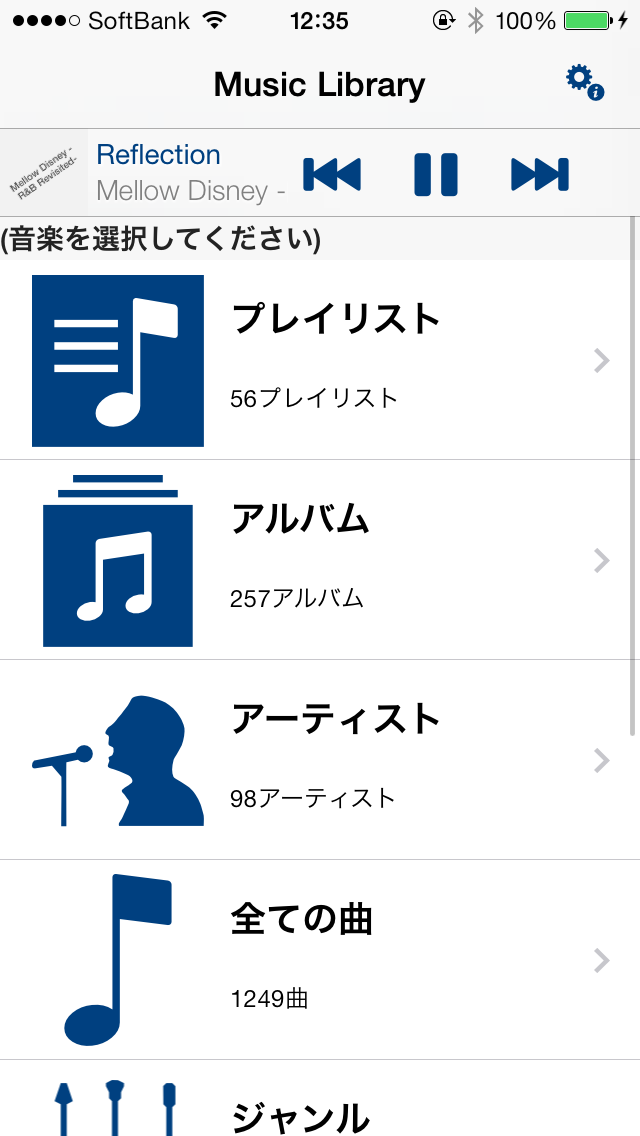
    Thank you for your continued patronage.。
  • in the iOS8 Walking player for your viewers(About the status of bugs and work-arounds)

    *This problem、Fixed in Walking Player Version 1.11。
    For more details、Click herePlease refer to。

    Due to the number of examinations、11Examination completed around the beginning of the month&I expected it to be released、It seems that this matter was dealt with with exceptional speed.。
    The following contents are、Past version(Version1.10)I will leave it as reference information for。

    We apologize for the delay in responding to the issue where Walking Player may crash when used on iOS8.。

    The correction was completed today、I just submitted a modified app to Apple.、Apple's review process is currently very crowded.、It is expected that it will take at least 11 to 12 days to pass the review and release the revised application.。
    (This means that the fixed version will be released is expected to 11-)

    In addition、As a result of finding out the cause、You may be able to avoid the crashing phenomenon by adjusting the environment.。I apologize for the inconvenience.、If you are having trouble,、Please try the workaround below。

    [Cause]
    For iOS7 and earlier and iOS8、The behavior of the API to obtain album artwork images has changed slightly.、Changes in API behavior when artwork images cannot be retrieved affect apps.、A falling phenomenon occurs.。

    [Workaround]
    Using iTunes on your computer、Setting artwork for each album、It is possible to avoid the phenomenon of falling。
    How to set up Wortwork、It is as follows。

    1. Select an album or song title in iTunes。
    2. In the pop-up menu right click on the selected title[Get the album artwork]select。
    3. After setting artwork for all albums、Connect iPhone to computer and sync music from iTunes。

    if、[Get the album artwork]If the artwork is not set even if you select、You can also set any image or photo you own as artwork.。
    For information on how to manually set up your own artwork、Please refer to the URL below。
    (Windows)
    http://support.apple.com/kb/PH12361?viewlocale=ja_JP
    (Mac)
    http://support.apple.com/kb/PH12161?viewlocale=ja_JP

    That's all、We apologize for any inconvenience caused.、Thank you very much。

  • Walking Player articles

    Here is a summary of articles introducing Walking Player.。
    To all the media who published the article、thank you。
    Newly introduced articles、We plan to add more to this page in the future.。

    iPhone apps and iPad app discovery platform 'Appliv'] Mr
    201411-26. Walking Player
    iPhonePLUS Powered by weekly ASCII] Mr
    2014One day in January. For the new year you too eat. Dieting can be fun! Walking Player
    TERA APPs – Death night&Bamboozle AX killing time apps review site] Mr
    2013On December 12,. Your favorite music to adapt to walking pace! Walking Player
  • 160. ranked walking Player!

    Thanks Walking Player recorded 160 AppStore music category of the top free ranking!

    This too、Everyone downloaded it、Thank you for introducing me to the people around you.。Thank you very much。

    (Changes in walking Player Rankings)
    http://appgraphy.me/graph/?appid=665645142

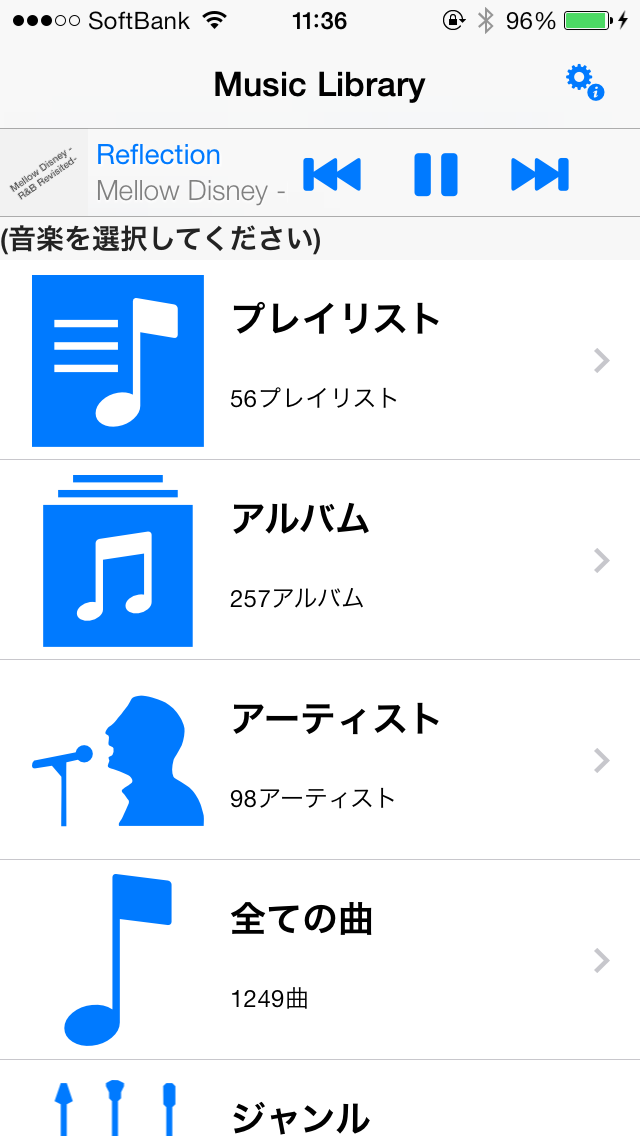
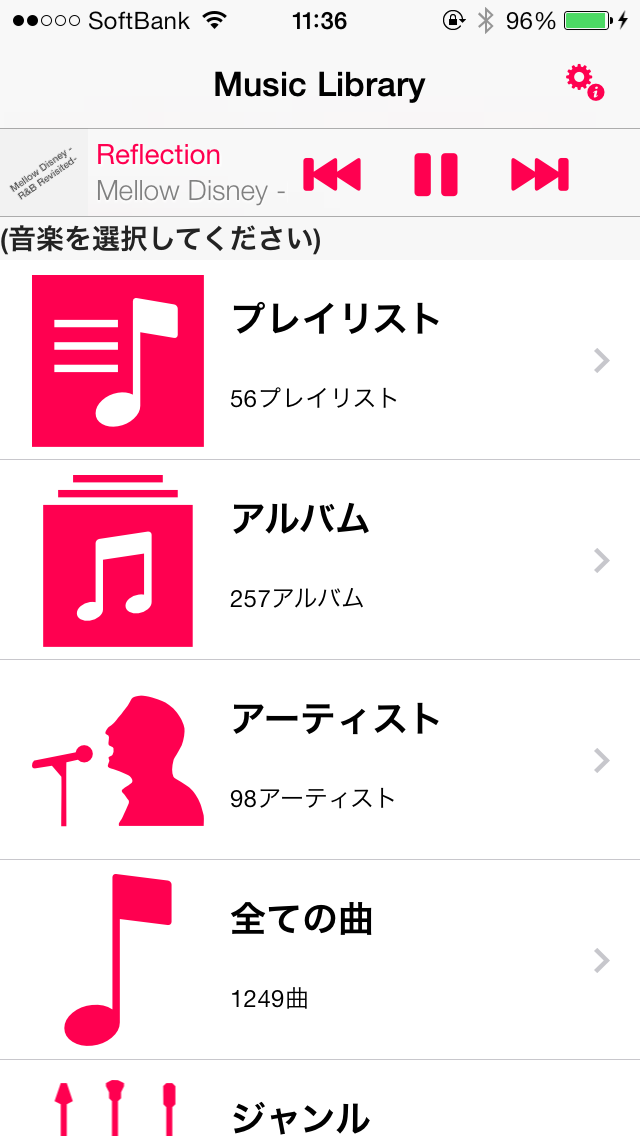
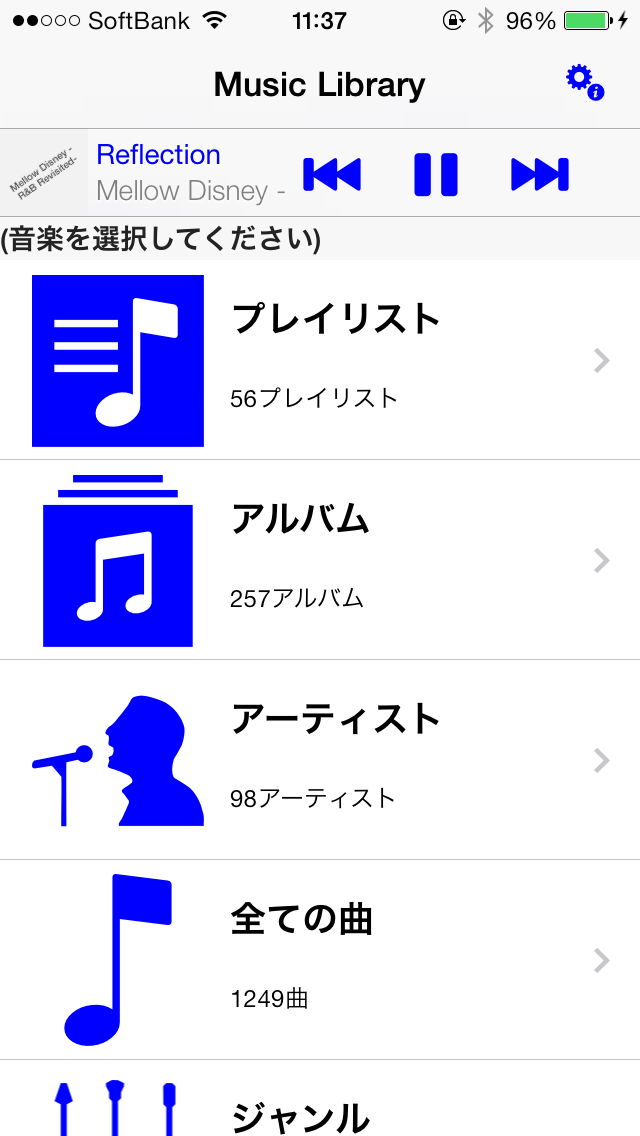
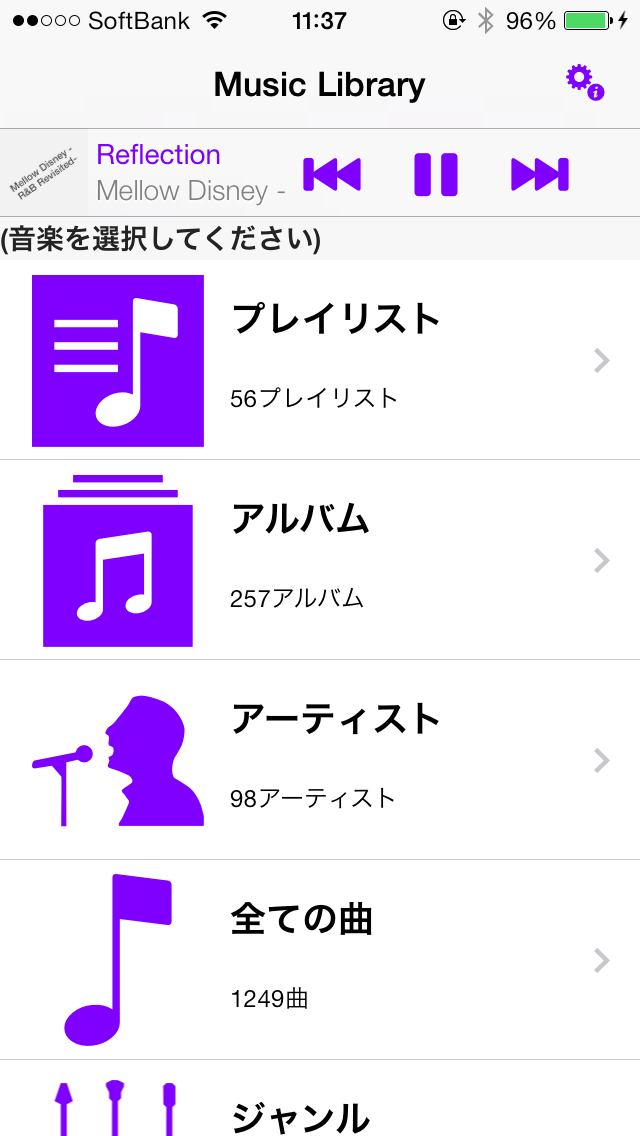
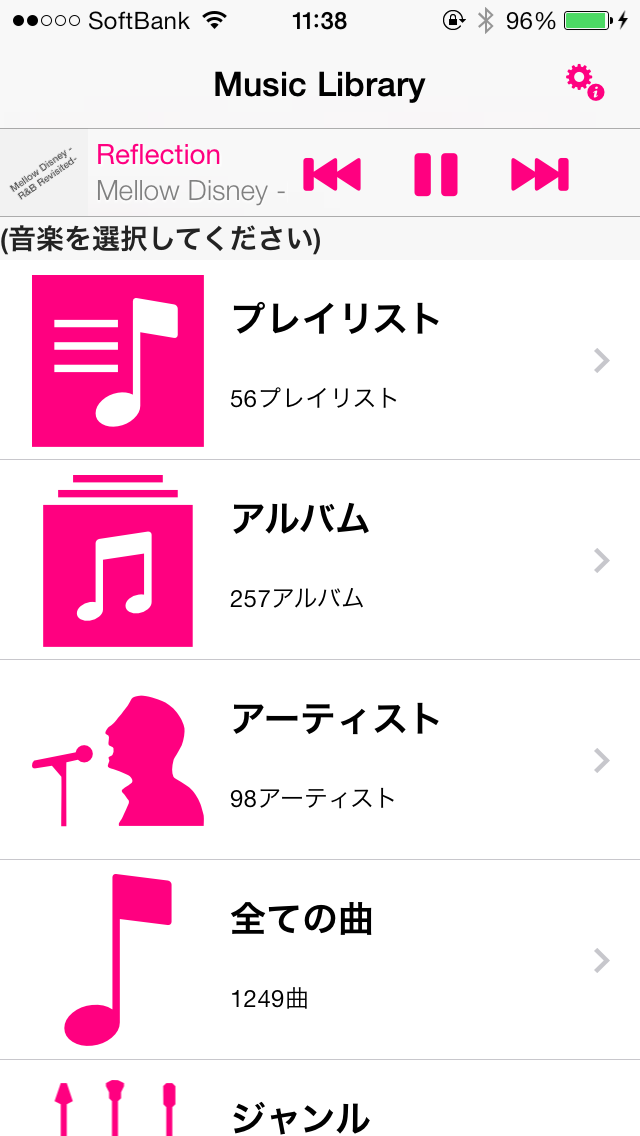
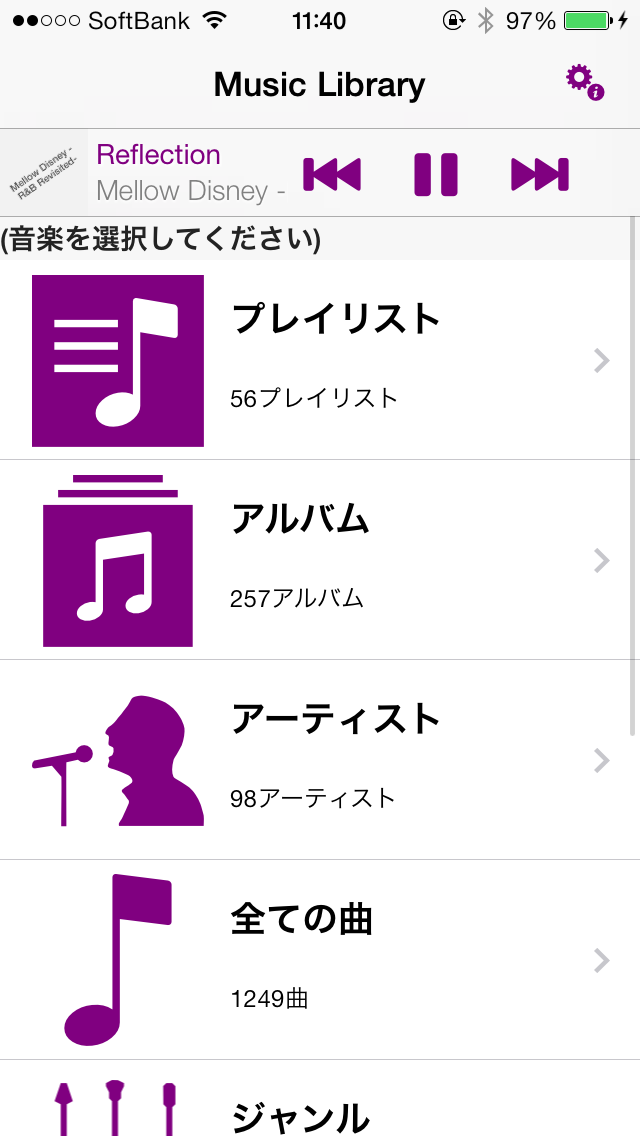
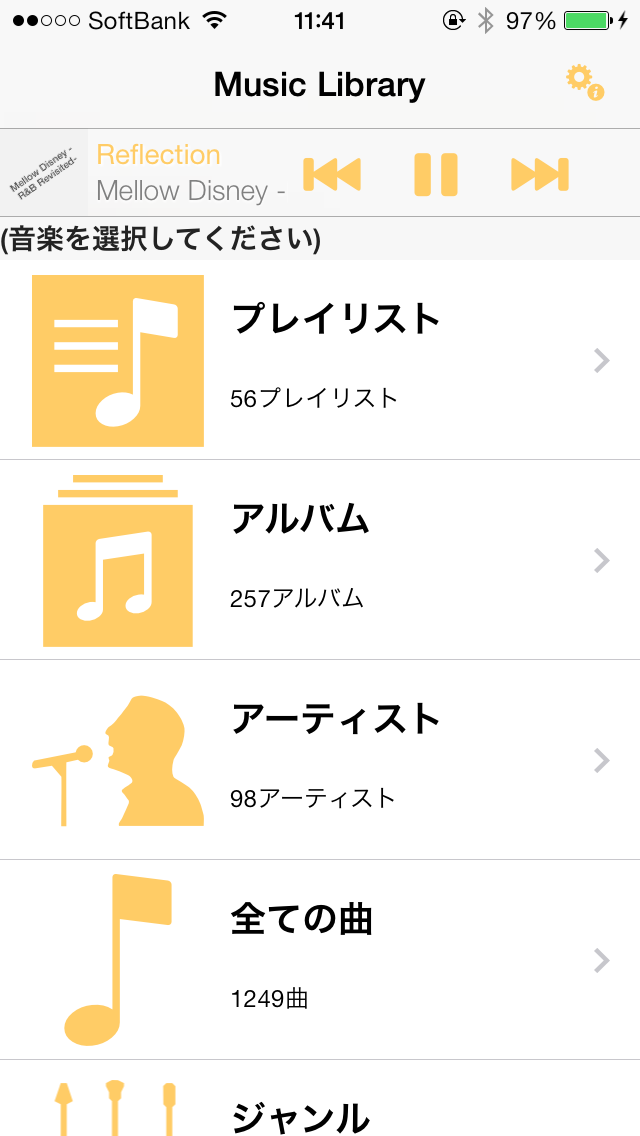
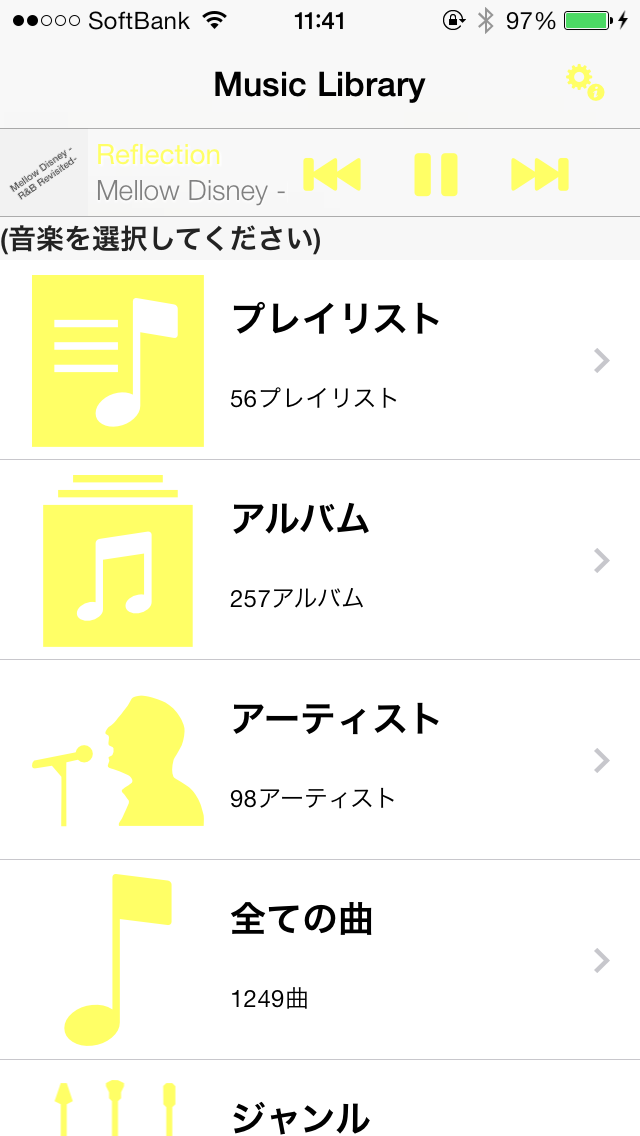
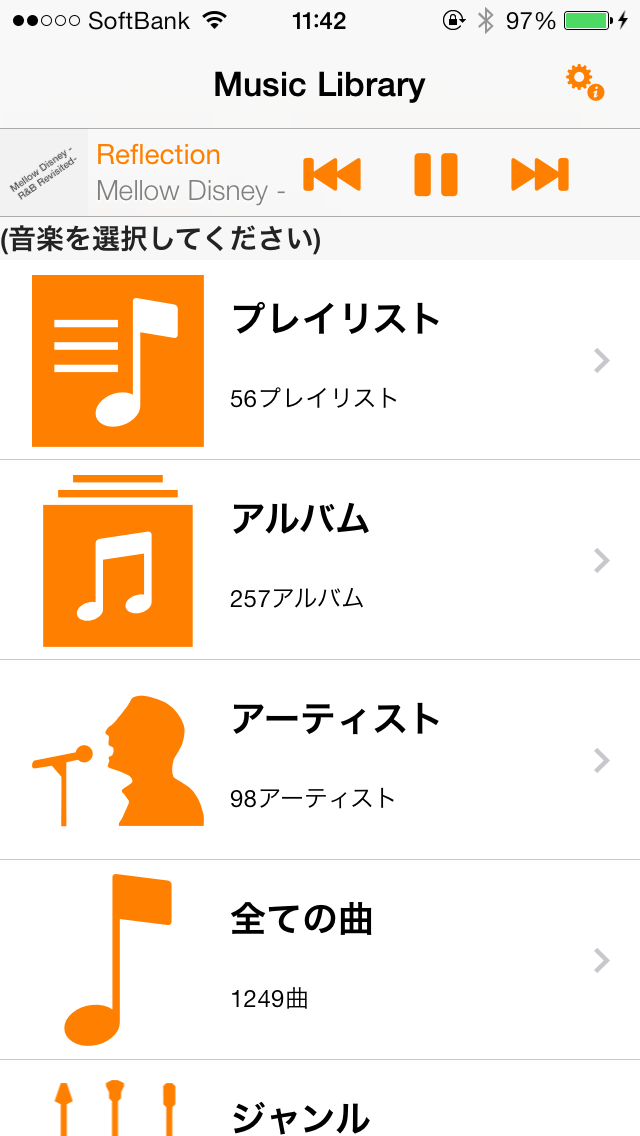
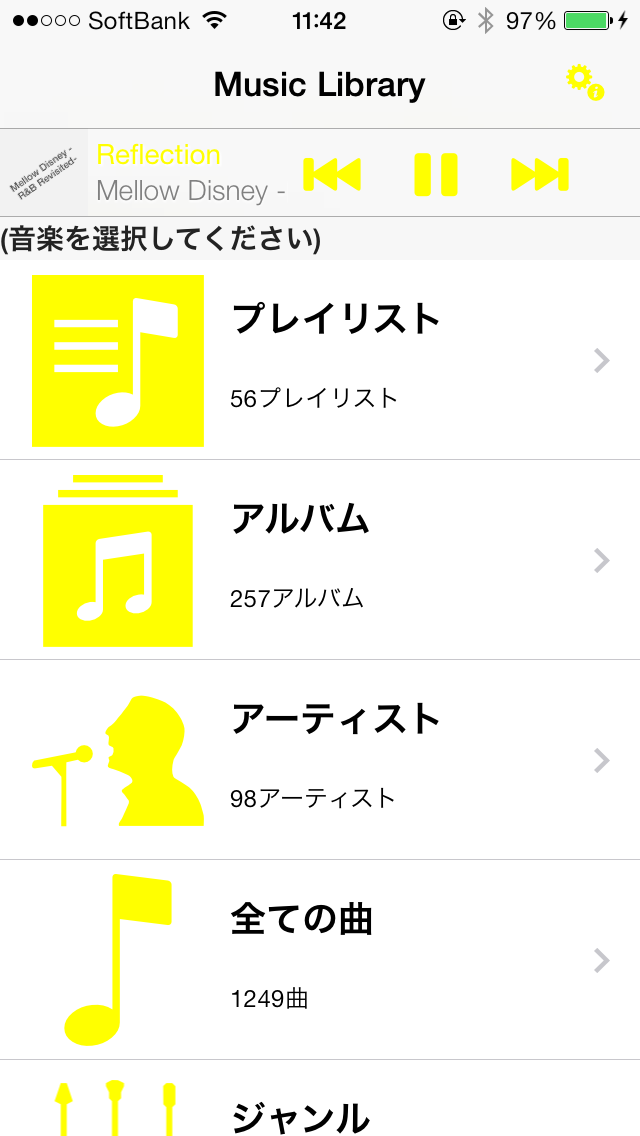
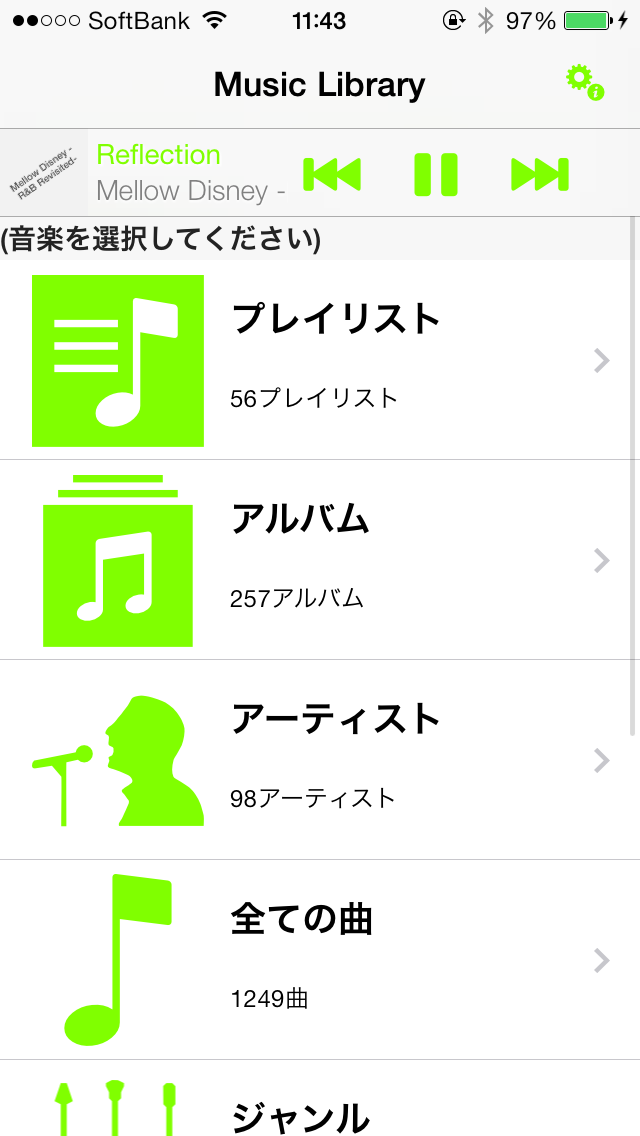
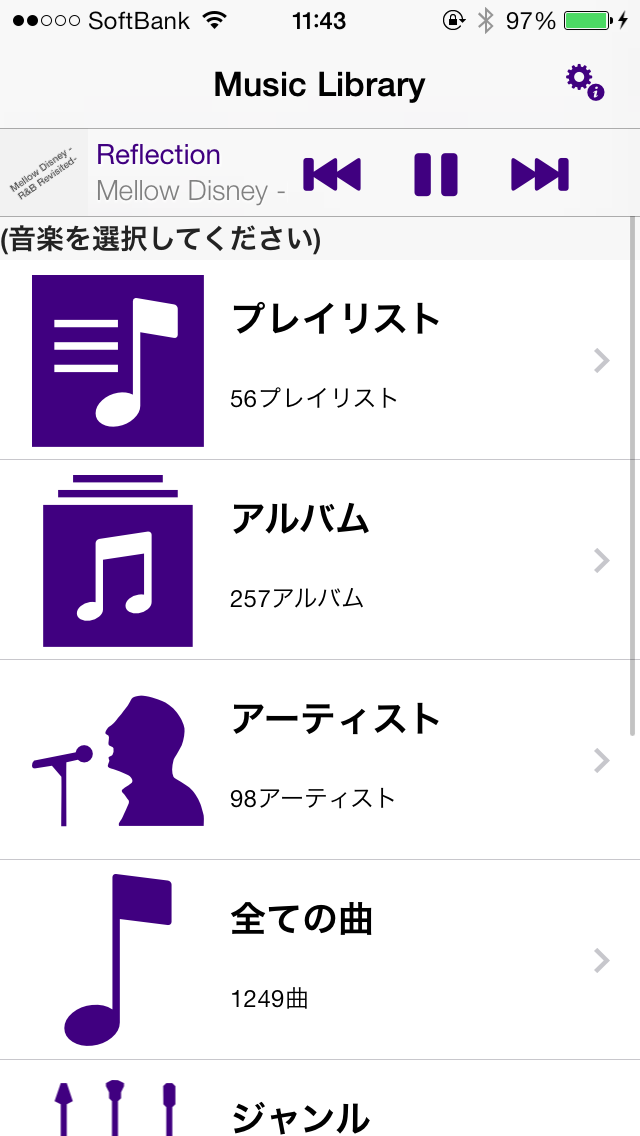
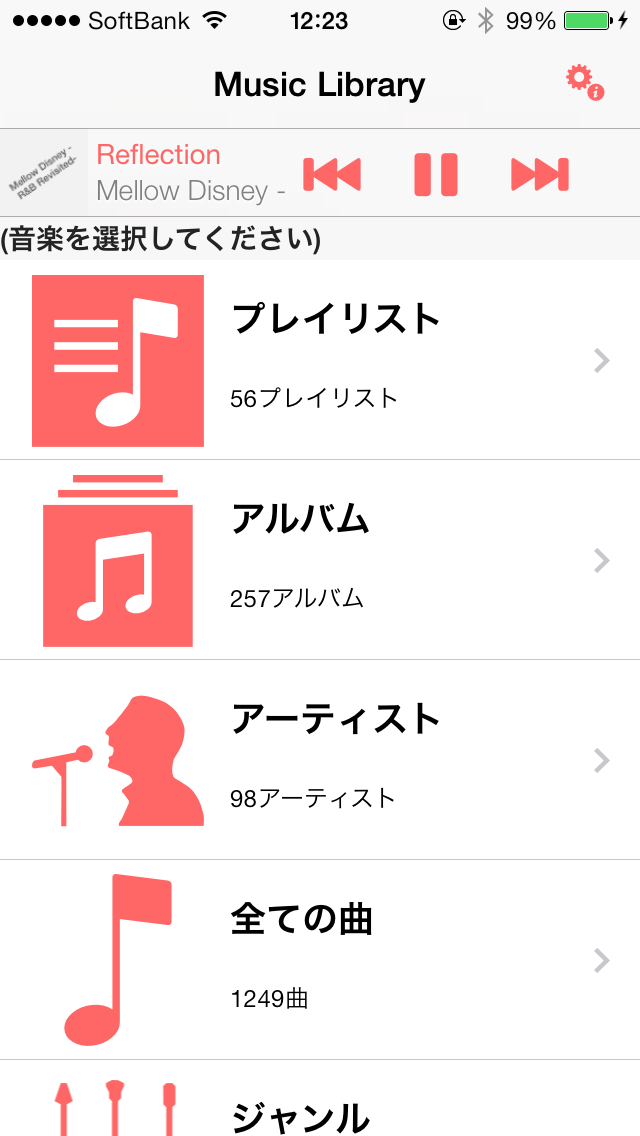
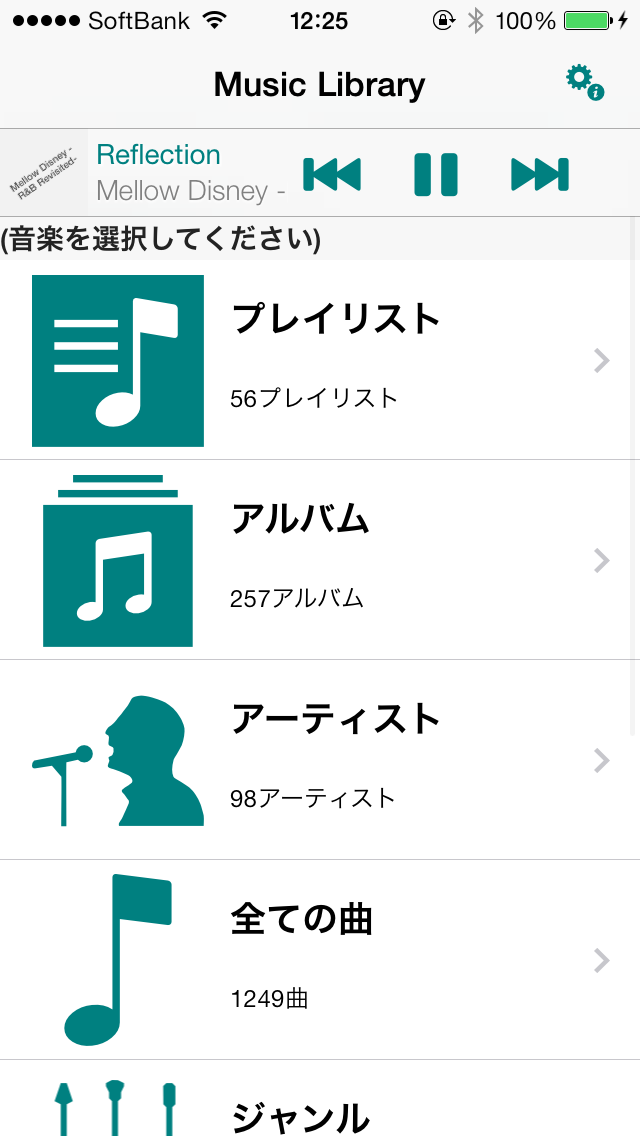
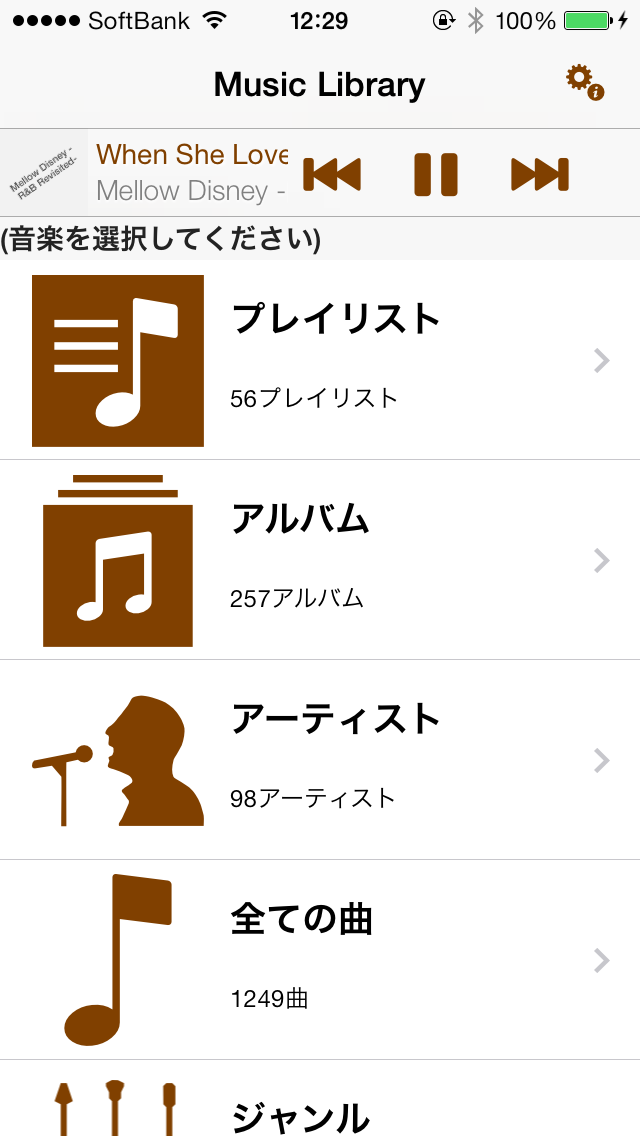
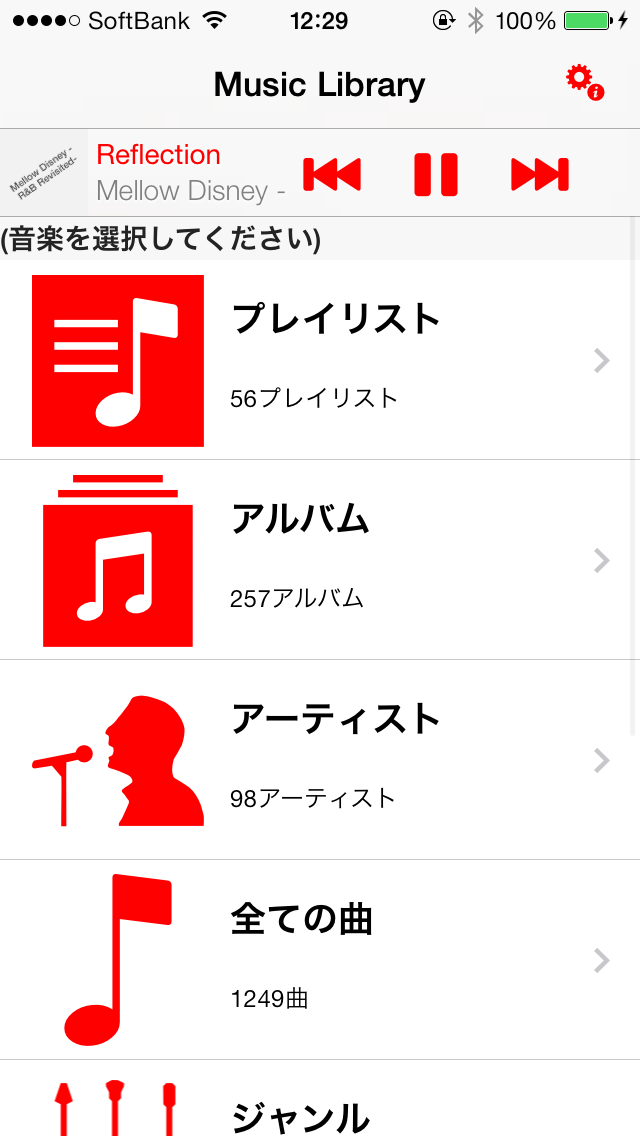
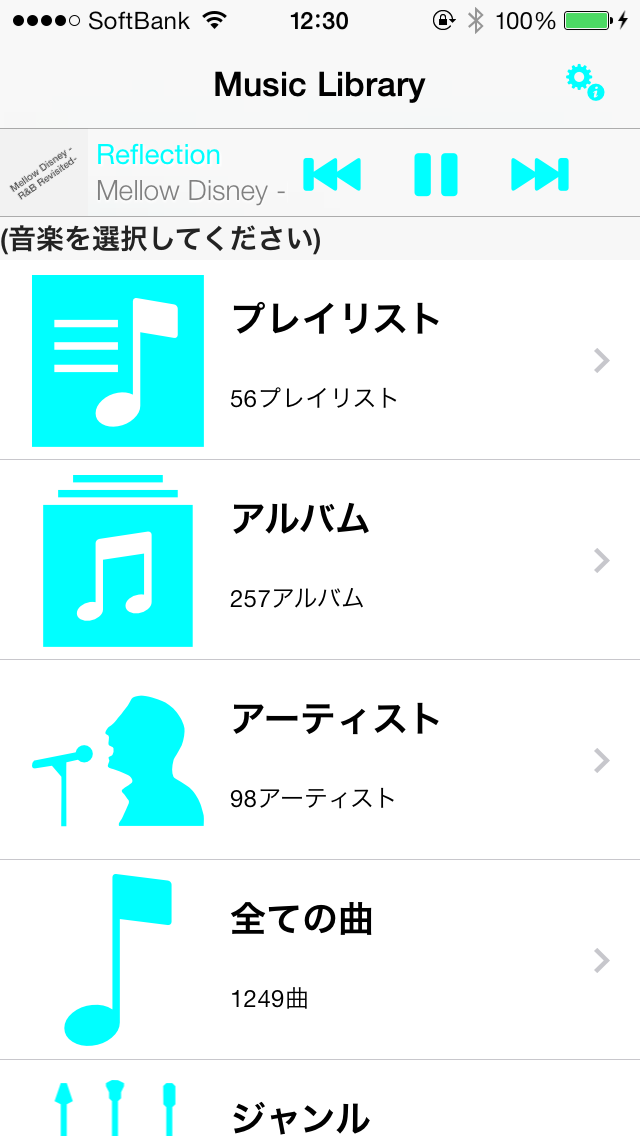
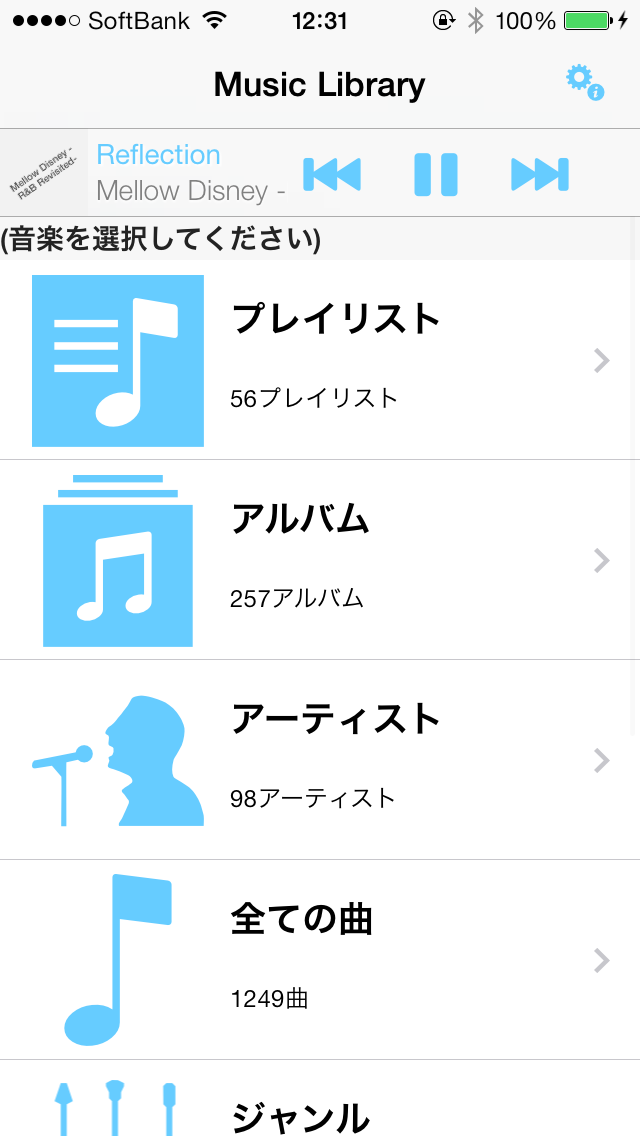
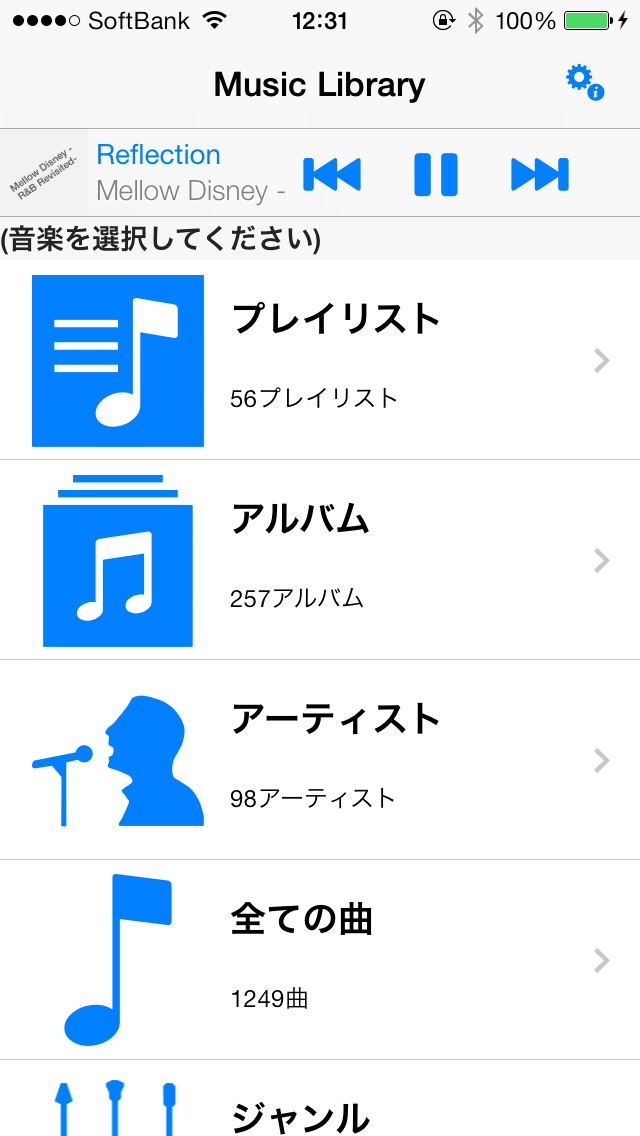
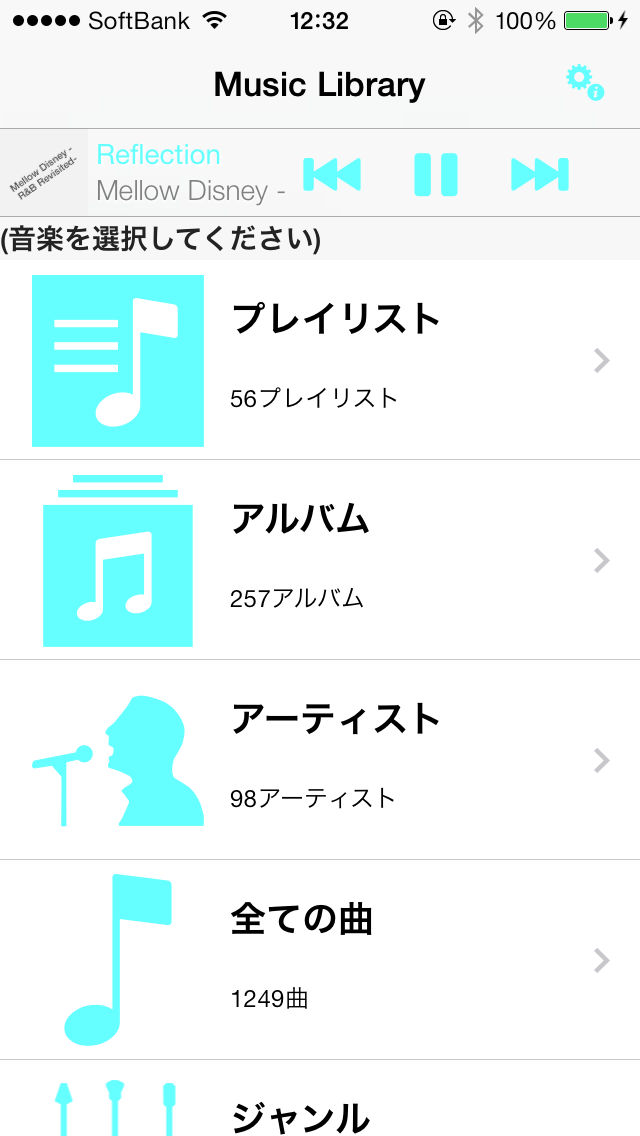
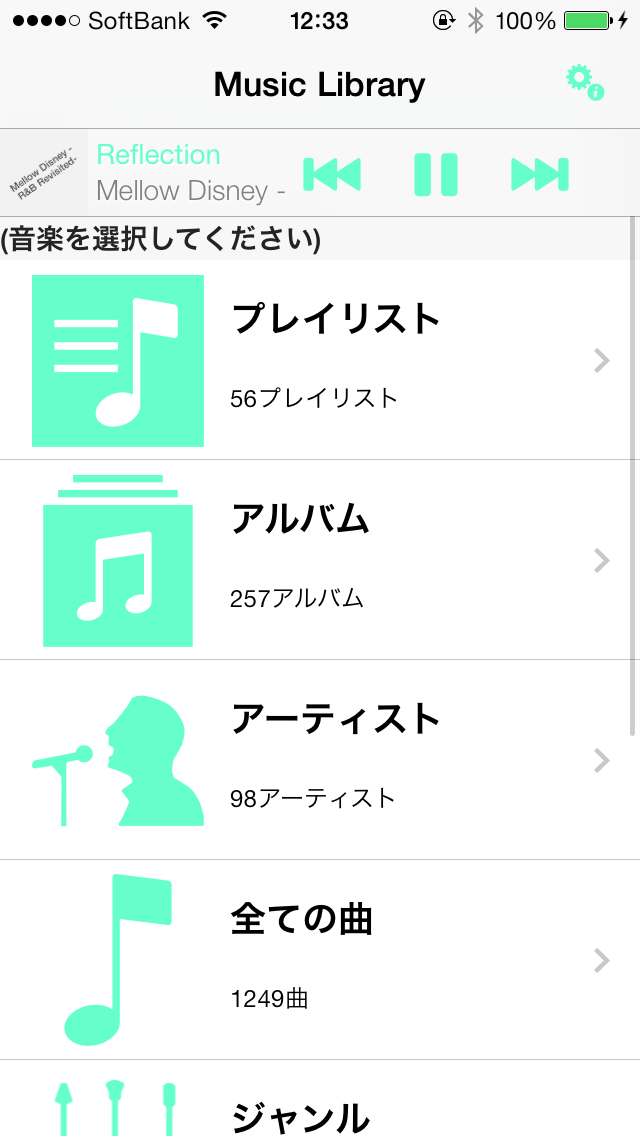
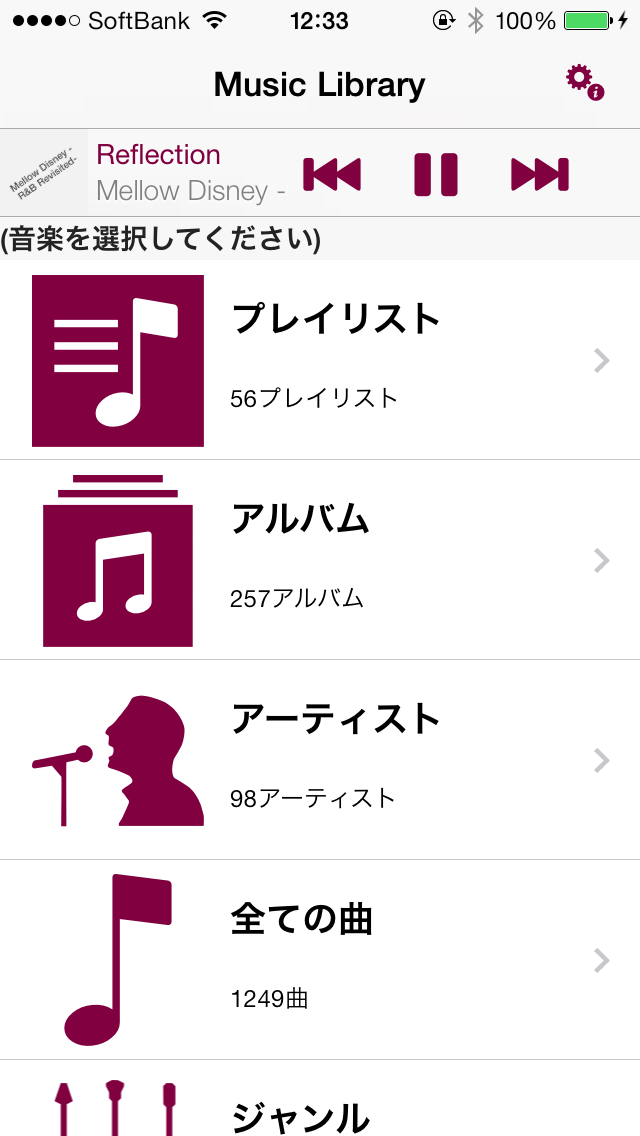
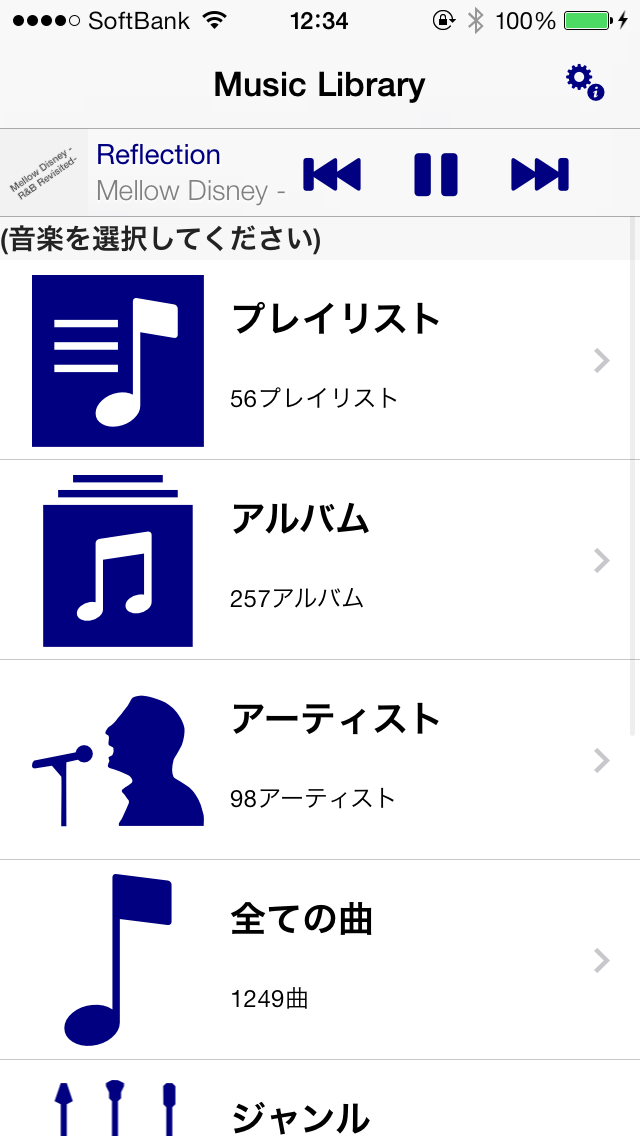
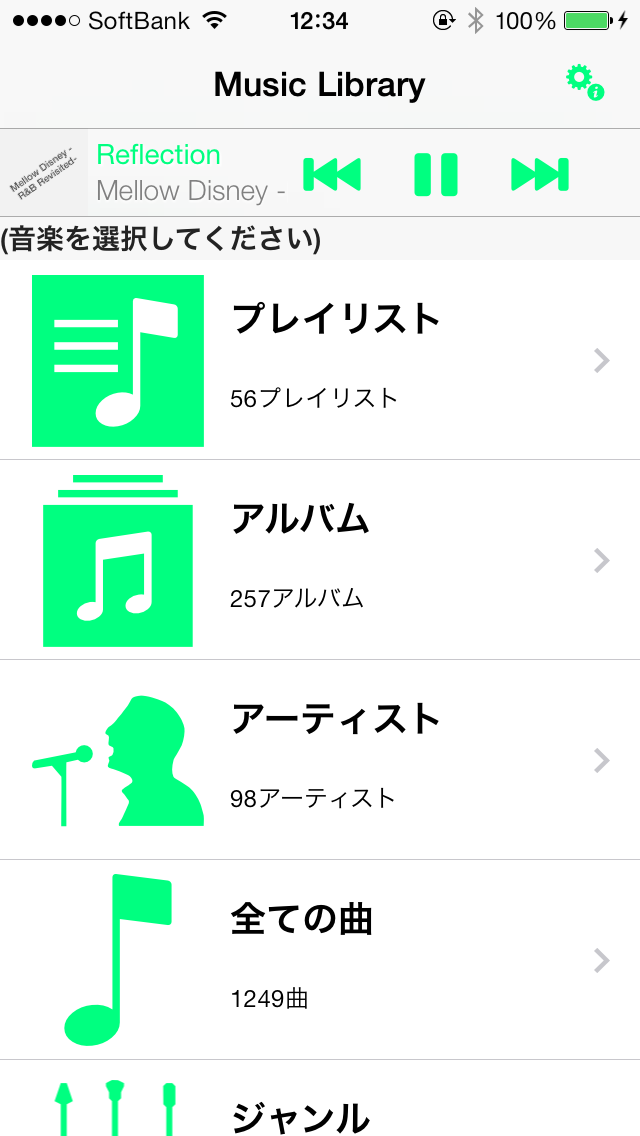
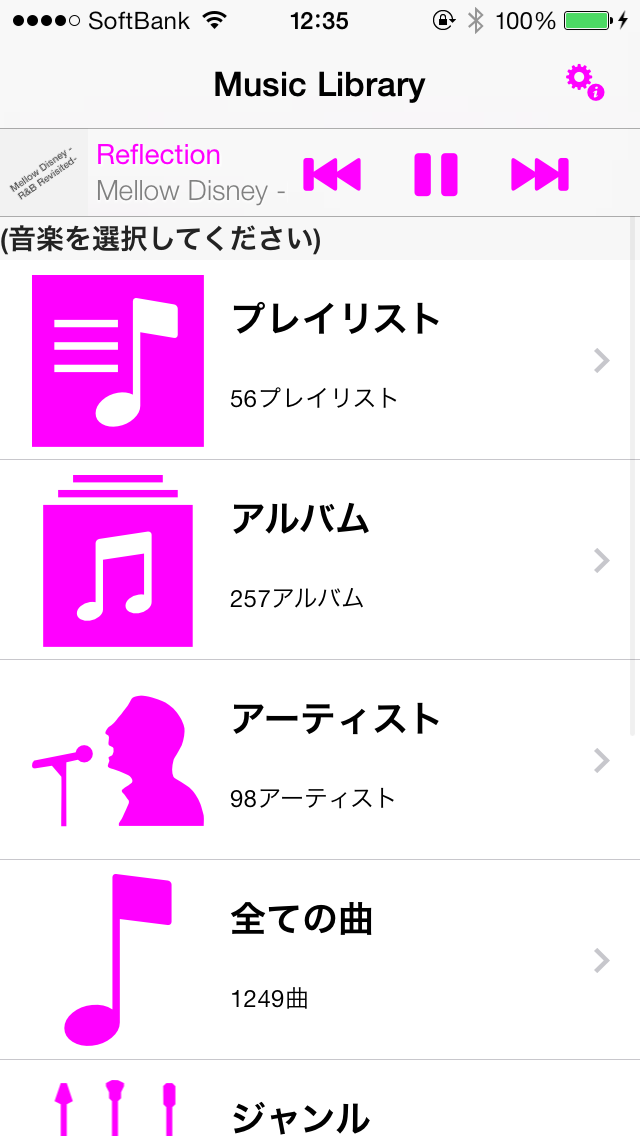
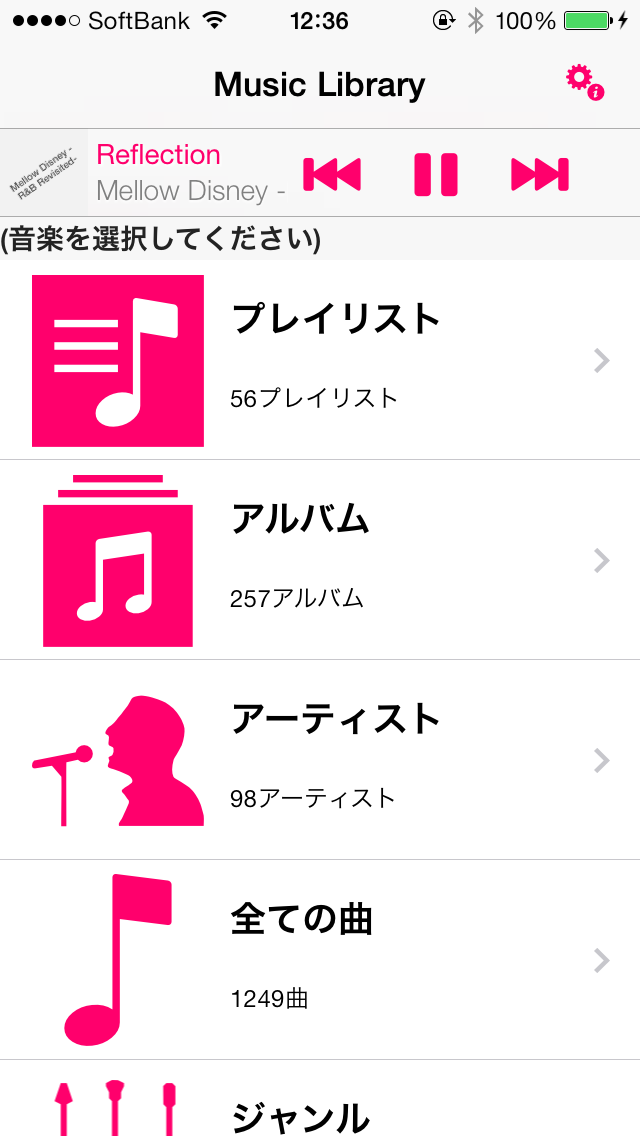
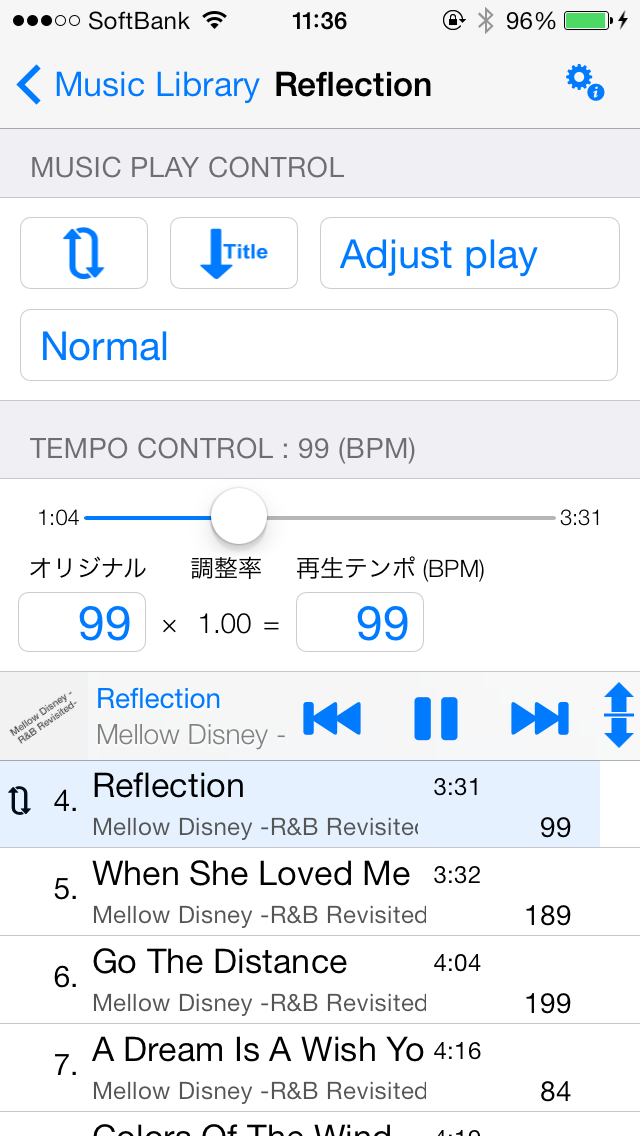
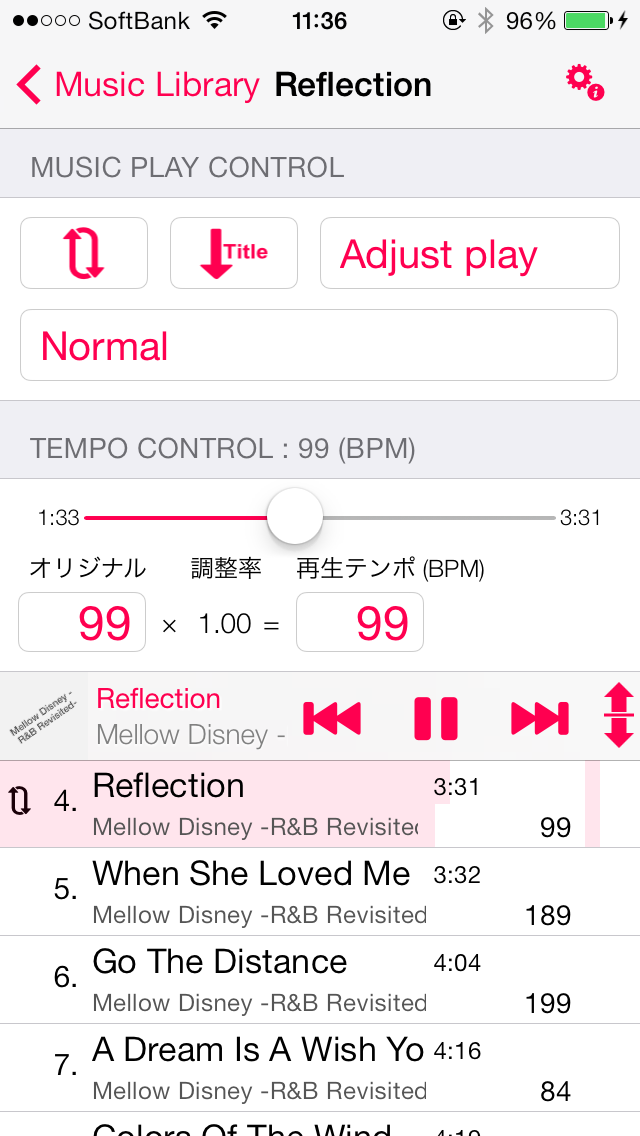
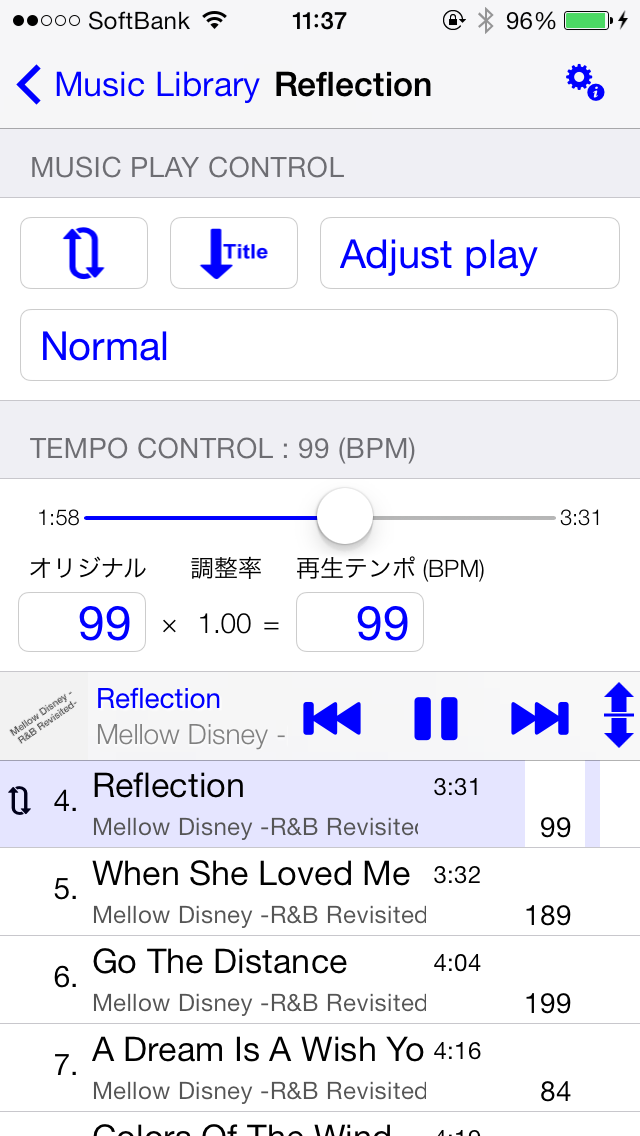
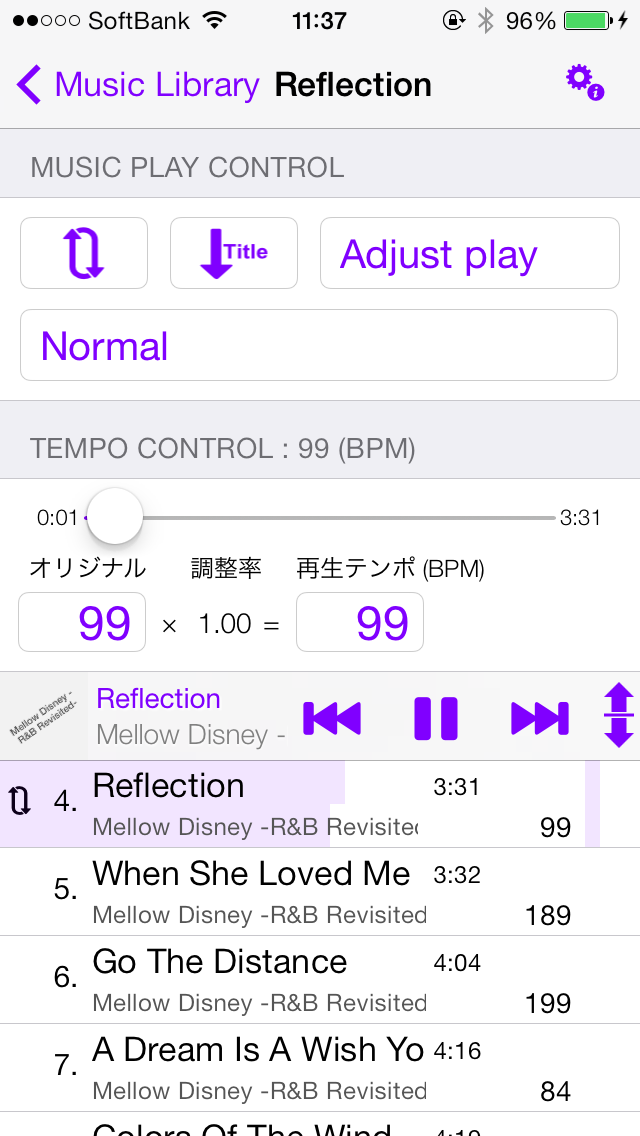
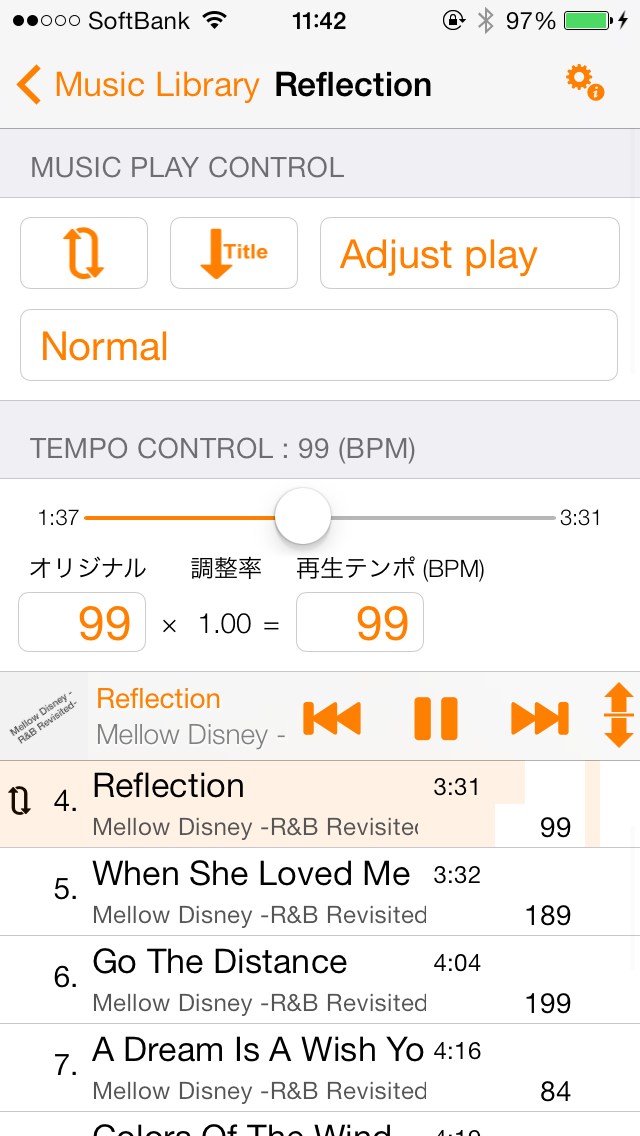
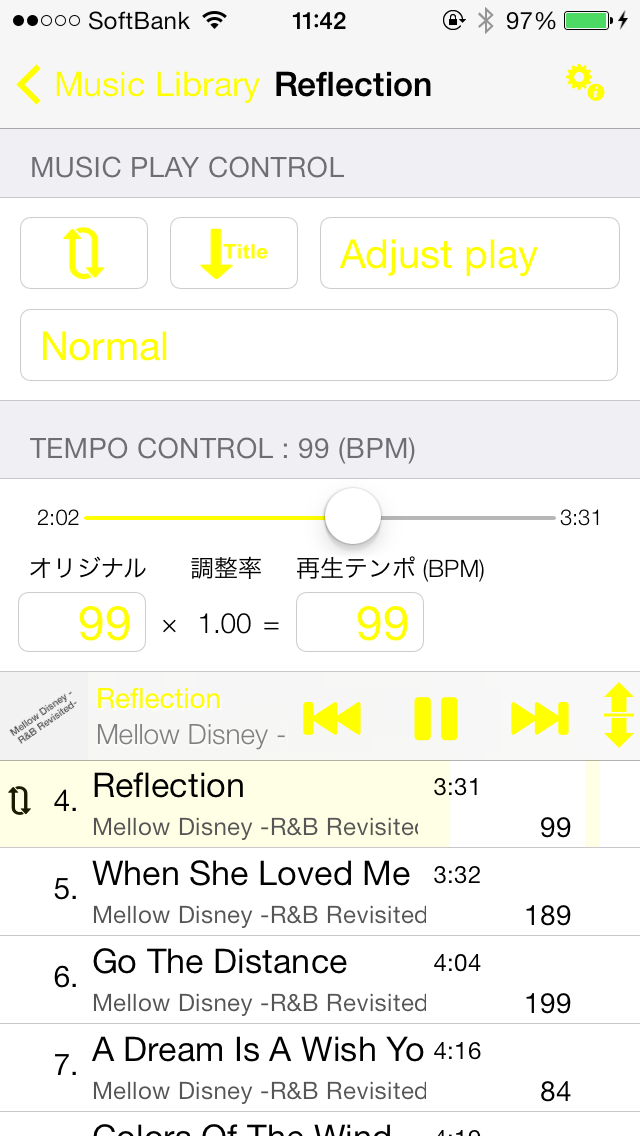
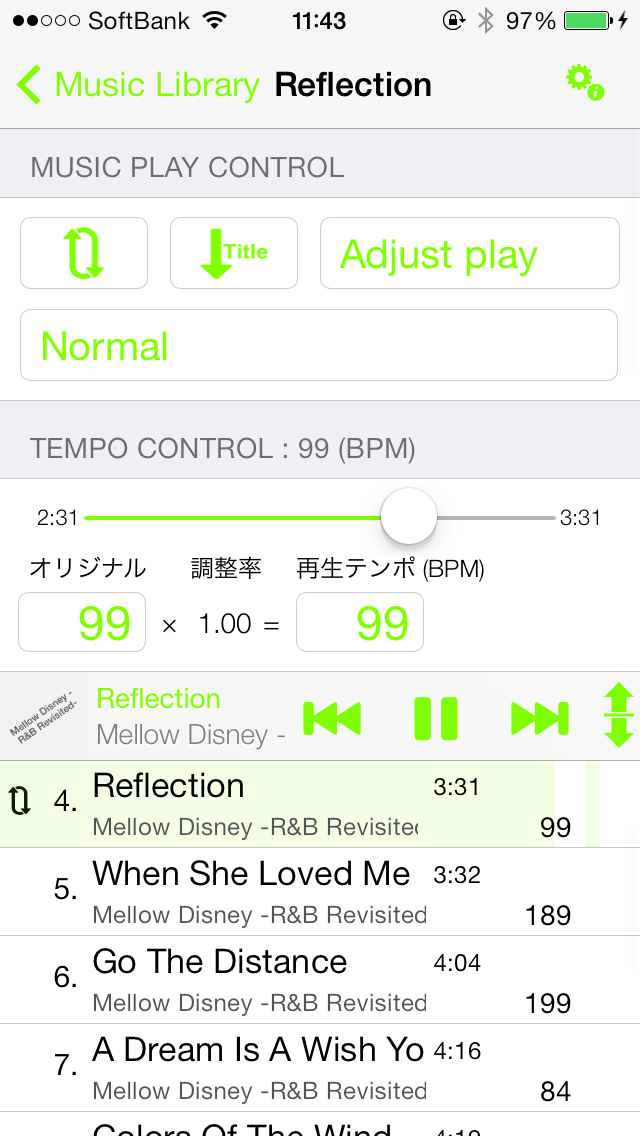
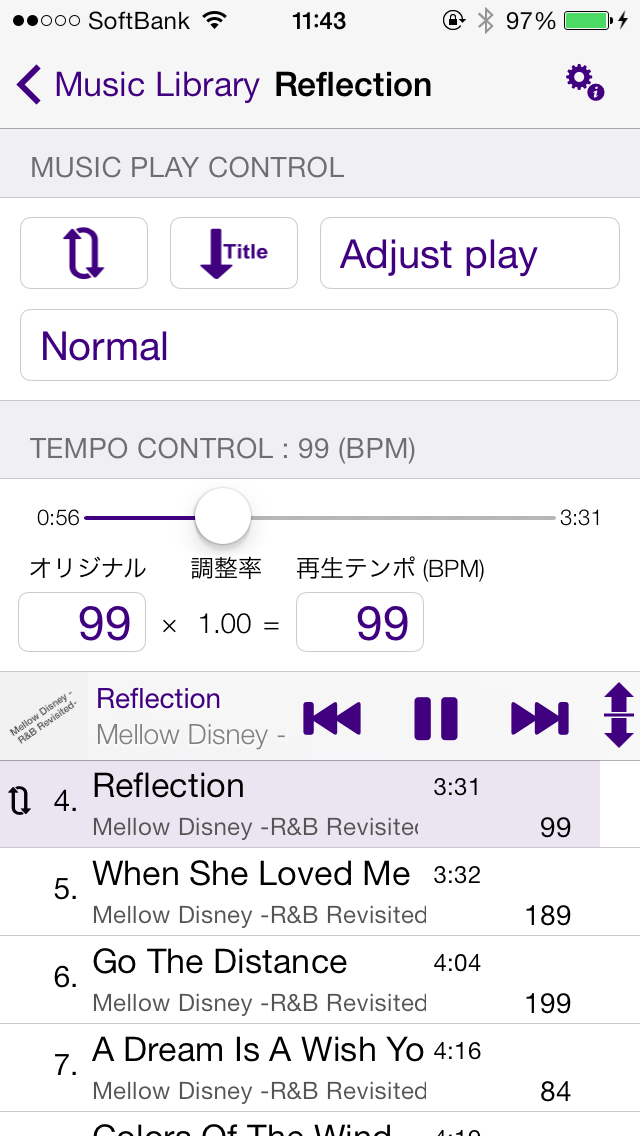
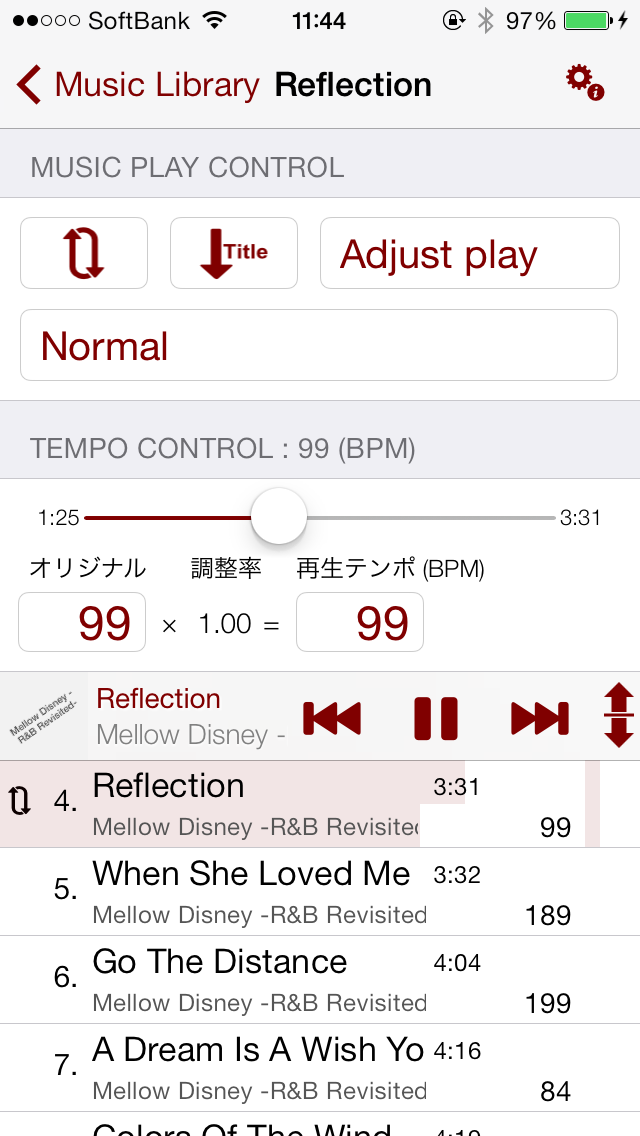
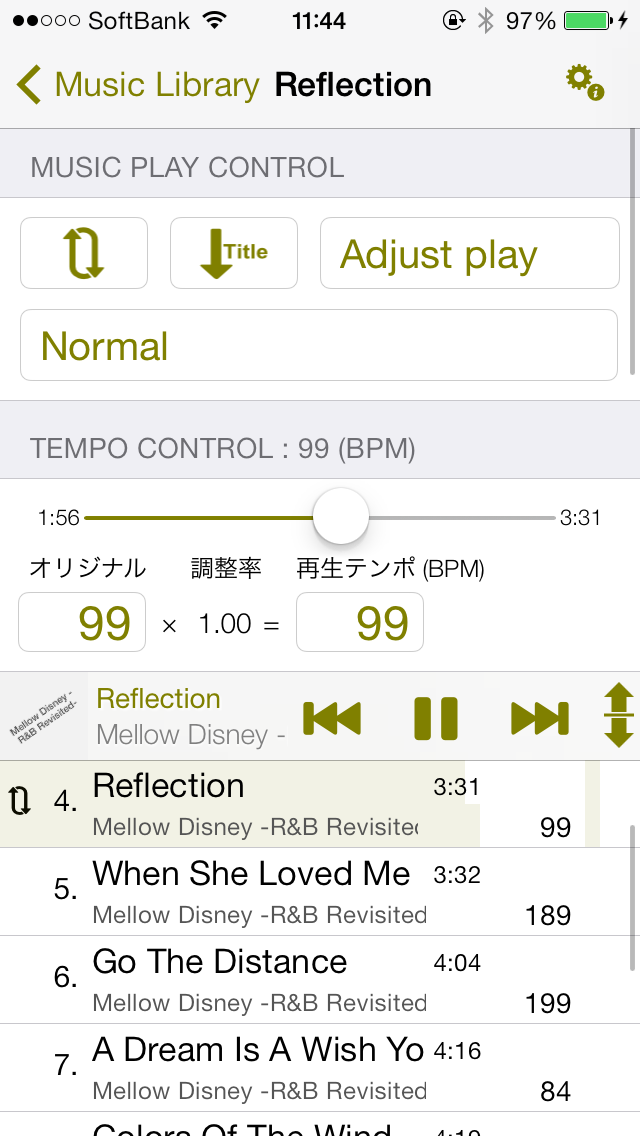
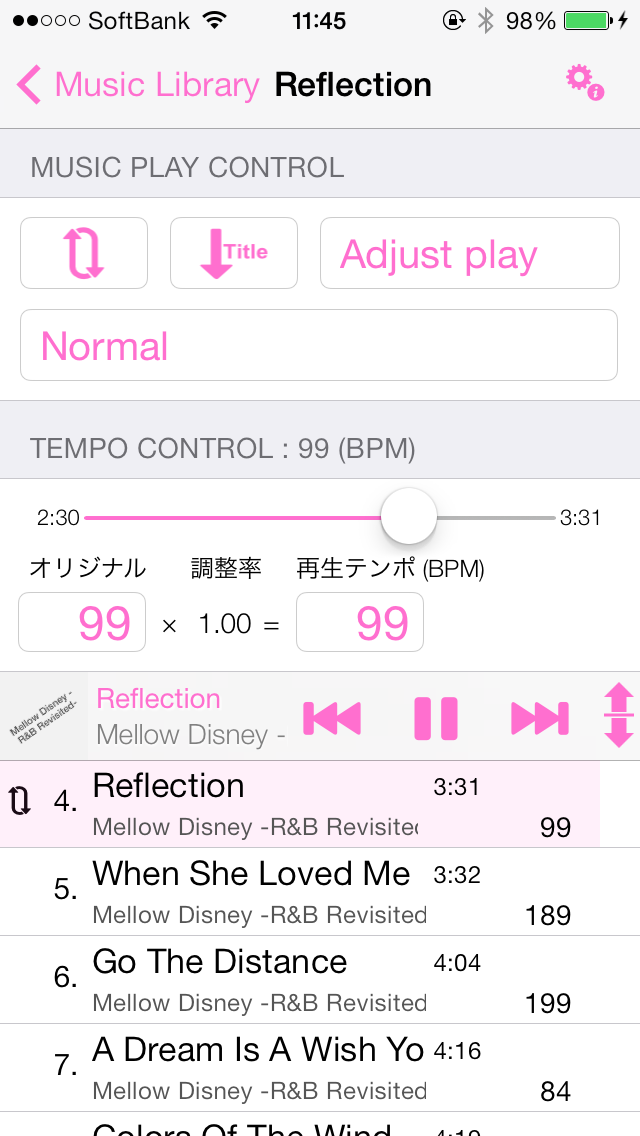
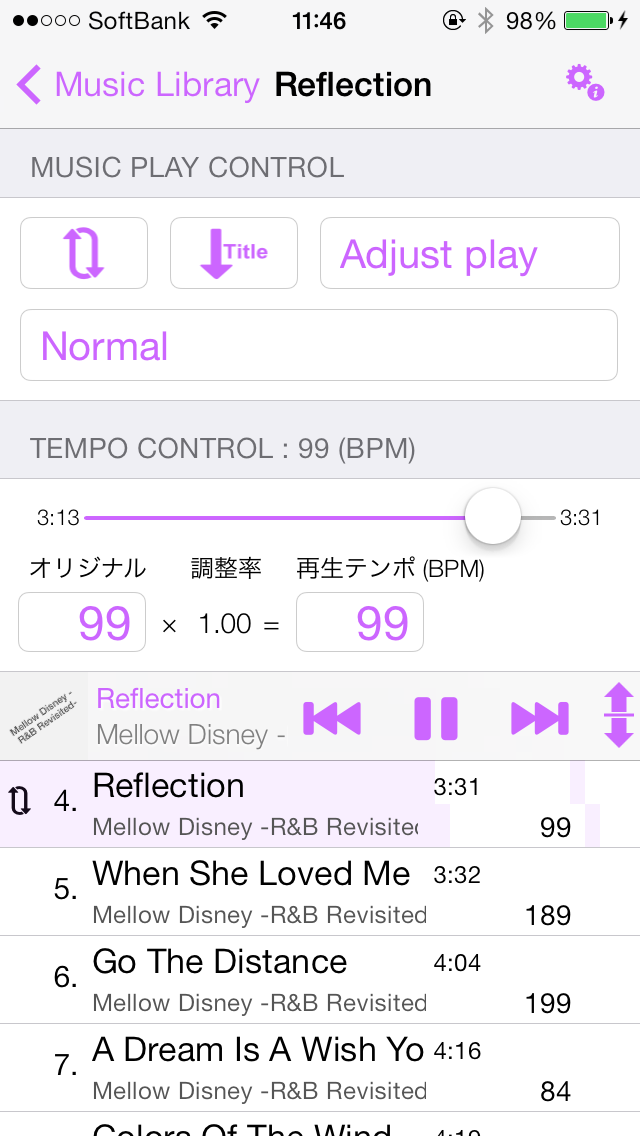
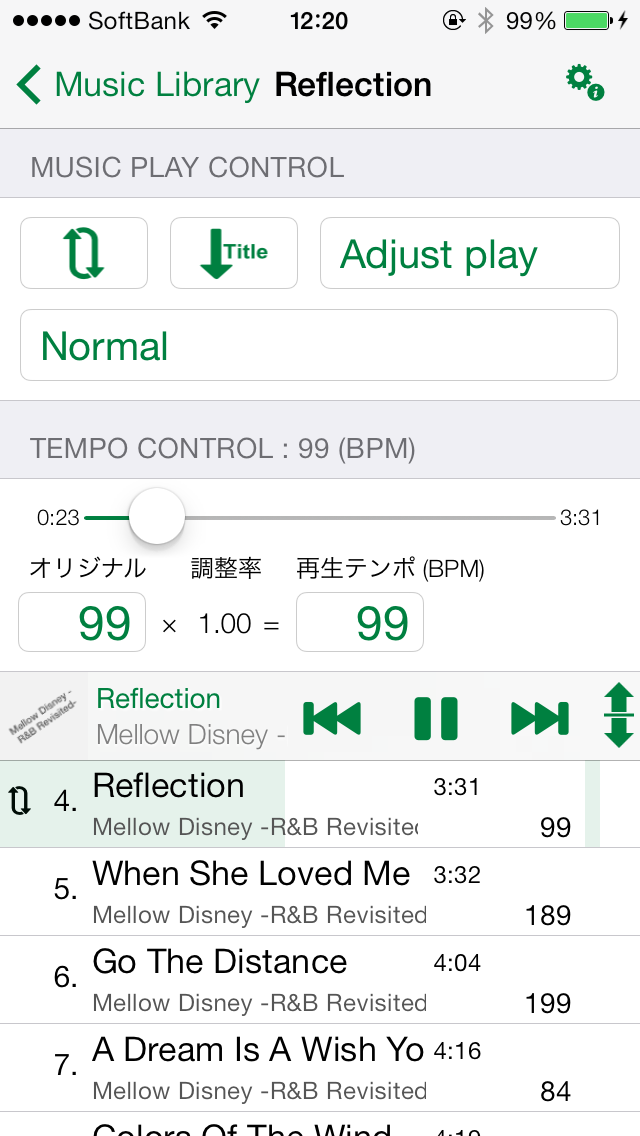
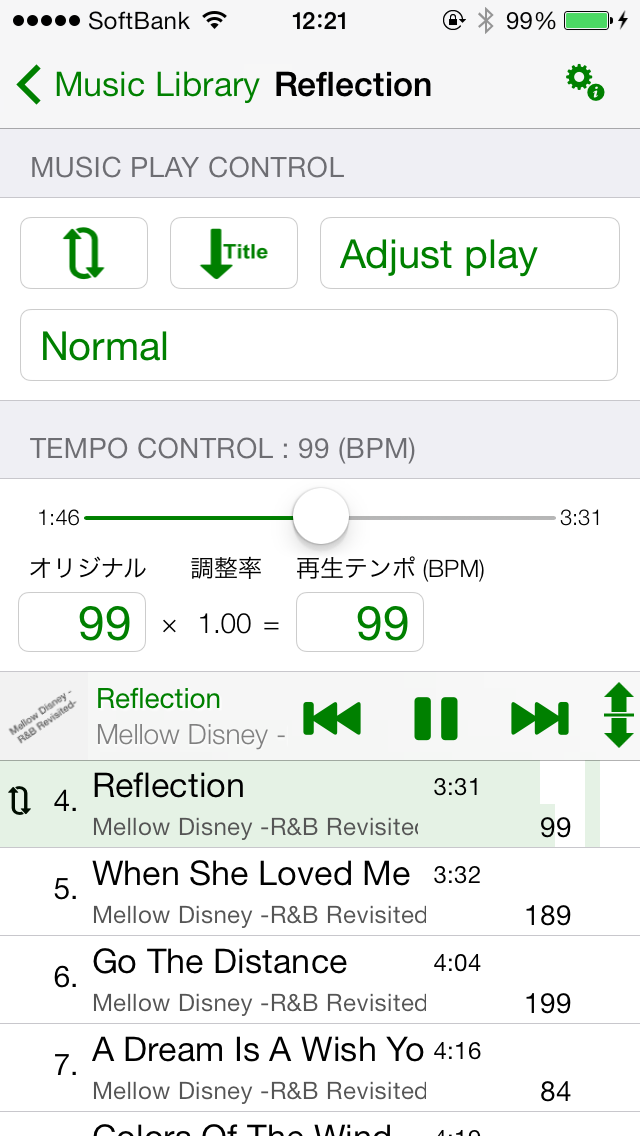
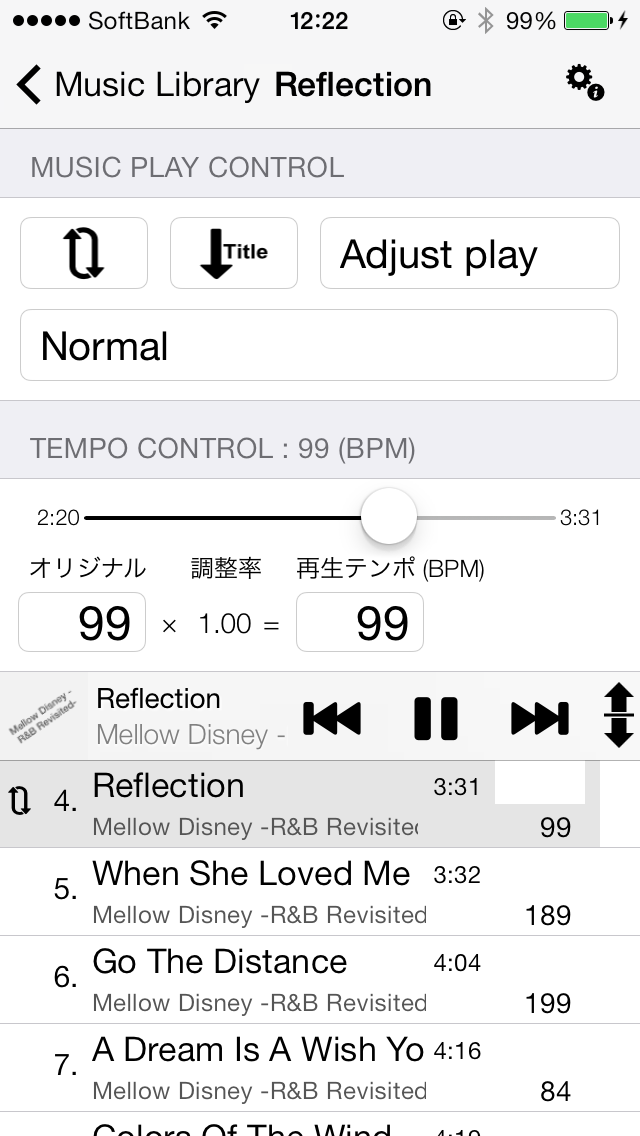
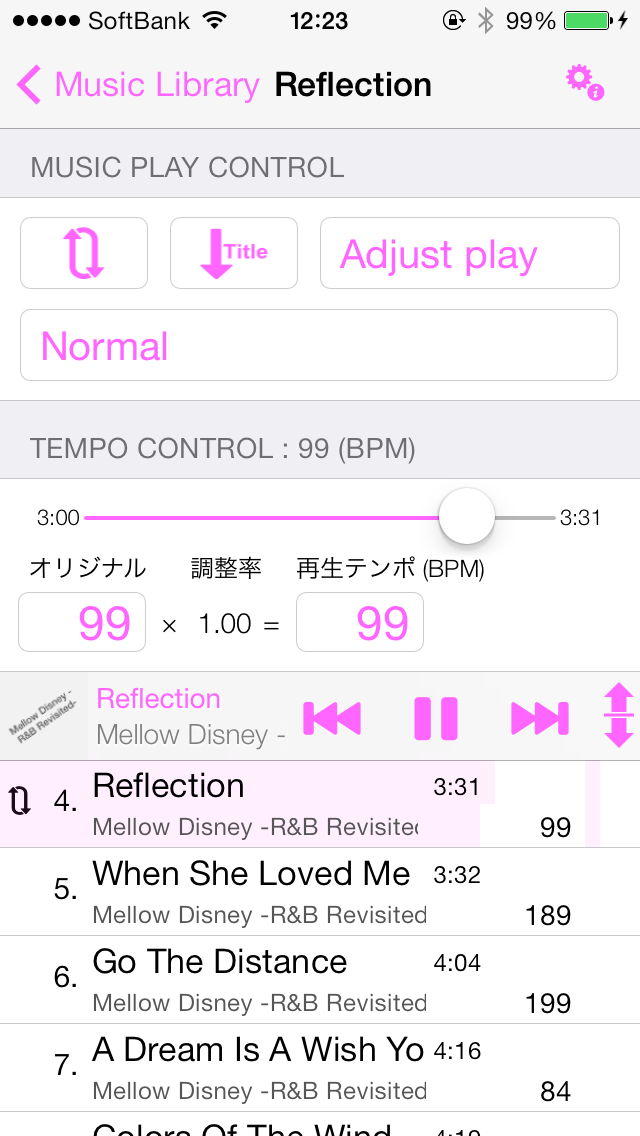
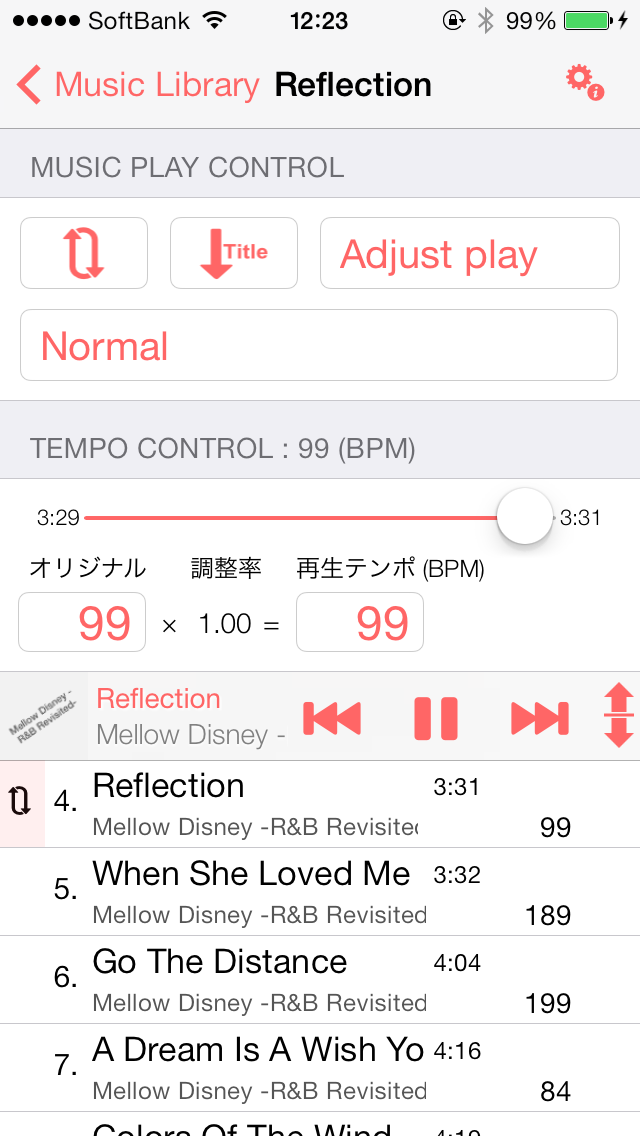
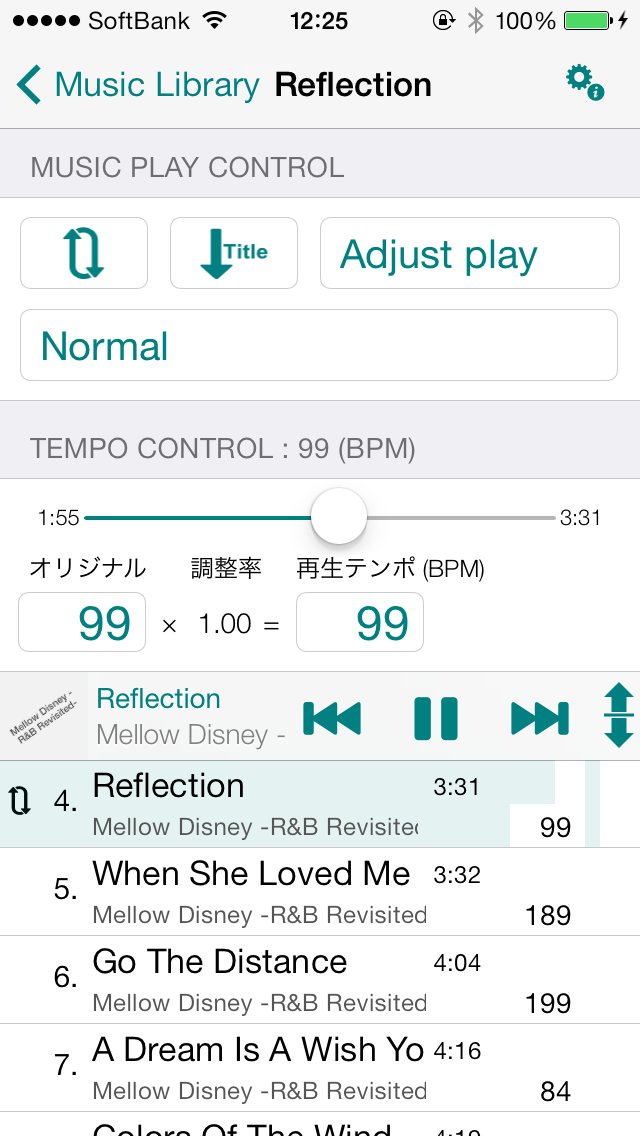
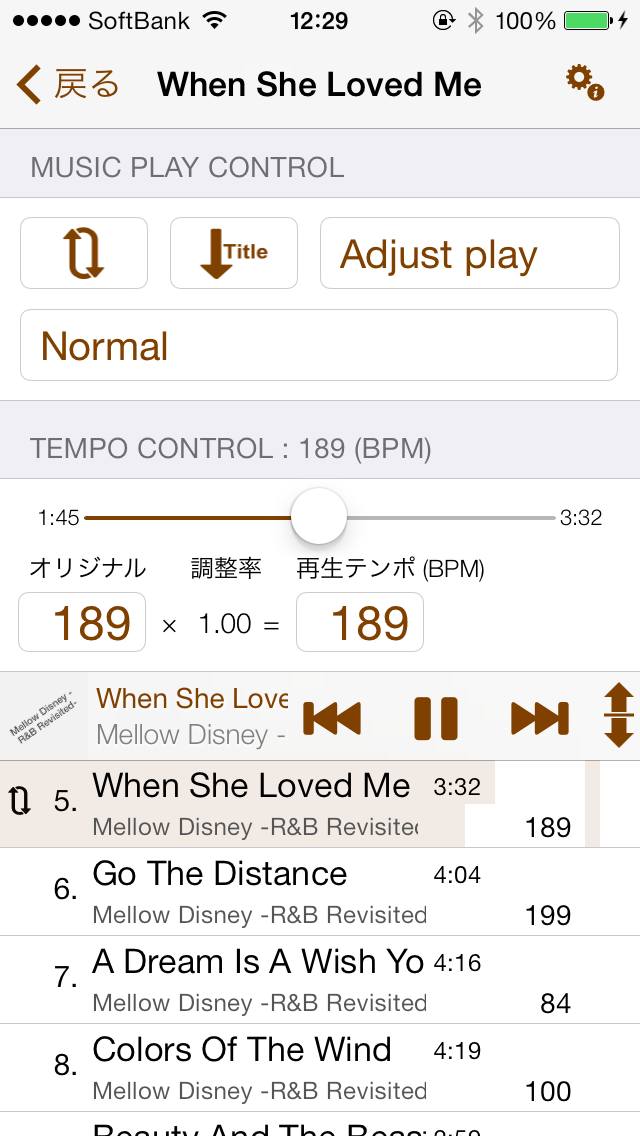
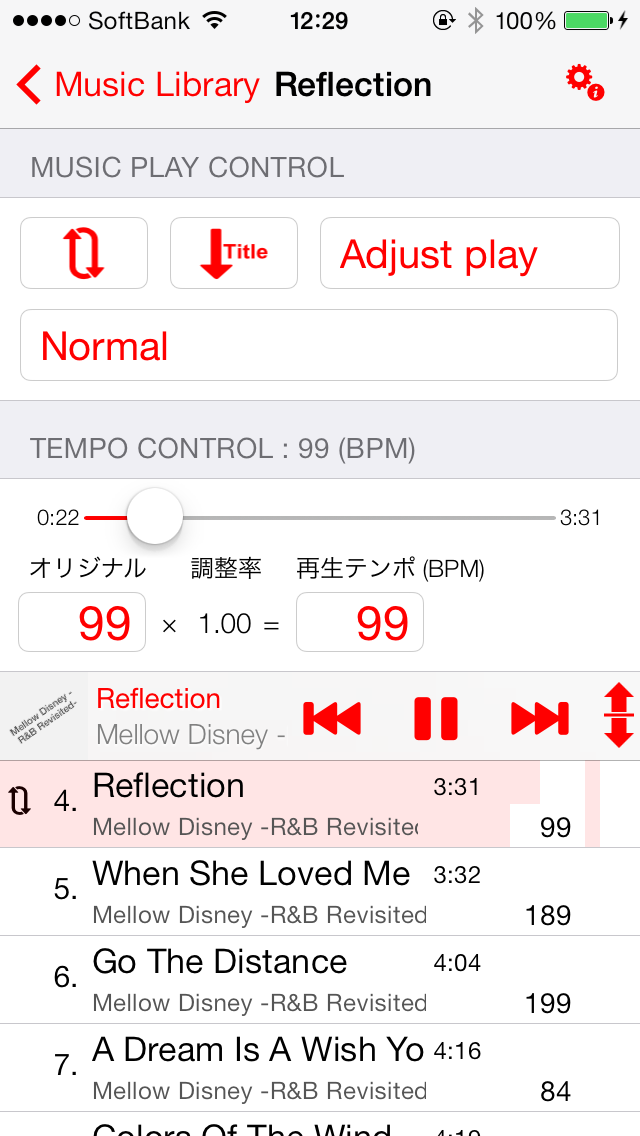
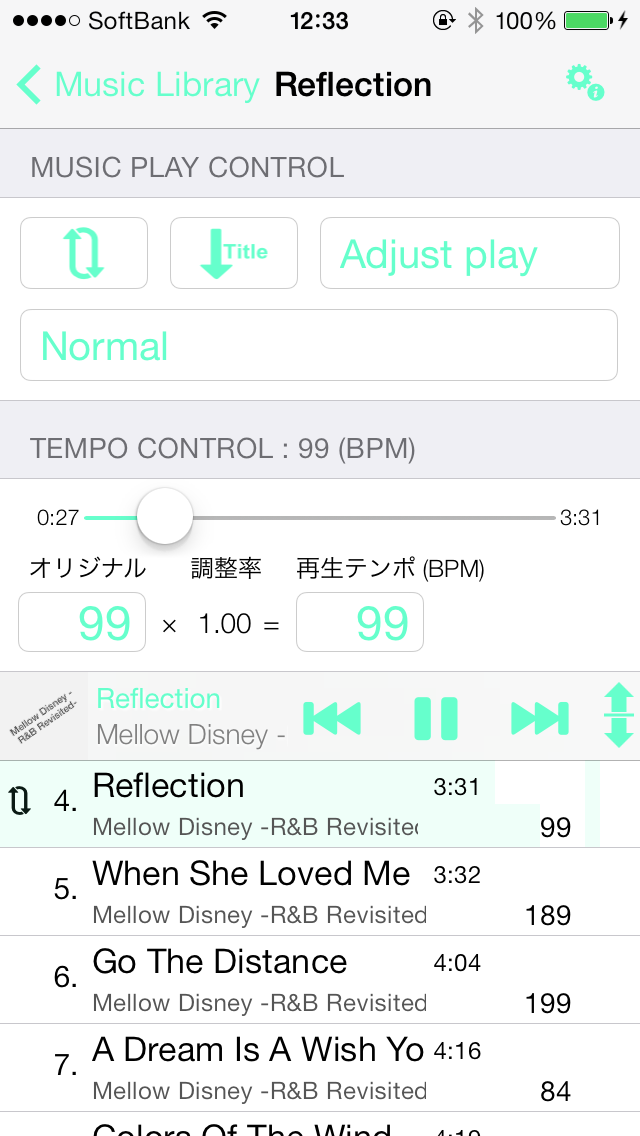
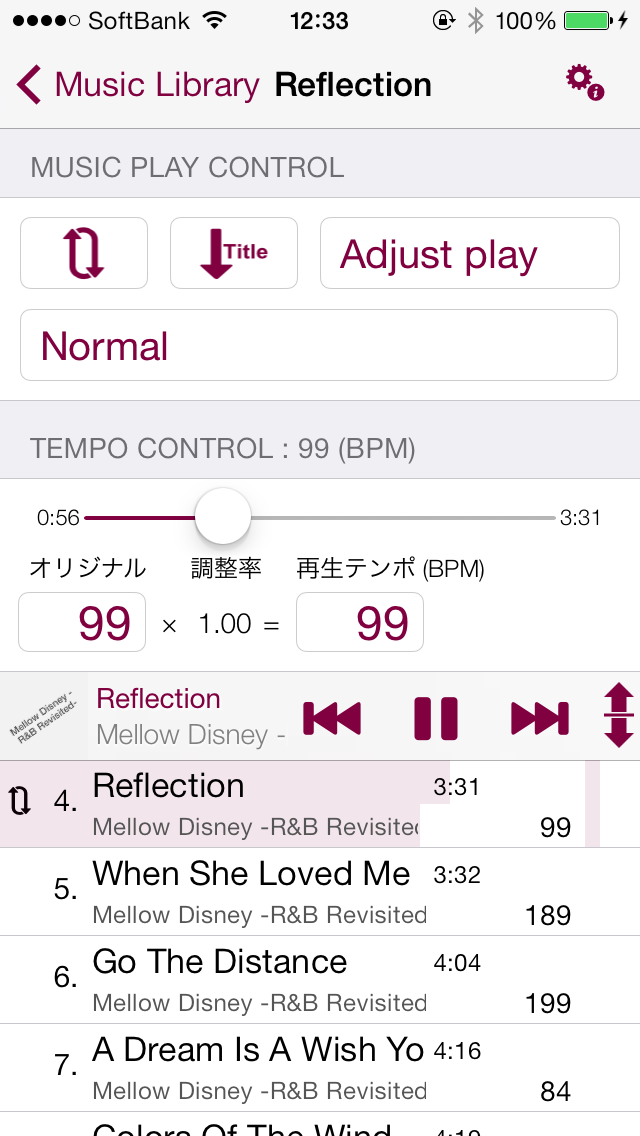
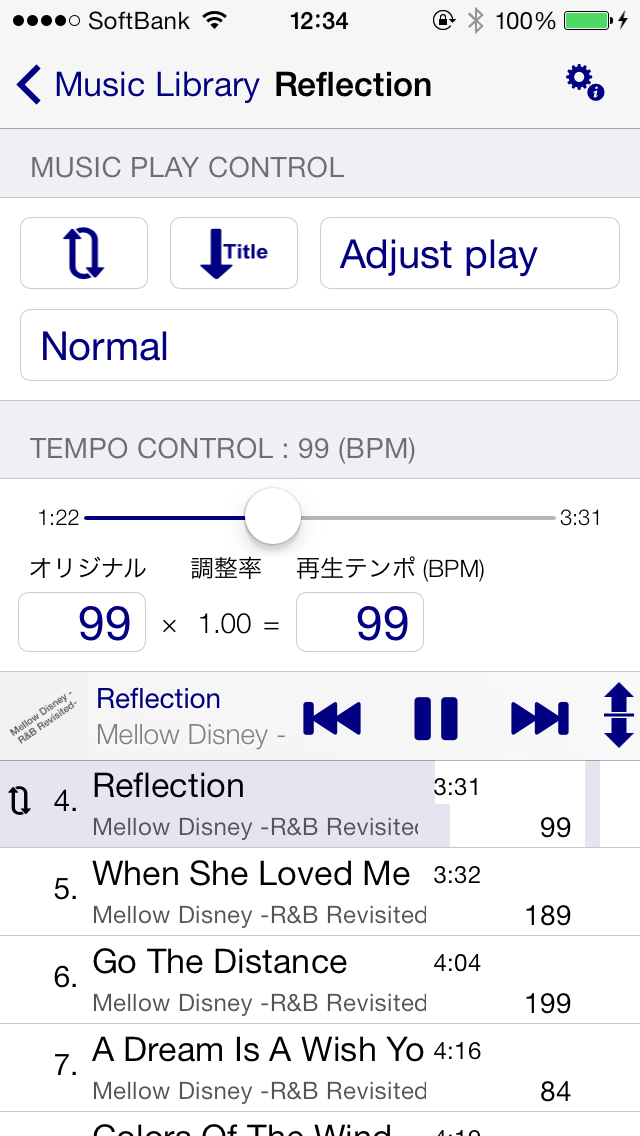
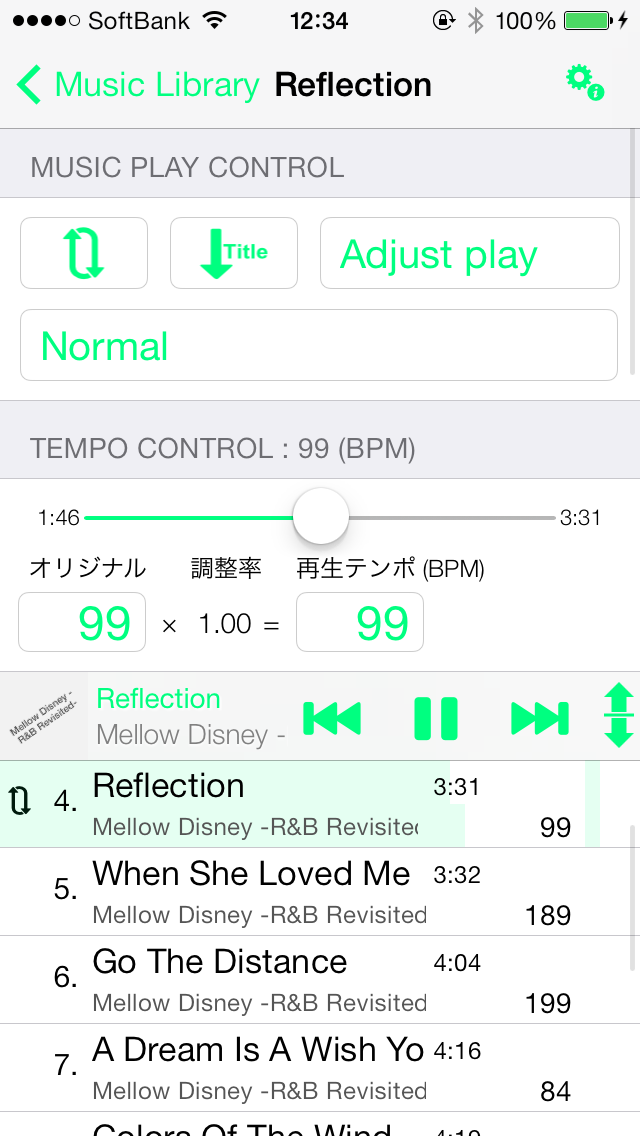
  • Walking Player screen color samples

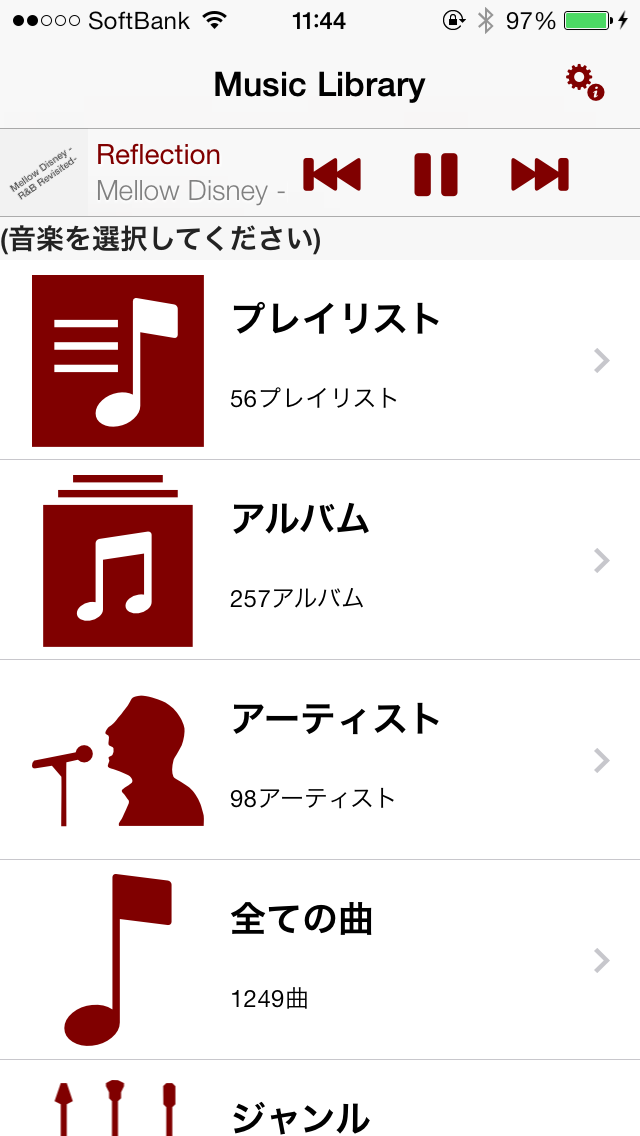
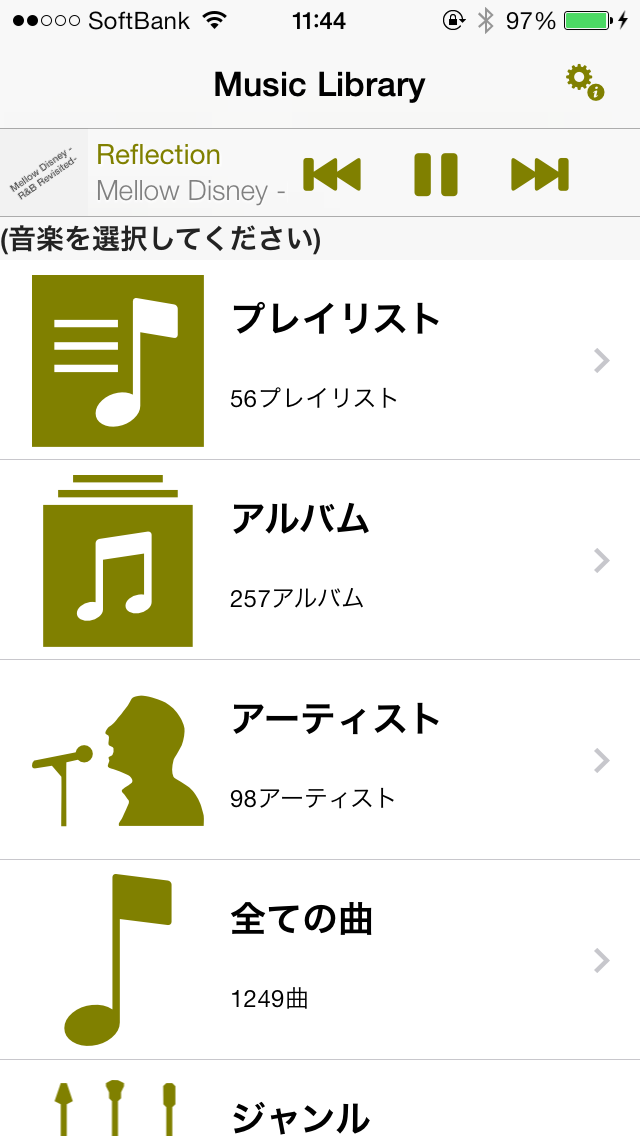
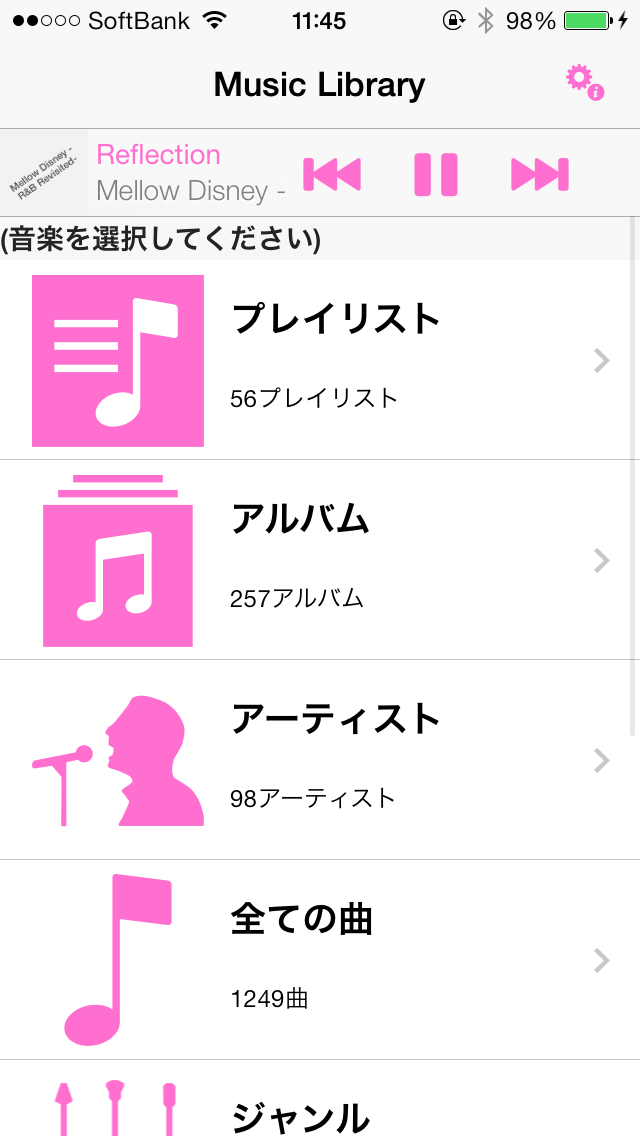
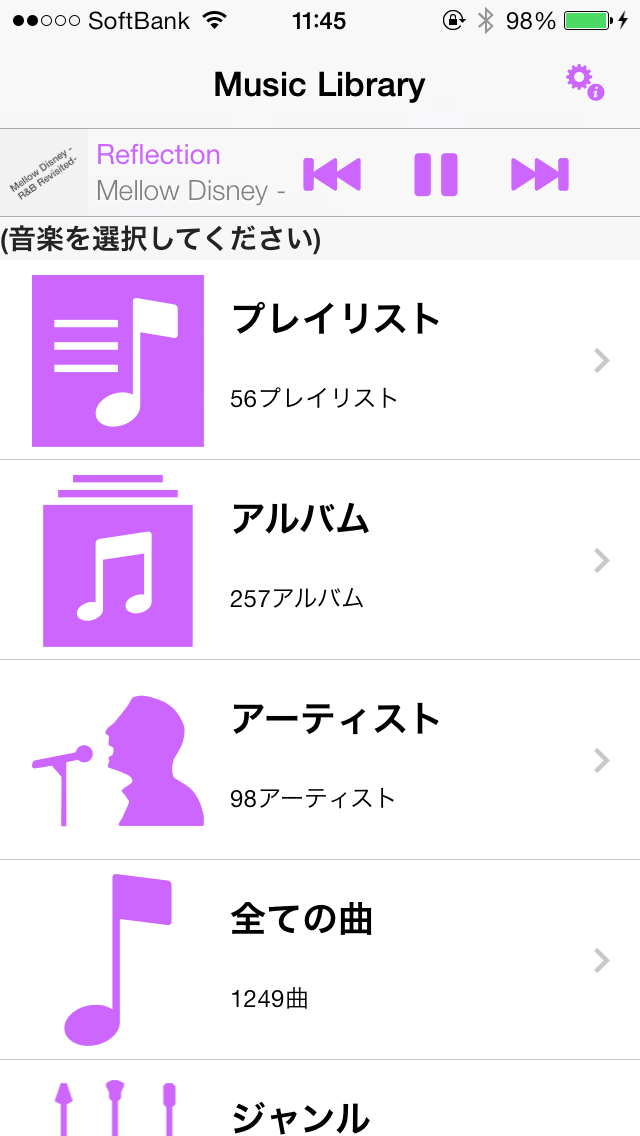
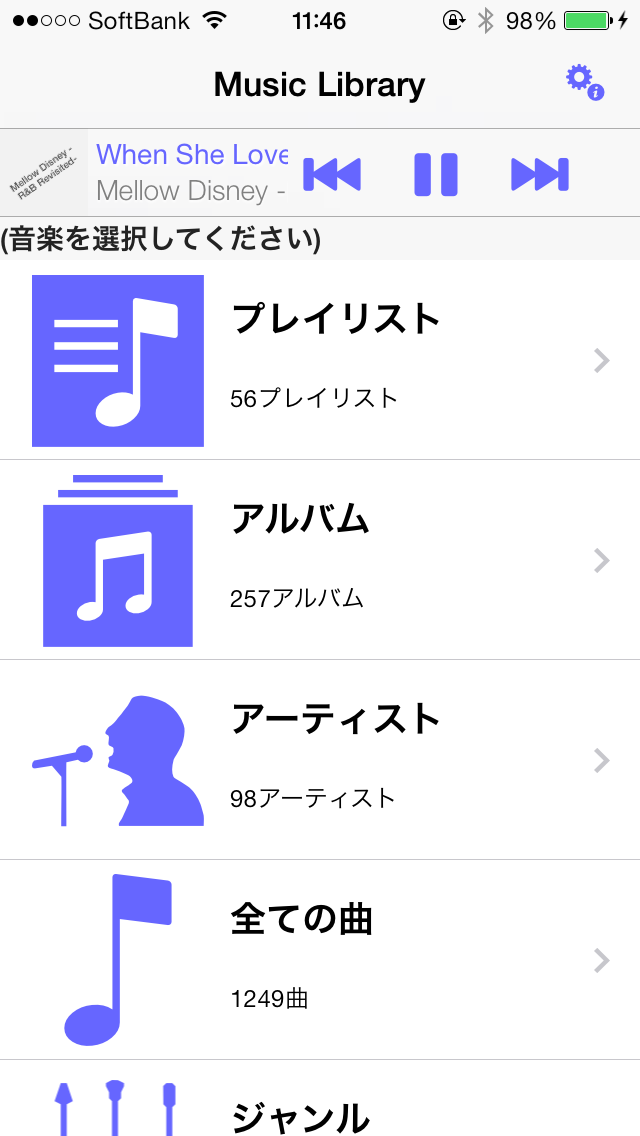
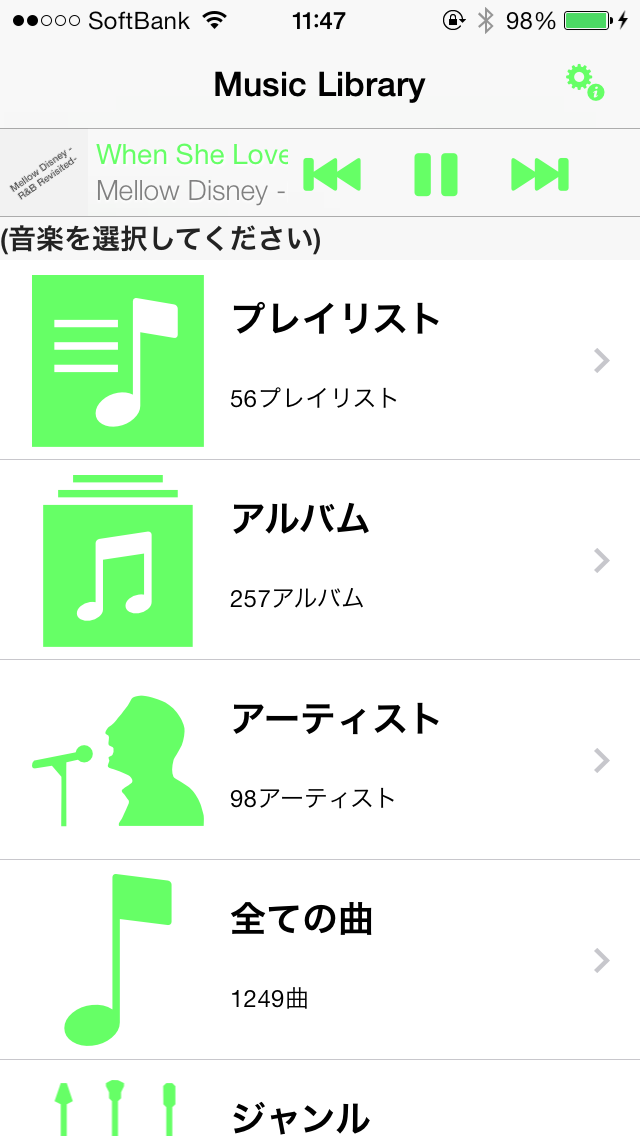
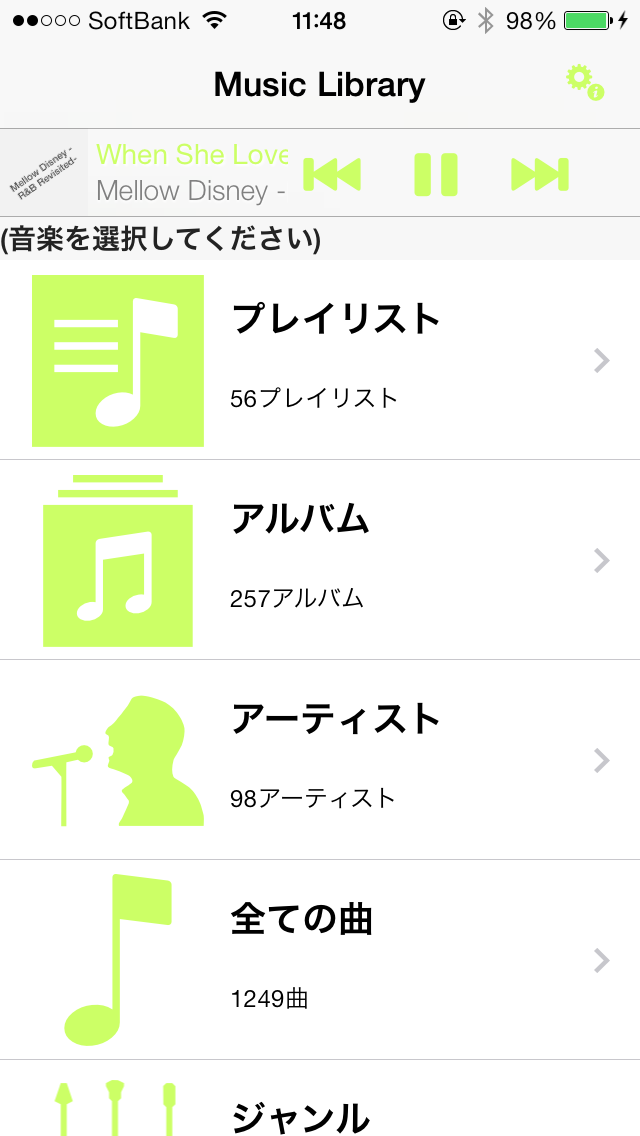
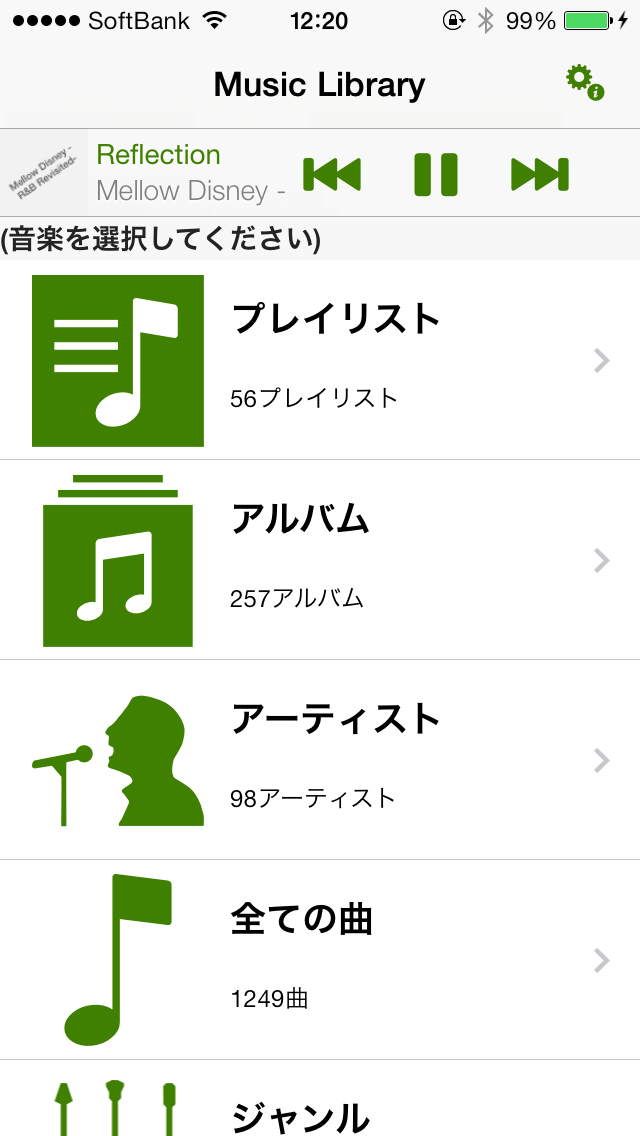
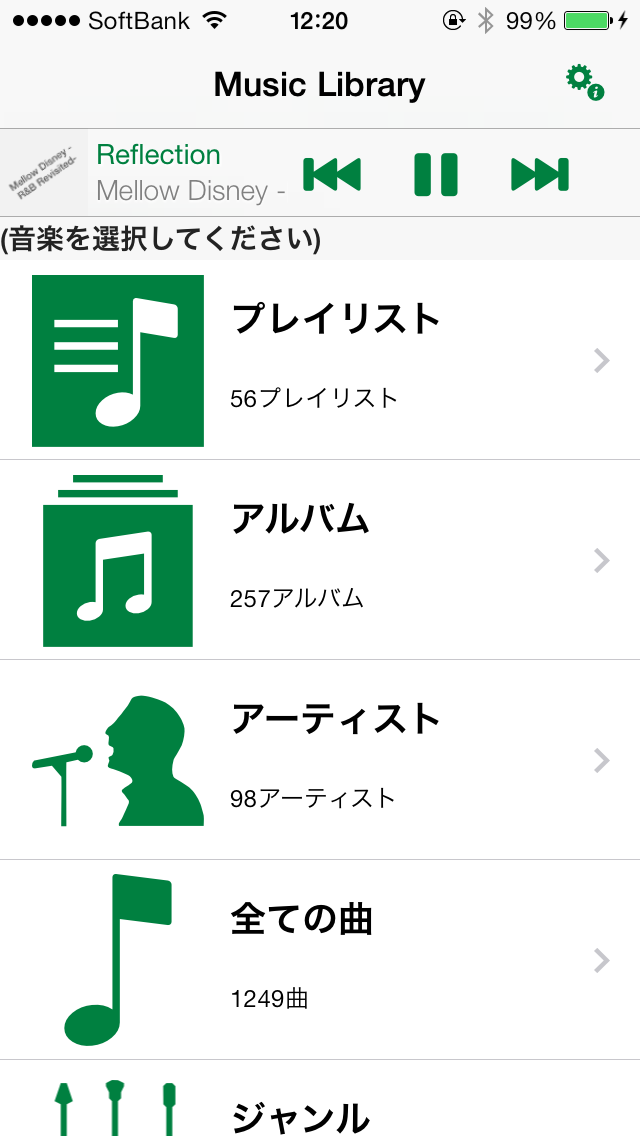
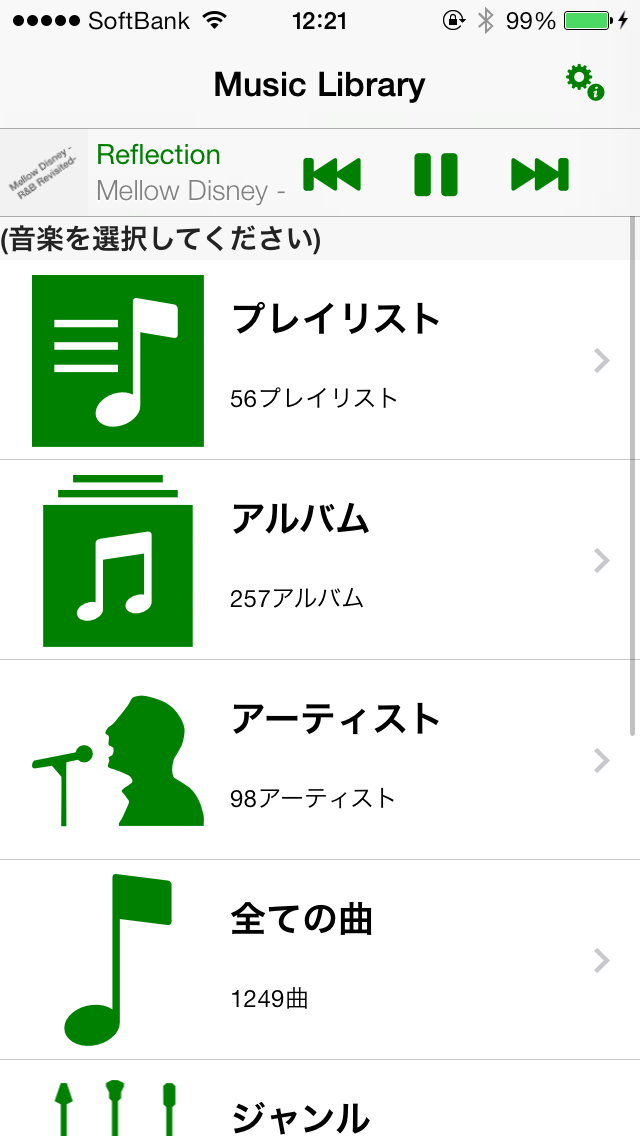
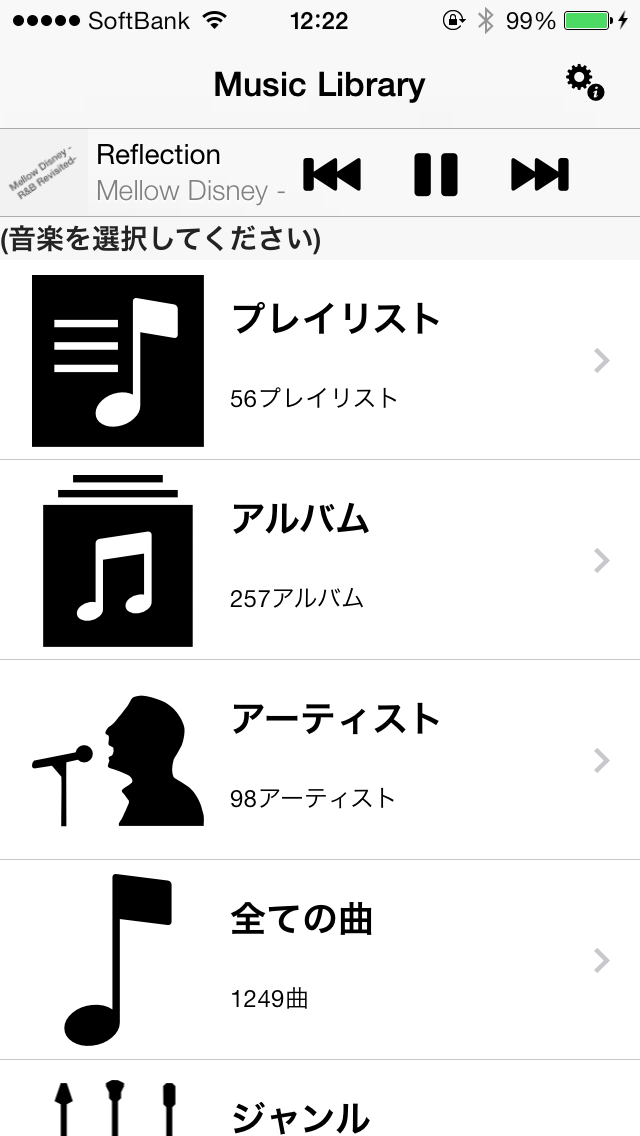
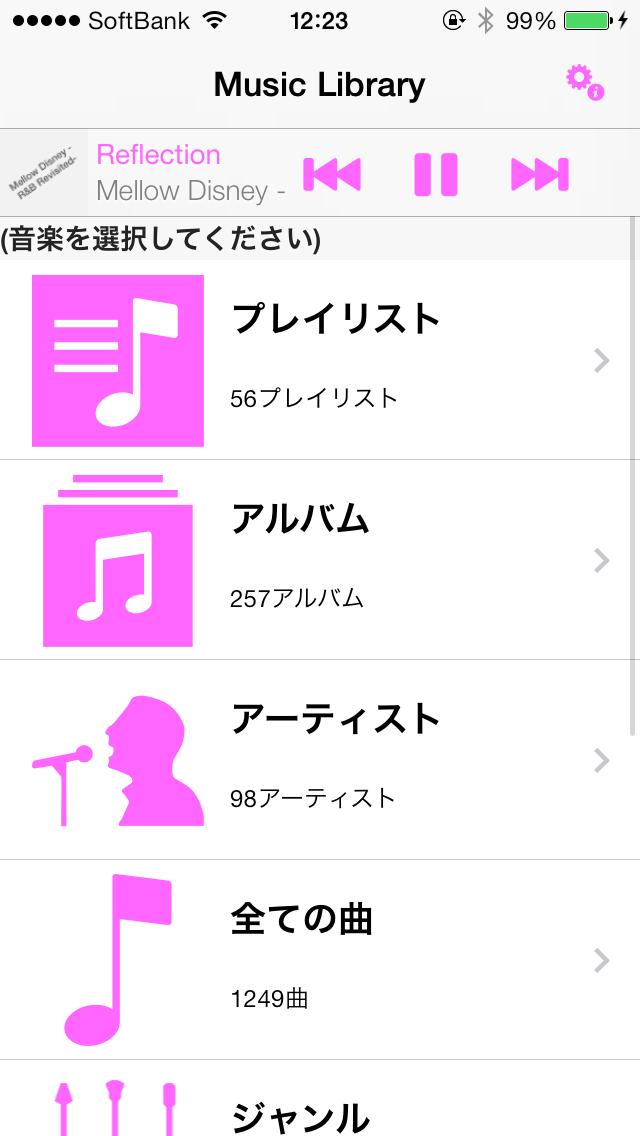
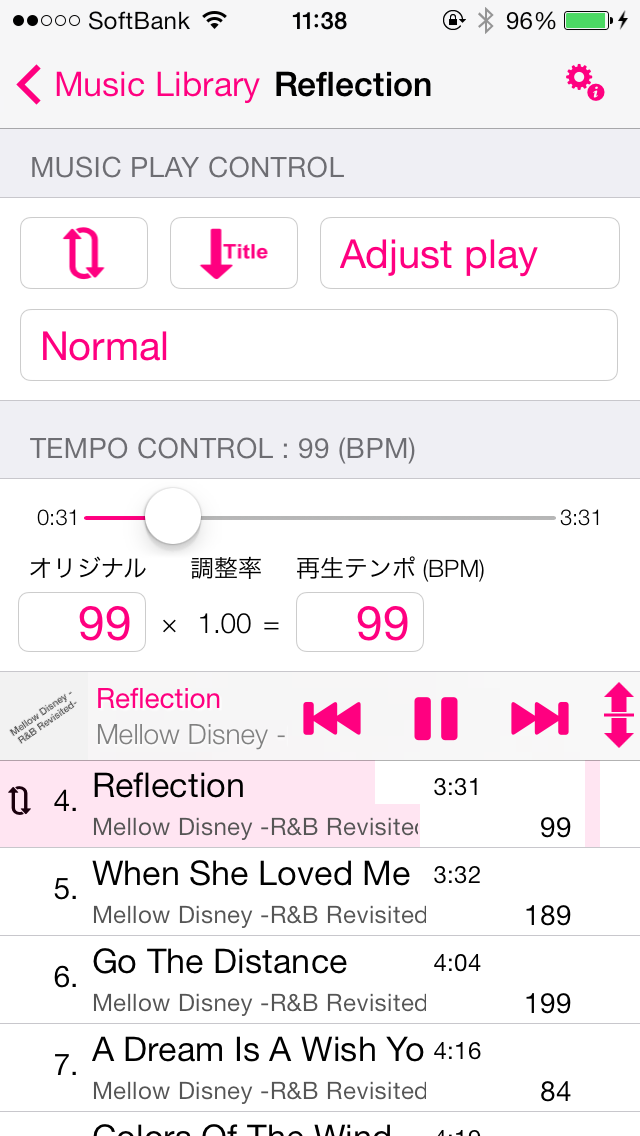
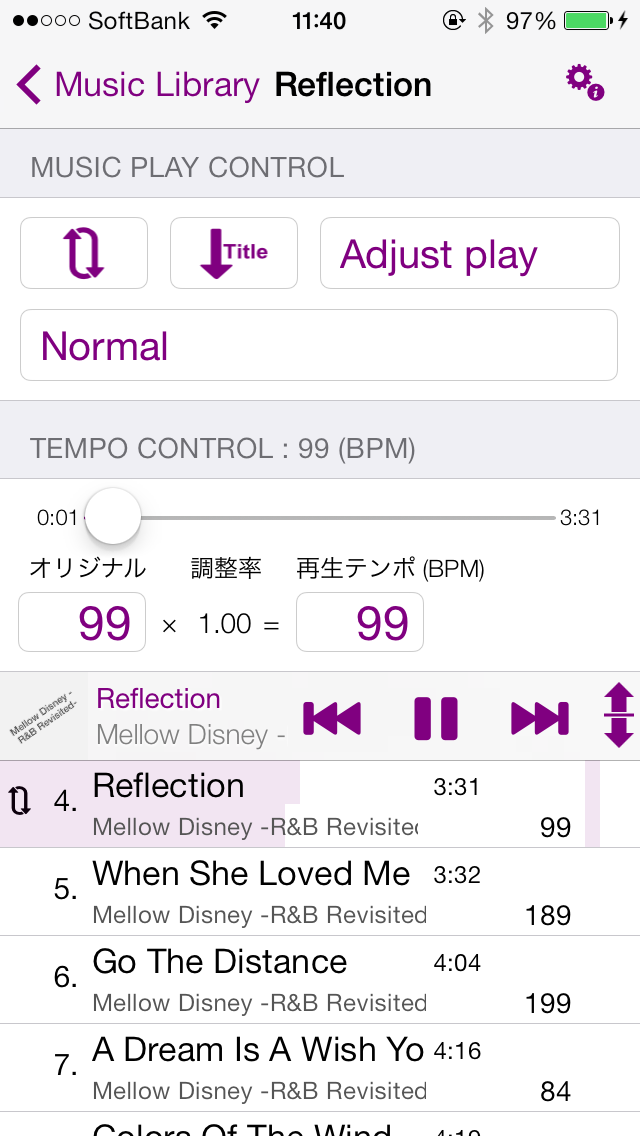
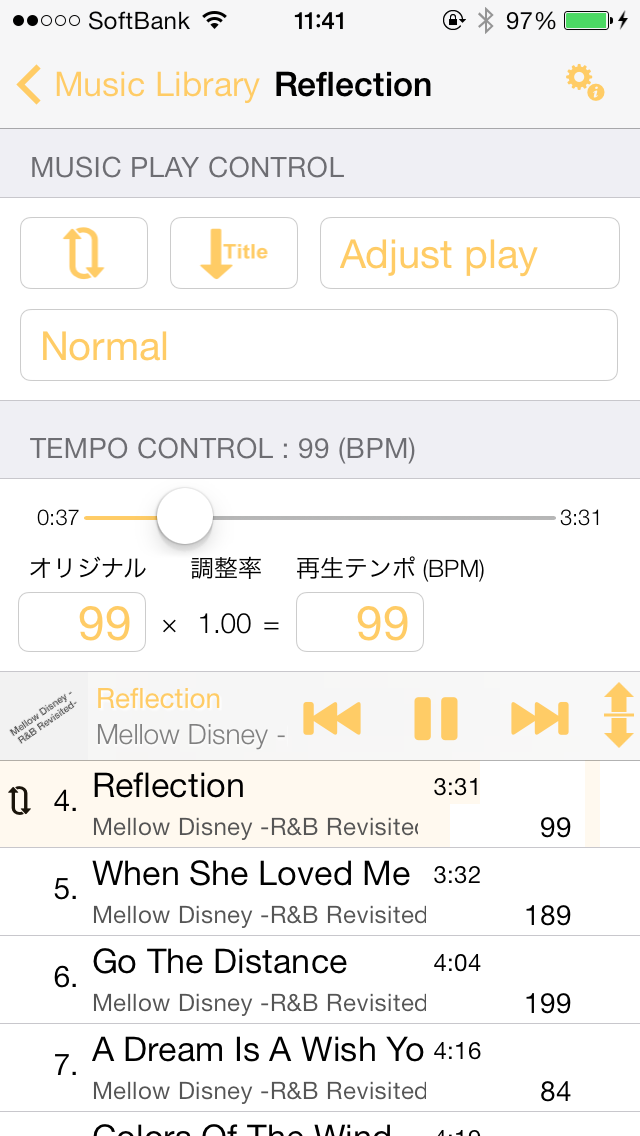
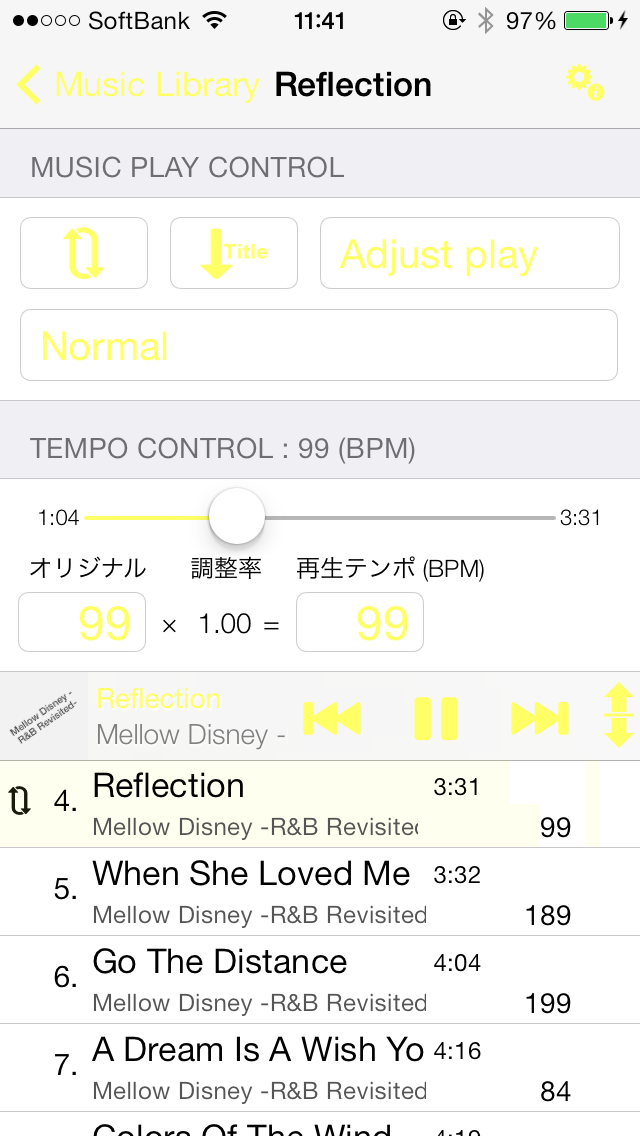
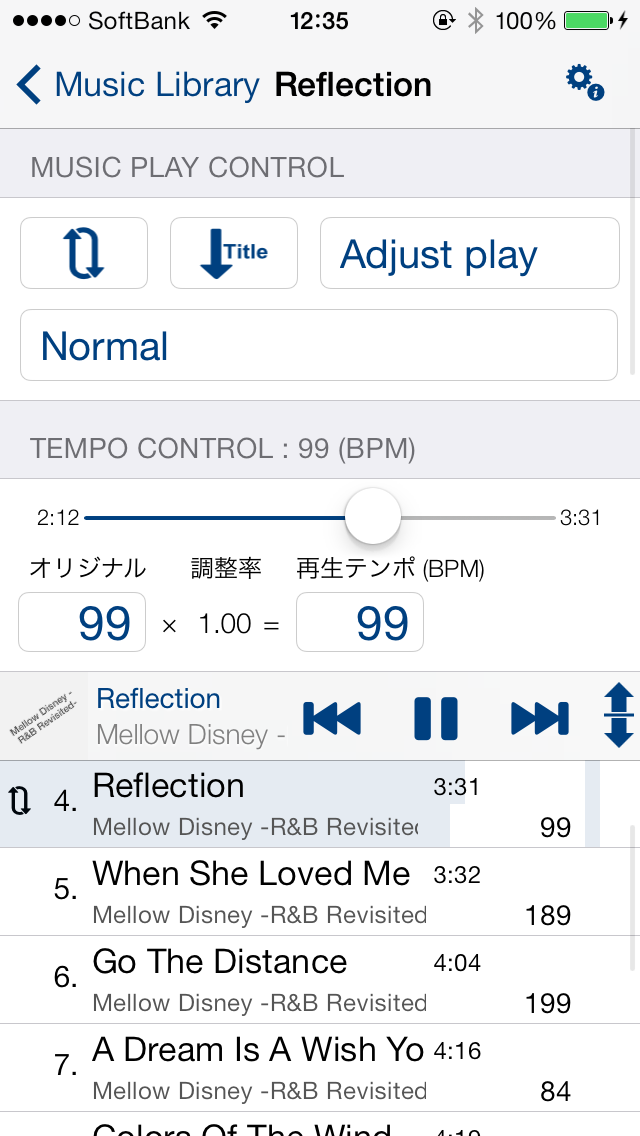
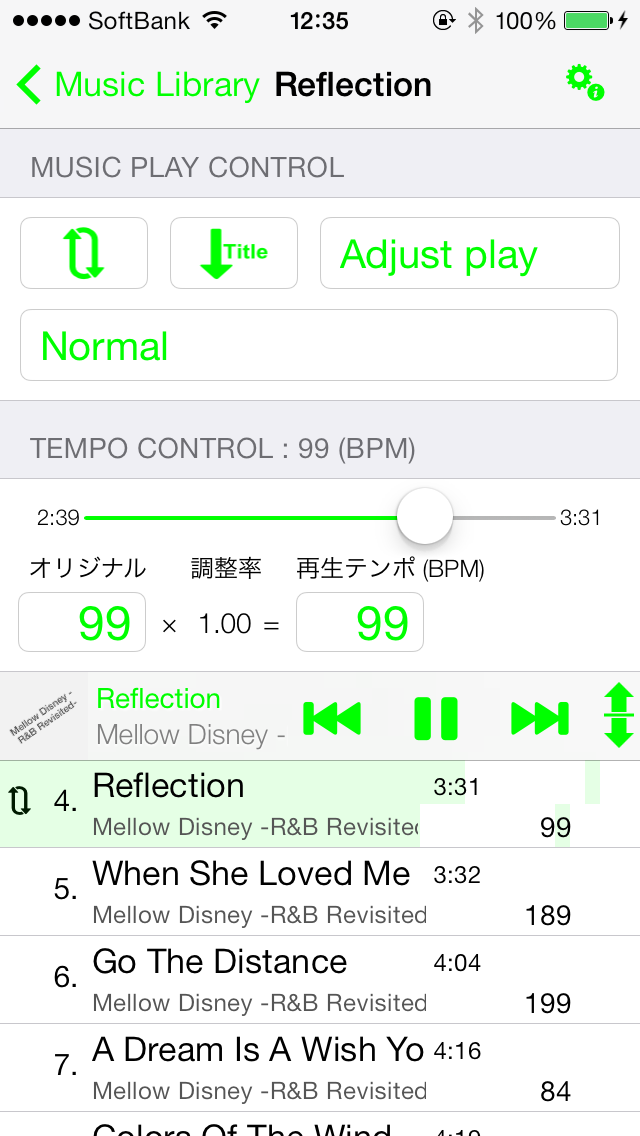
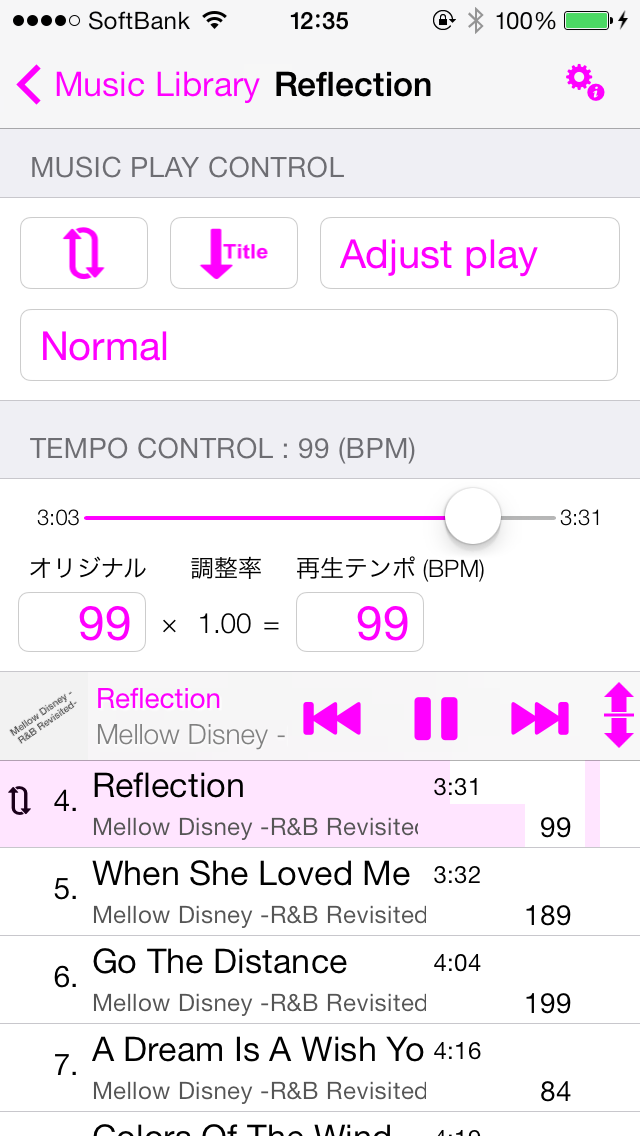
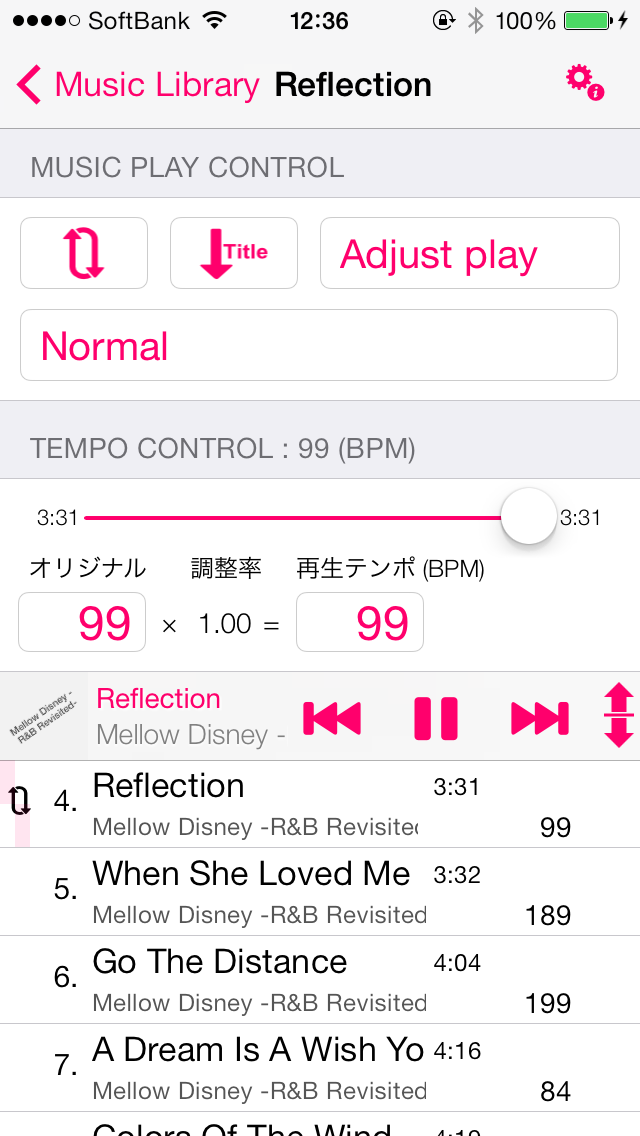
    Walking Player v1.10(for iOS7)teeth、Screen color can be changed freely。
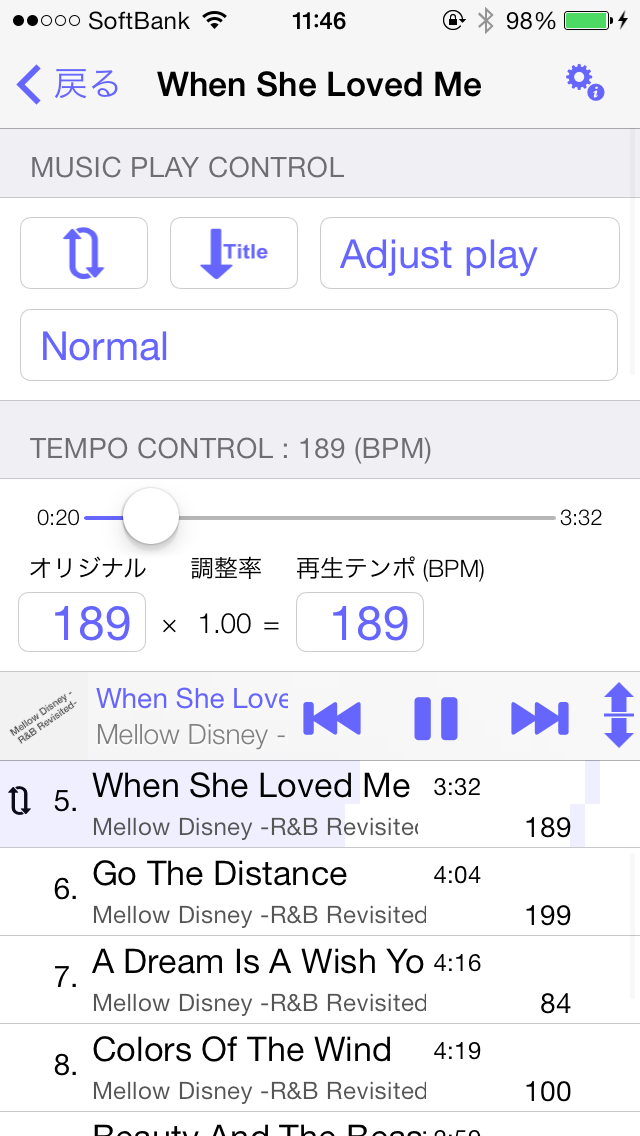
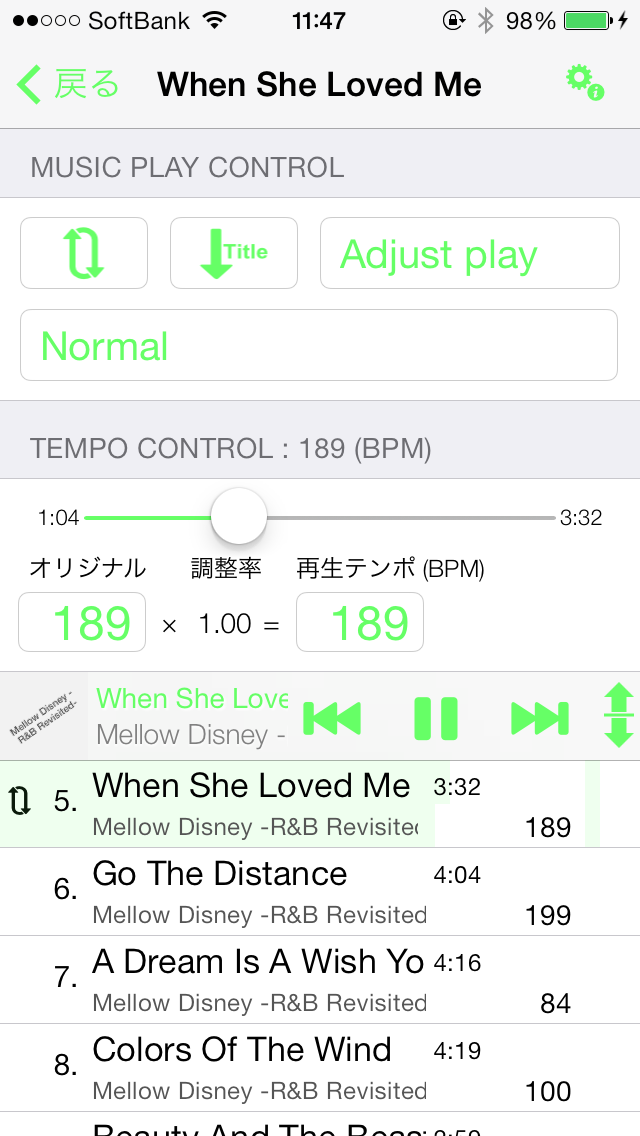
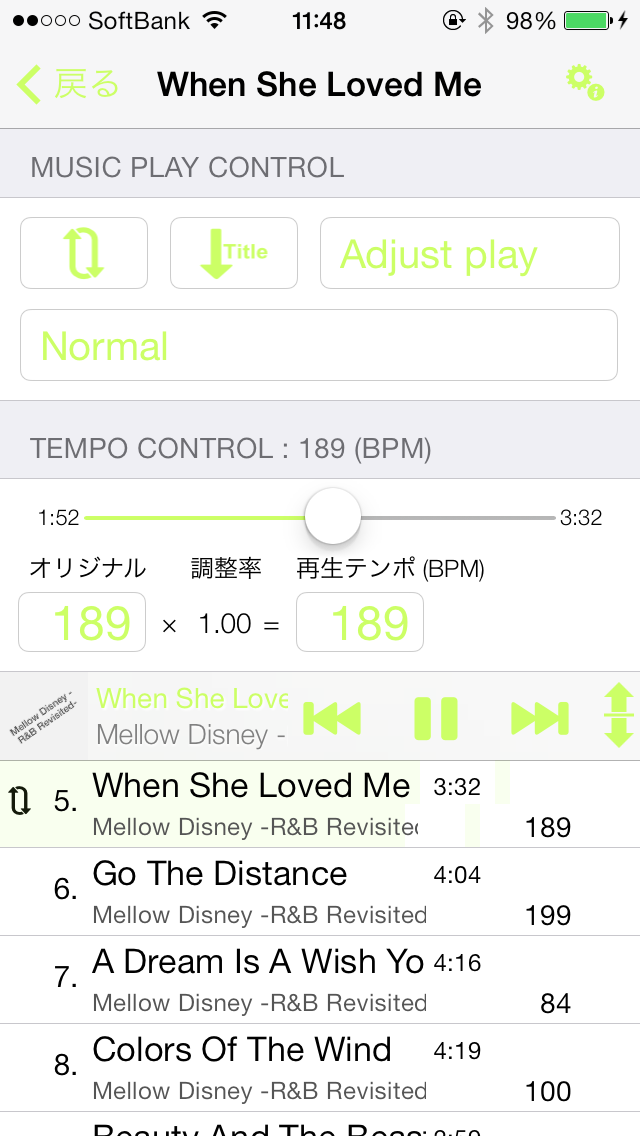
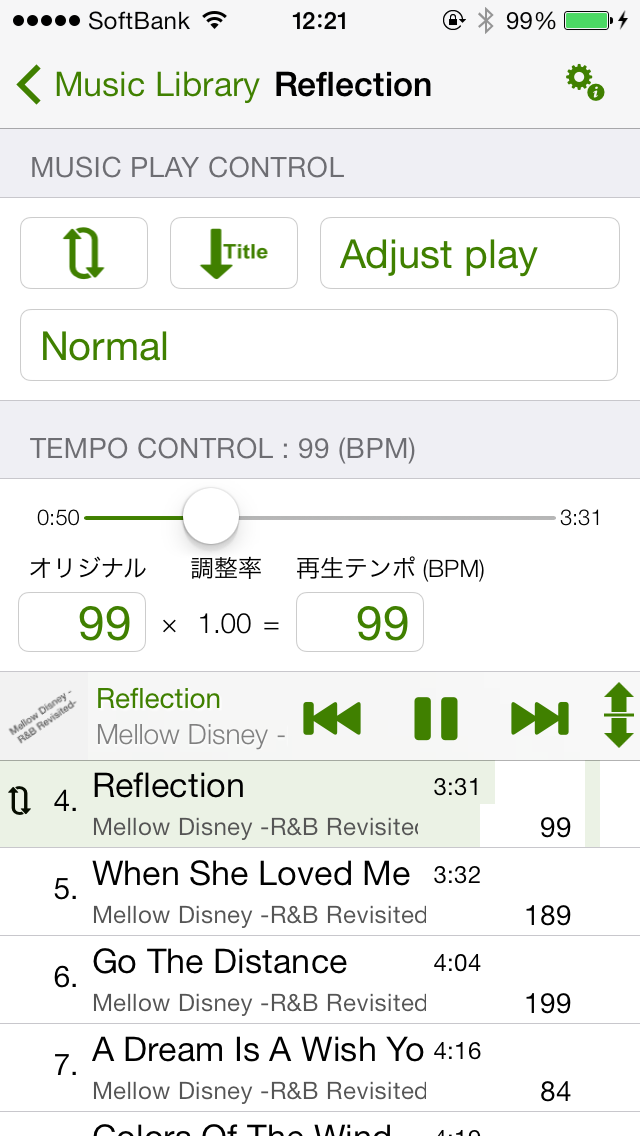
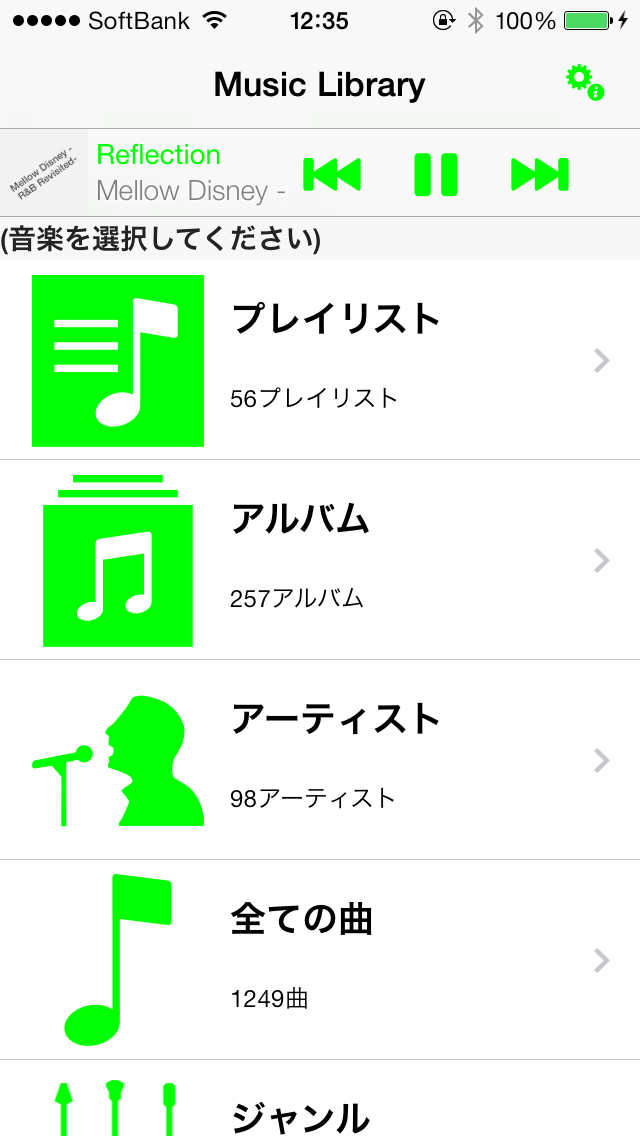
    here、What kind of image will the 50 predefined colors look like?、Introducing color samples。

    Screen color list

    Default Color(The default color)Music App(Music App)Blueberry(Blueberry)Grape(Grape)Strawberry(Strawberry)Plum(Plum)Cantaluope(Cantaloupe)Banana(Banana)Tangerine(Orange)Lemon(Lemon)The lime(Lime)Eggplant(Nasbi)Cayenne(Hot pepper)Asparagus(Asparagus)Carnation(Carnation)Lavender(Lavender)Orchid(Orchid)Flora(Flora)Honeydew(Honey dew melon)Fern(Fern)Moss(MOSS)Clover(Clover)Licorice(Liquorice)Bubblegum(Bubble gum)Salmon(Salmon)Teal(Teal)Mocha(Mocha)Maraschino(Maraschino)Turquoise(Turquoise)Sky(Sky)Aqua(Aqua)Ice(Ice)Spindrift(Sea spray)Maroon(Maroon)Midnight(Midnight)SeaFoam(Seafoam)Ocean(Ocean)Spring(Spring)Magenta(Magenta)Pink(Pink)Mercury(Mercury)Silver(Silver)Magnesium(Magnesium)Aluminum(Aluminum)Nickel(Nickel)Tin(Tin plate)Steel(Steel)Iron(Iron)Tungsten(Tungsten)Lead(Reed)


    Default Color(The default color)


    Default Color(The default color)Default Color(The default color)


    Music App(Music App)


    Music App(Music App)Music App(Music App)


    Blueberry(Blueberry)


    Blueberry(Blueberry)Blueberry(Blueberry)


    Grape(Grape)


    Grape(Grape)Grape(Grape)


    Strawberry(Strawberry)


    Strawberry(Strawberry)Strawberry(Strawberry)


    Plum(Plum)


    Plum(Plum)Plum(Plum)


    Cantaluope(Cantaloupe)


    Cantaluope(Cantaloupe)Cantaluope(Cantaloupe)


    Banana(Banana)


    Banana(Banana)Banana(Banana)


    Tangerine(Orange)


    Tangerine(Orange)Tangerine(Orange)


    Lemon(Lemon)


    Lemon(Lemon)Lemon(Lemon)


    The lime(Lime)


    The lime(Lime)The lime(Lime)


    Eggplant(Nasbi)


    Eggplant(Nasbi)Eggplant(Nasbi)


    Cayenne(Hot pepper)


    Cayenne(Hot pepper)Cayenne(Hot pepper)


    Asparagus(Asparagus)


    Asparagus(Asparagus)Asparagus(Asparagus)


    Carnation(Carnation)


    Carnation(Carnation)Carnation(Carnation)


    Lavender(Lavender)


    Lavender(Lavender)Lavender(Lavender)


    Orchid(Orchid)


    Orchid(Orchid)Orchid(Orchid)


    Flora(Flora)


    Flora(Flora)Flora(Flora)


    Honeydew(Honey dew melon)


    Honeydew(Honey dew melon)Honeydew(Honey dew melon)


    Fern(Fern)


    Fern(Fern)Fern(Fern)


    MOSS(MOSS)


    Moss(MOSS)Moss(MOSS)


    Clover(Clover)


    Clover(Clover)Clover(Clover)


    Licorice(Liquorice)


    Licorice(Liquorice)Licorice(Liquorice)


    Bubblegum(Bubble gum)


    Bubblegum(Bubble gum)Bubblegum(Bubble gum)


    Salmon(Salmon)


    Salmon(Salmon)Salmon(Salmon)


    Teal(Teal)


    Teal(Teal)Teal(Teal)


    Mocha(Mocha)


    Mocha(Mocha)Mocha(Mocha)


    Maraschino(Maraschino)


    Maraschino(Maraschino)Maraschino(Maraschino)


    Turquoise(Turquoise)


    Turquoise(Turquoise)Turquoise(Turquoise)


    Sky(Sky)


    Sky(Sky)Sky(Sky)


    Aqua(Aqua)


    Aqua(Aqua)Aqua(Aqua)


    Ice(Ice)


    Ice(Ice)Ice(Ice)


    Spindrift(Sea spray)


    Spindrift(Sea spray)Spindrift(Sea spray)


    Maroon(Maroon)


    Maroon(Maroon)Maroon(Maroon)


    Midnight(Midnight)


    Midnight(Midnight)Midnight(Midnight)


    SeaFoam(Seafoam)


    SeaFoam(Seafoam)SeaFoam(Seafoam)


    Ocean(Ocean)


    Ocean(Ocean)Ocean(Ocean)


    Spring(Spring)


    Spring(Spring)Spring(Spring)


    Magenta(Magenta)


    Magenta(Magenta)Magenta(Magenta)


    Pink(Pink)


    Pink(Pink)Pink(Pink)


    Mercury(Mercury)


    Mercury(Mercury)Mercury(Mercury)


    Silver(Silver)


    Silver(Silver)Silver(Silver)


    Magnesium(Magnesium)


    Magnesium(Magnesium)Magnesium(Magnesium)


    Aluminum(Aluminum)


    Aluminum(Aluminum)Aluminum(Aluminum)


    Nickel(Nickel)


    Nickel(Nickel)Nickel(Nickel)


    Tin(Tin plate)


    Tin(Tin plate)Tin(Tin plate)


    Steel(Steel)


    Steel(Steel)Steel(Steel)


    Iron(Iron)


    Iron(Iron)Iron(Iron)


    Tungsten(Tungsten)


    Tungsten(Tungsten)Tungsten(Tungsten)


    Lead(Reed)


    Lead(Reed)Lead(Reed)


  • About tempo settings 'pin' button

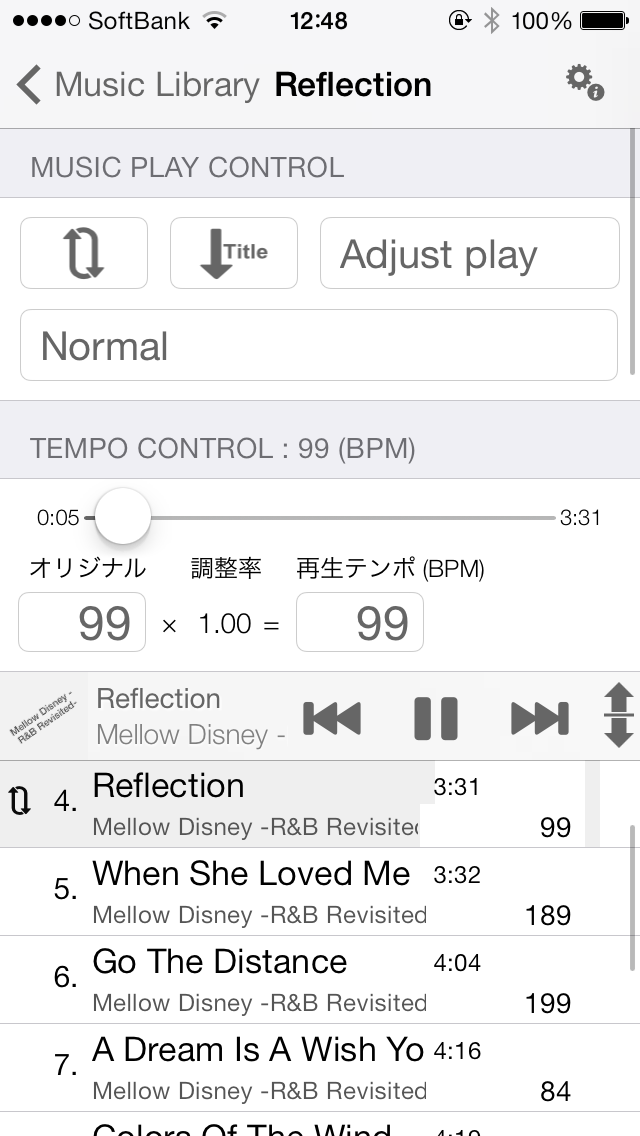
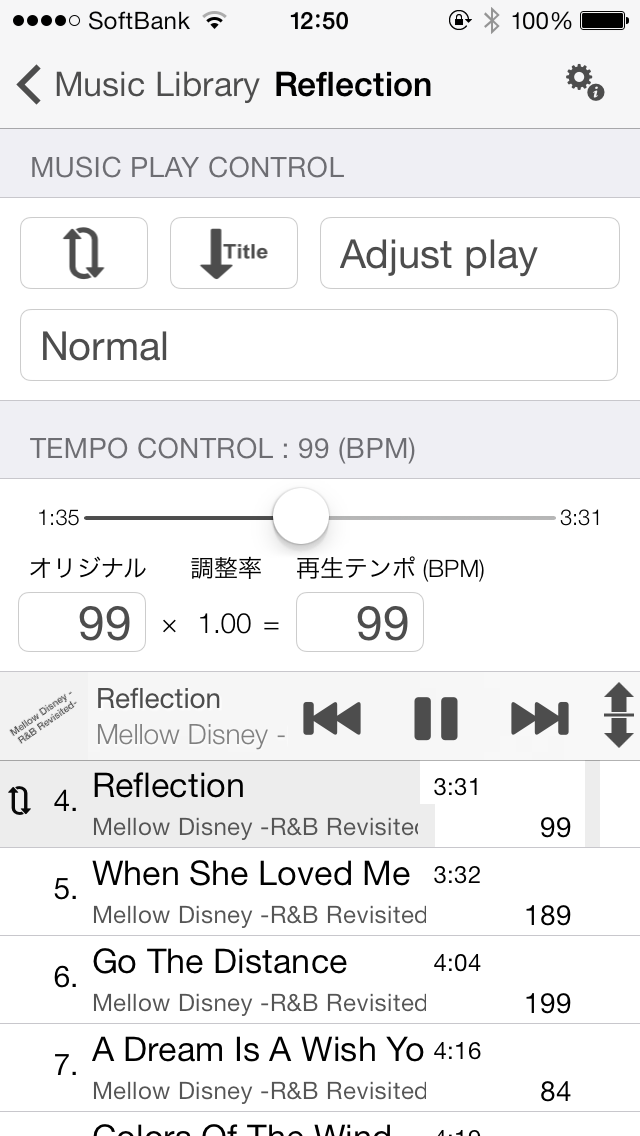
    Tempo settings screenThe "pin" button can be turned on/off each time you tap it.、What turns on is、One of Min/Mid/Max。

    The "pin" button is、This has the effect of temporarily fixing the value of that item.。When you change a certain item、Of the remaining two items, the item with the "pin" button turned on will not be changed.、Changes items that are OFF in conjunction with each other.。

    (Example # 1)Min:105 Mid:115 Max:125in、When the Mid “pin” button is turned on、
    ・If you change Max to 135、Mid remains unchanged and Min becomes 95.。
    ・If you change Min to 110、Mid will not change and Max will be 120。

    (Example # 2) Min:105 Mid:115 Max:125in、When Min's "pin" button is turned on、
    ・If you change Max to 135、Min will not change and Mid will be 120.。
    ・If you change Mid to 120、Min will not change and Max will be 135。

    If you directly operate an item for which the "pin" button is turned on, it will change as specified.、The other two items will also follow。

    *This explanation、For Walking Player v1.10 and above。The "lock" button in Walking Player v1.02 and earlier has been renamed to "pin" button in v1.10.。

    previous v1.02('lock' button)And since v1.10('pin' button)The difference is、For example, Min:105 Mid:115 Max:125in、Min's "lock"(Or pin.)” button to ON.、If you try to reduce Max below 105、For the "lock" button、As long as you lock the Min value、Could not reduce Max below 105。
    For the "pin" button、Based on the user's operational intent、Allowed Max value to be reduced below 105 along with pinned Min value。As a result, the button was changed from "lock" to "pin" as it became more like "temporary fixing" rather than "fixing".。