
This information earlier.(Version1.10)against、Not valid in current latest version。I will keep this as past reference information.。
When using Photo Eraser v1.10 on iOS8、When you press the send button、A pop-up menu will appear as shown below.、You will have to select the destination from a list of two types of apps with slightly different icon arrangements.。
(Pop-up menu)
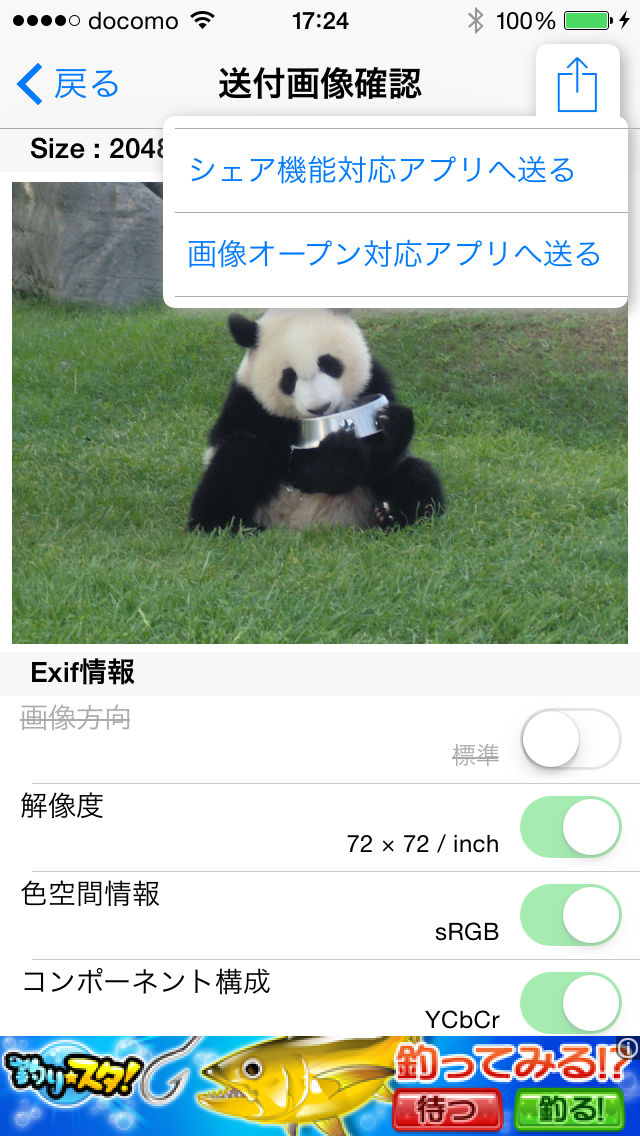
If you choose send to share functionality enabled apps
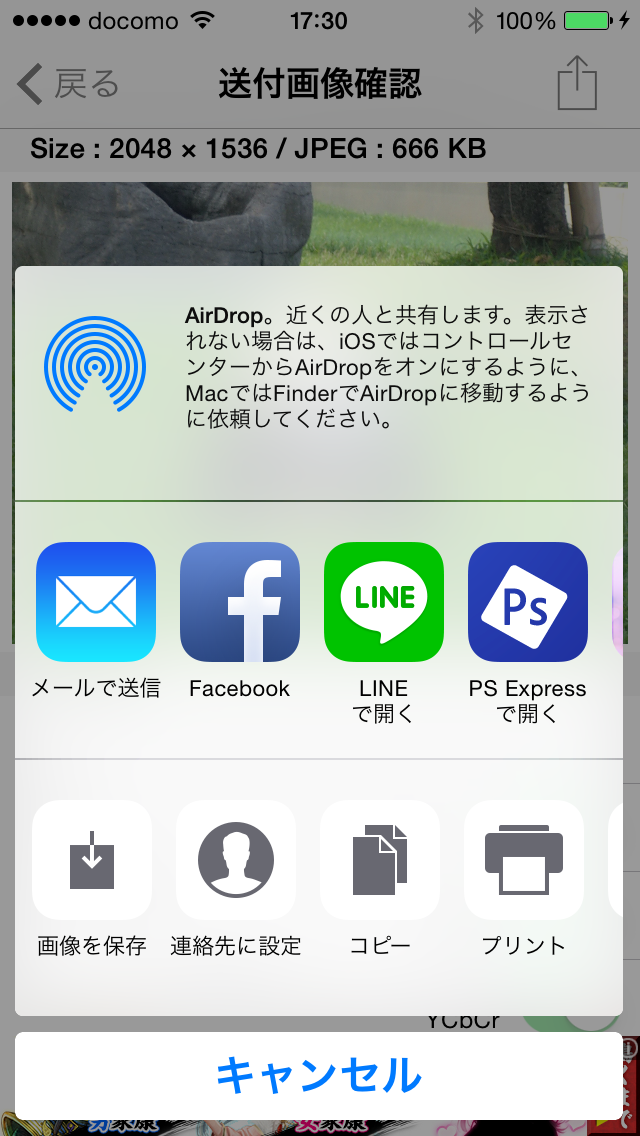
If you choose send to image open for applications
To send to Twitter、The icon will only be displayed for "Send to app compatible with share function".、Please select here。For other general apps, the icon will often be displayed under "Send to image open compatible app".。In the current version of LINE, there is an icon only for this person.。"Send by email"、「Facebook」、"Save image" etc.、If both have icons, you can choose either one.。
[Commentary]
So far(until v1.00)was sending image data to other apps using the "send to image open compatible app" method.。Twitter and FaceBook are not apps that support image opening.、This is an app that is specially supported by the iOS system.、If you display the list of apps using the ``Send to image open compatible app'' method, an icon will be displayed in the list of apps that support image open, just like ``Messages'' and ``Mail.''。others、Apps that have the function of receiving images、Most of them support image opening.、Until now, it was sufficient to implement only this method.。
However,、For unknown reasons, the Twitter app icon no longer appears in the list of apps that can be sent using this method since iOS8.(Not just a photo eraser、Similar problems occurred with other apps using the same method after iOS8.)。
As a countermeasure to this problem、Because Twitter supports the share function、 In v1.10, a "Send to share compatible app" menu has been added.、The icon for sending to Twitter is now displayed when displaying the list of apps that support sharing.。
Share support、So far(up to iOS7)Twitter, Facebook, etc.、This could only be done with a special app that is standardly supported by the OS.、"Share expansion" in iOS8(Share Extension)” function has been added.、General apps can now also share。It is expected that the number of apps that only support sharing will increase in the future.。For this reason、Photo Eraser allows you to send apps that support either.。Apps that support both、You can choose whichever you can send it to.。
By the way, the Photo Eraser itself、As a function to receive images、In addition to the conventional image open support, v1.10 adds share support.、I am open to receiving either。For more details、Click herePlease take a look at。